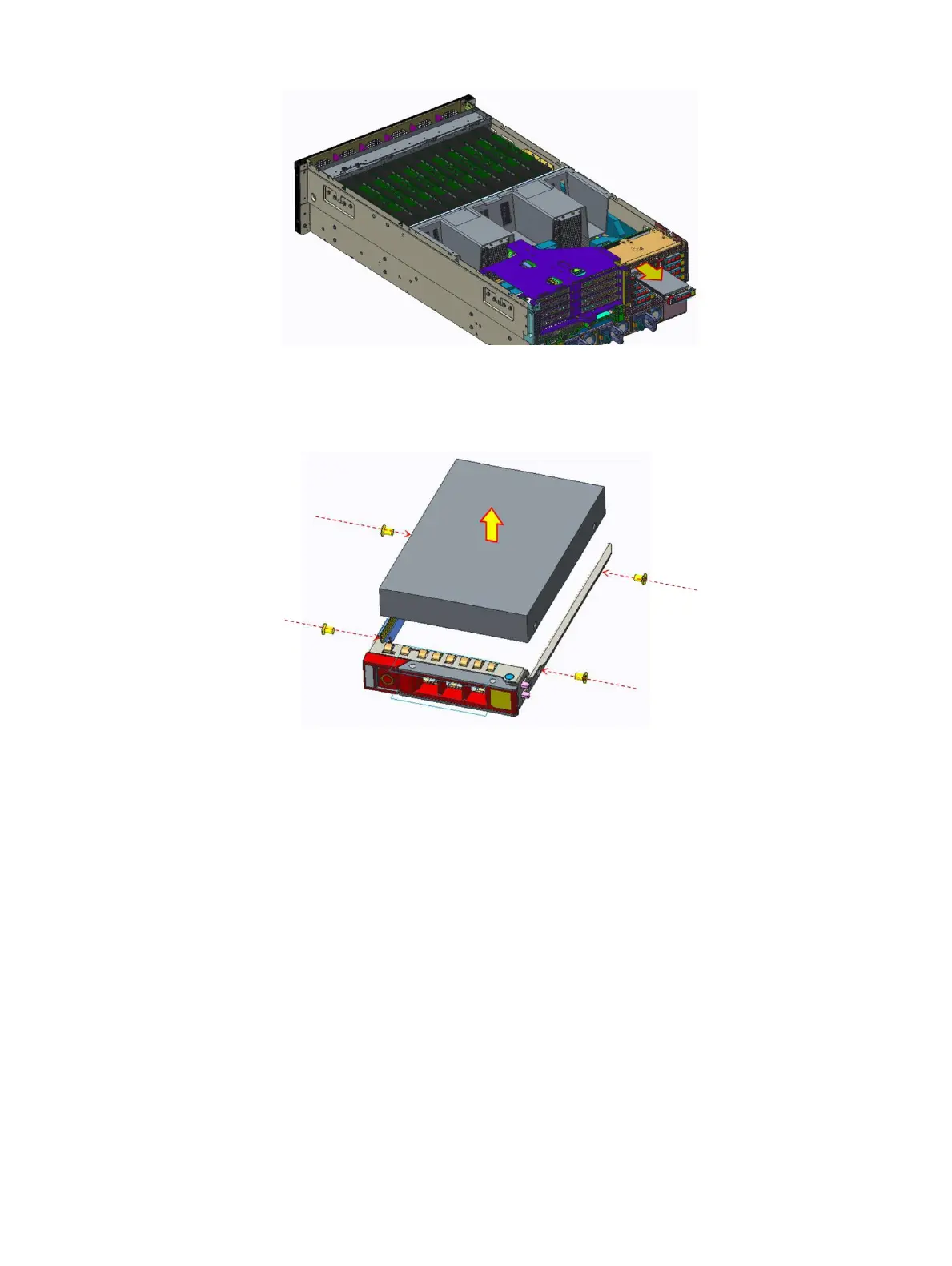
Figure 16. Removing the drive carrier
2 Remove the four screws securing the drive to the carrier.
3 Remove the drive from the carrier.
Figure 17. Removing the drive from the drive carrier
Next step
Install the drive carrier.
Related link
Installing the drive and drive carrier
Installing the drive and drive carrier
Prerequisite
1 Follow the safety guidelines listed in Safety instructions.
Steps
1 Install the drive to the carrier.
2 Tighten the four screws to secure the drive to the carrier.
Installing and removing system components
49















 To Next Page