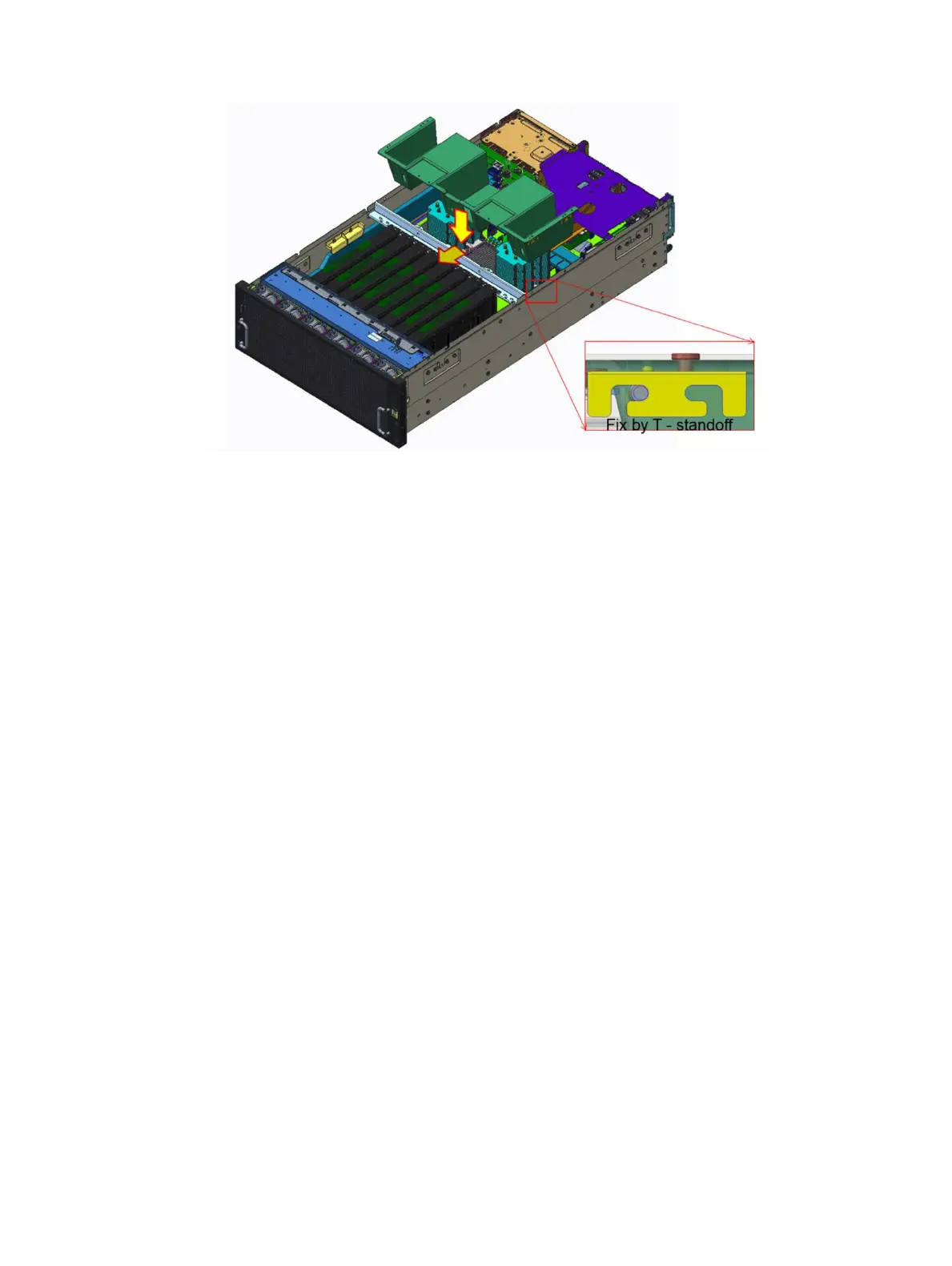
Figure 15. Installing the air shroud
Next steps
1 Install the system cover.
2 Follow the procedure listed in After working inside your system
Drives
Removing a drive carrier and drive
Prerequisite
1 Follow the safety guidelines listed in Safety instructions.
Steps
1 Remove the drive carrier by pressing the latch to unlock and pull the drive carrier out of the system.
48
Installing and removing system components















 To Next Page