3 Remove the system cover.
4 Remove all the drives..
5 Disconnect all the cables.
Steps
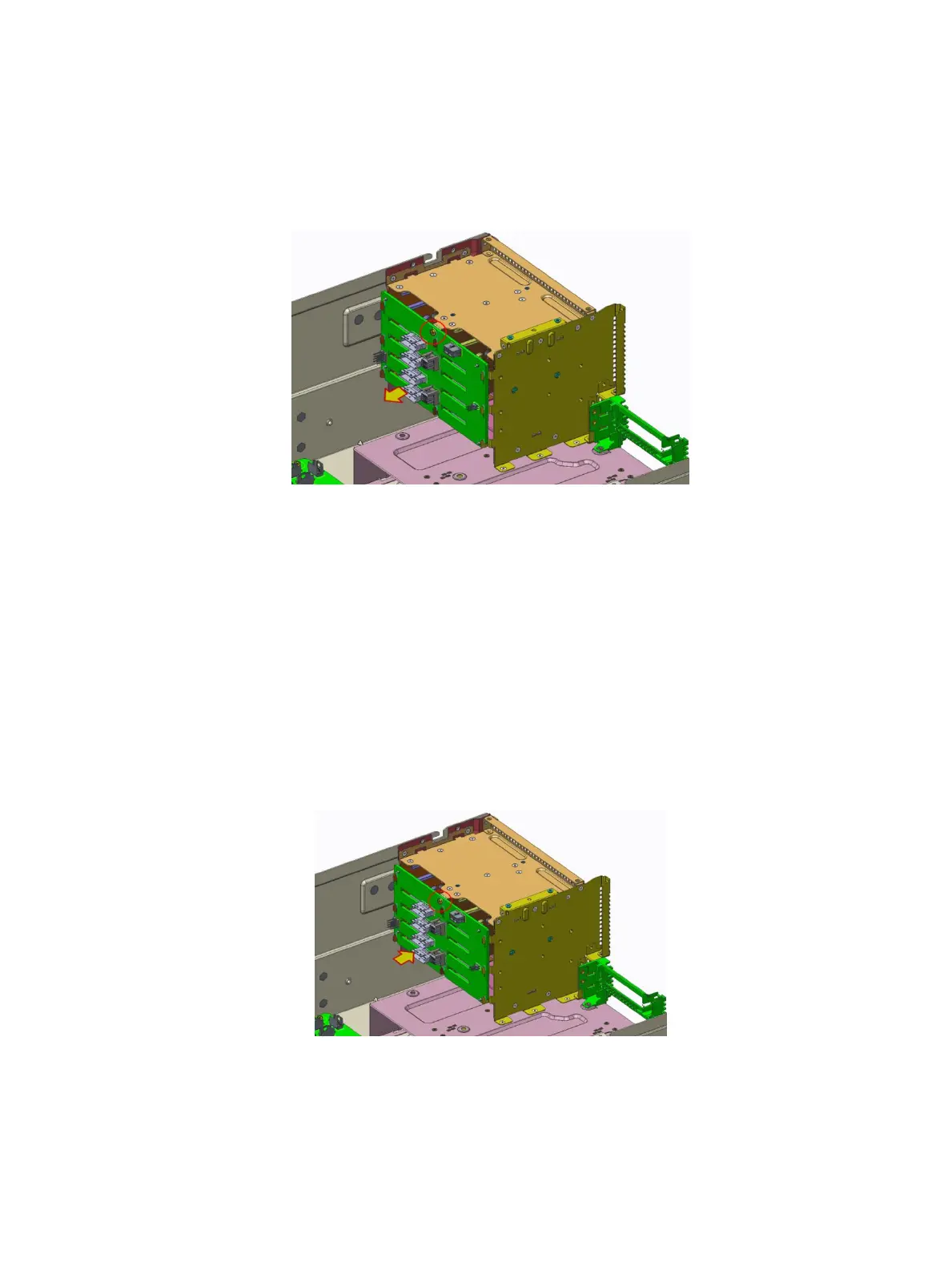
1 Remove the one screw securing the drive backplane to the system.
2 Lift the backplane from the hooks and then pull away from the system.
Figure 20. Removing the drive backplane
Next step
Install the drive backplane
Installing the drive backplane
Prerequisite
1 Follow the safety guidelines listed in Safety instructions.
Steps
1 Install the drive backplane to storage cage’s hook.
2 Tighten the one screw to secure the drive backplane to the system.
Figure 21. Installing the drive backplane
Installing and removing system components
51















 To Next Page