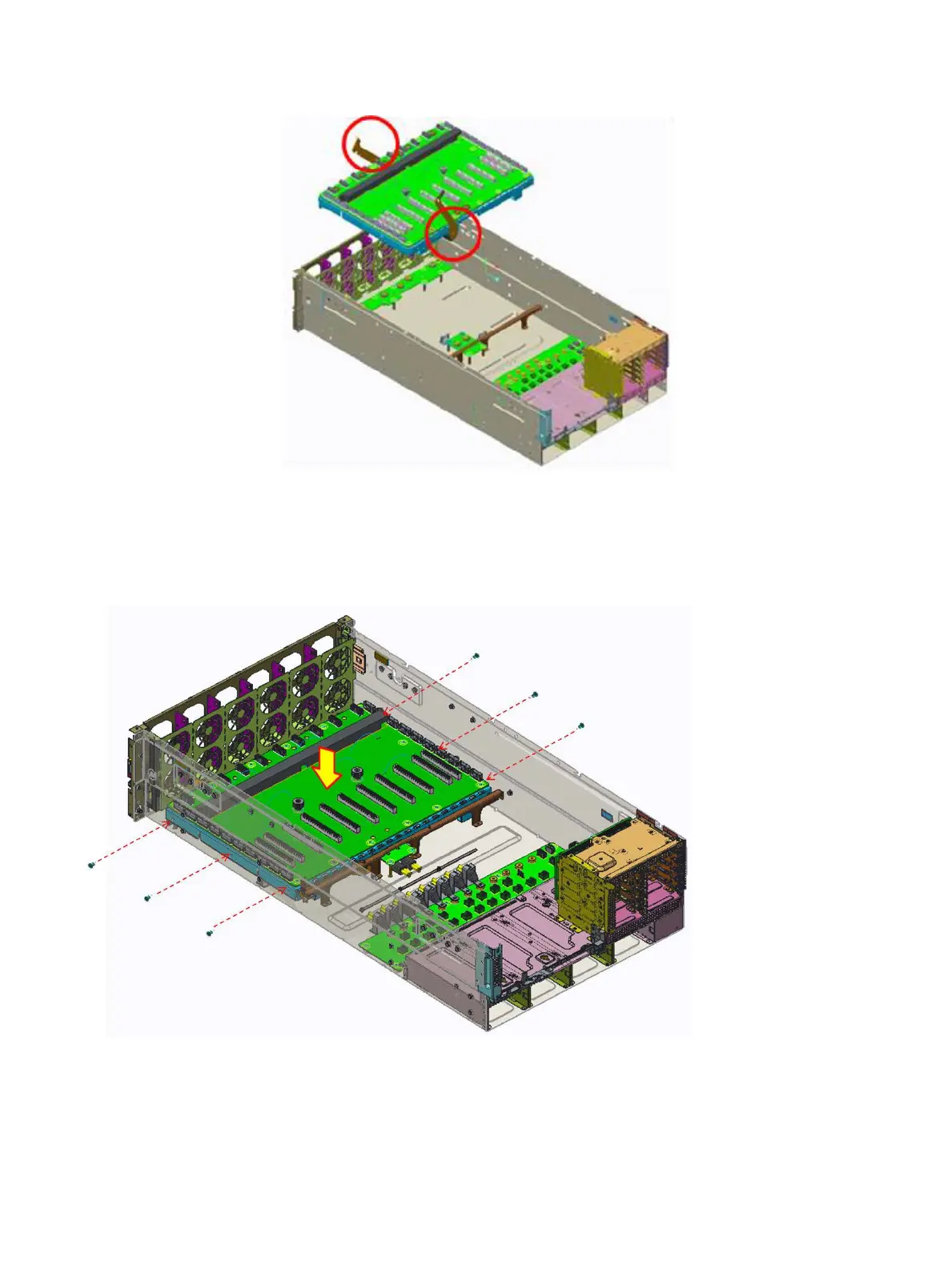
Figure 34. Insert the two levers
5 Secure xing the PCIe switch board module by six screws.
Figure 35. Installing the PCIe switch board module
Next steps
1 Connect all the cables.
2 Install the GPU support bracket
60
Installing and removing system components















 To Next Page