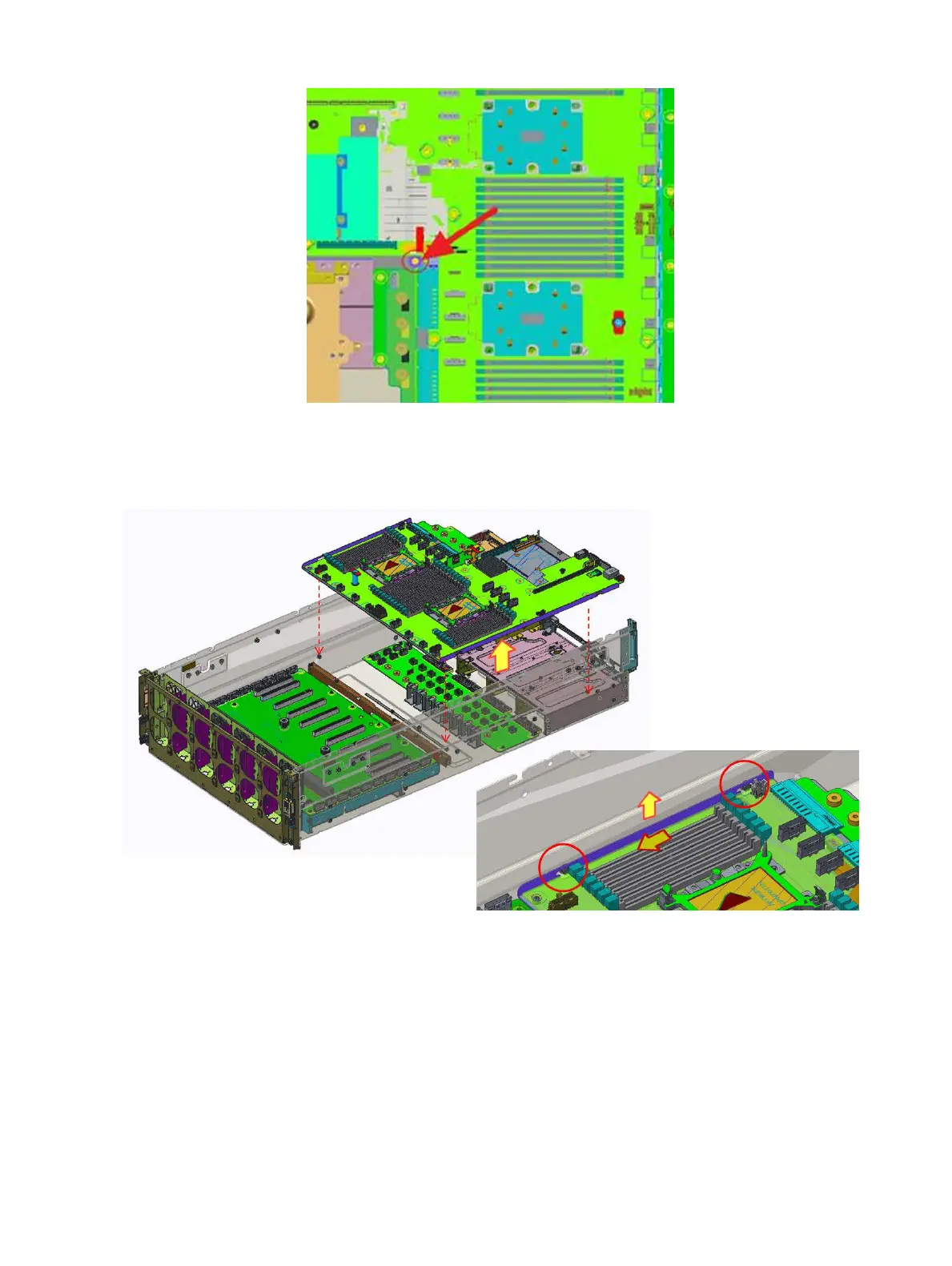
Figure 55. Loosen one screw
3 Slide the system board tray to make sure the it's not secured by the T stando.
4 Lift the system board tray module out of the chassis.
Figure 56. Removing the system board tray module
Next step
Install the system board tray module
Installing and removing system components
77















 To Next Page