Steps
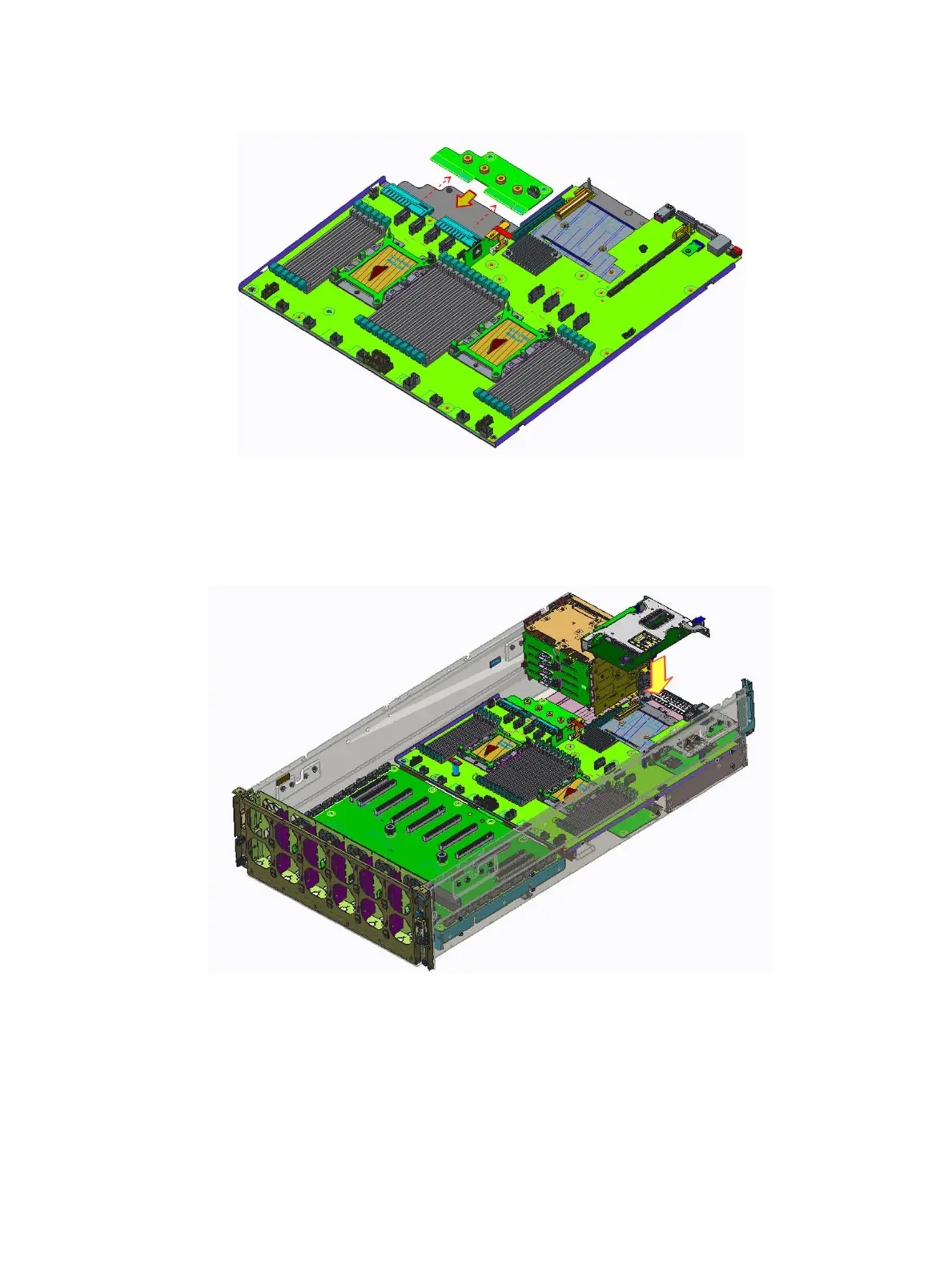
1 Install the power interposer board to the system board.
Figure 61. Installing the power interposer board
2 Install system board and power interposer board to system board tray.
3 Tighten the one original screw to secure the system board handle to the system board.
4 Tighten the eighteen screws to secure the system board and power interposer board to the system board tray.
Figure 62. Installing the system board and power interposer board
Next steps
1 Install the system board tray module.
2 Install the air shroud.
3 Install the top cover.
Installing and removing system components
81















 To Next Page