Removing an expansion card riser
Prerequisites
1 Follow the safety guidelines listed in Safety instructions.
2 Follow the procedure listed in Before working inside your system.
3 Before removing the expansion card riser 2A, remove the expansion card from the riser, if installed.
4 Disconnect any cables connected to the expansion card.
Step
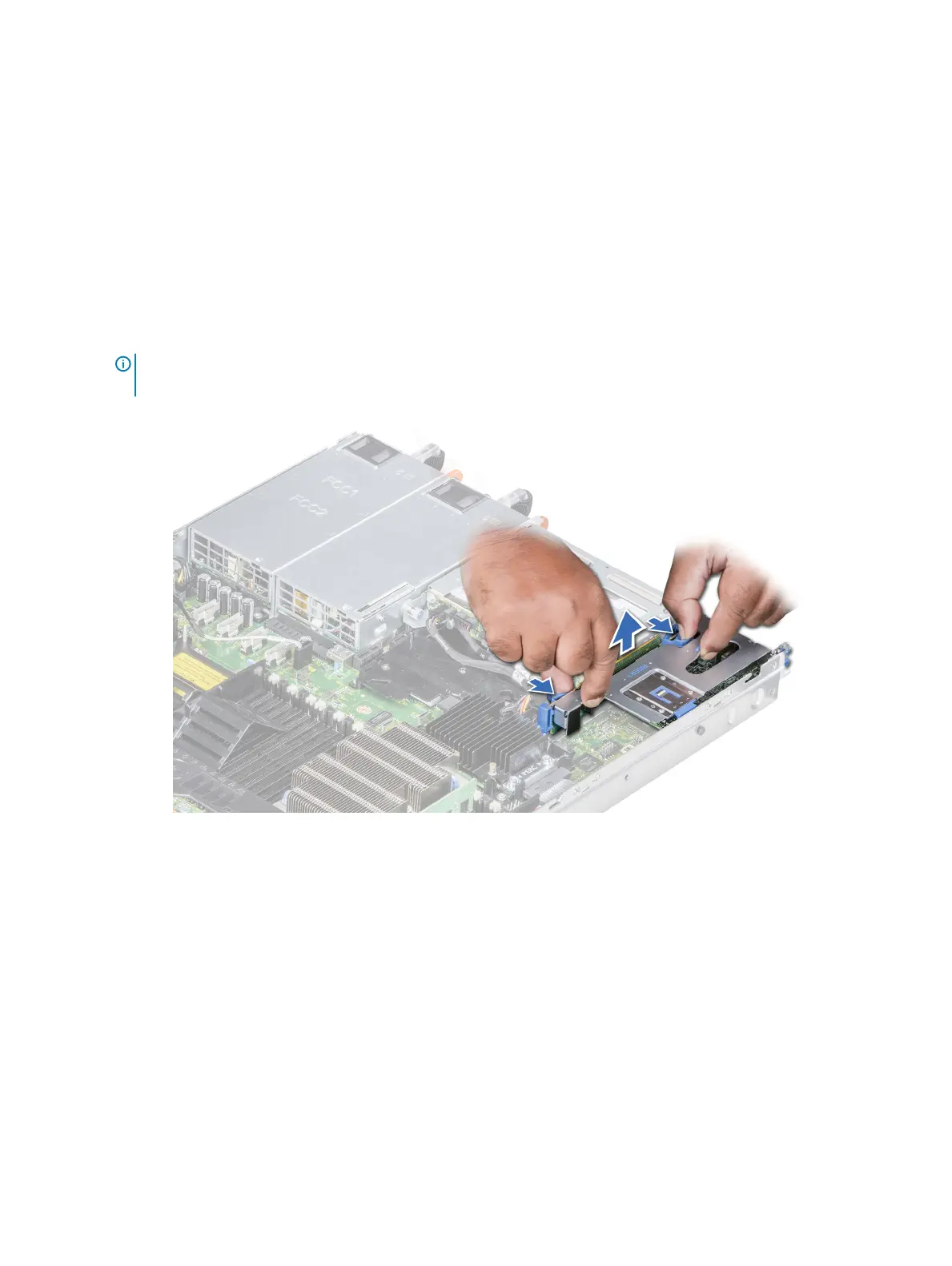
Hold the touch points, and lift the expansion card riser, from the riser connector, on the system board.
NOTE: While removing the riser 1B, press the tabs and hold the touch point to lift the expansion card riser from the
system board.
Figure 46. Removing the expansion riser 1B
106
Installing and removing system components















 To Next Page