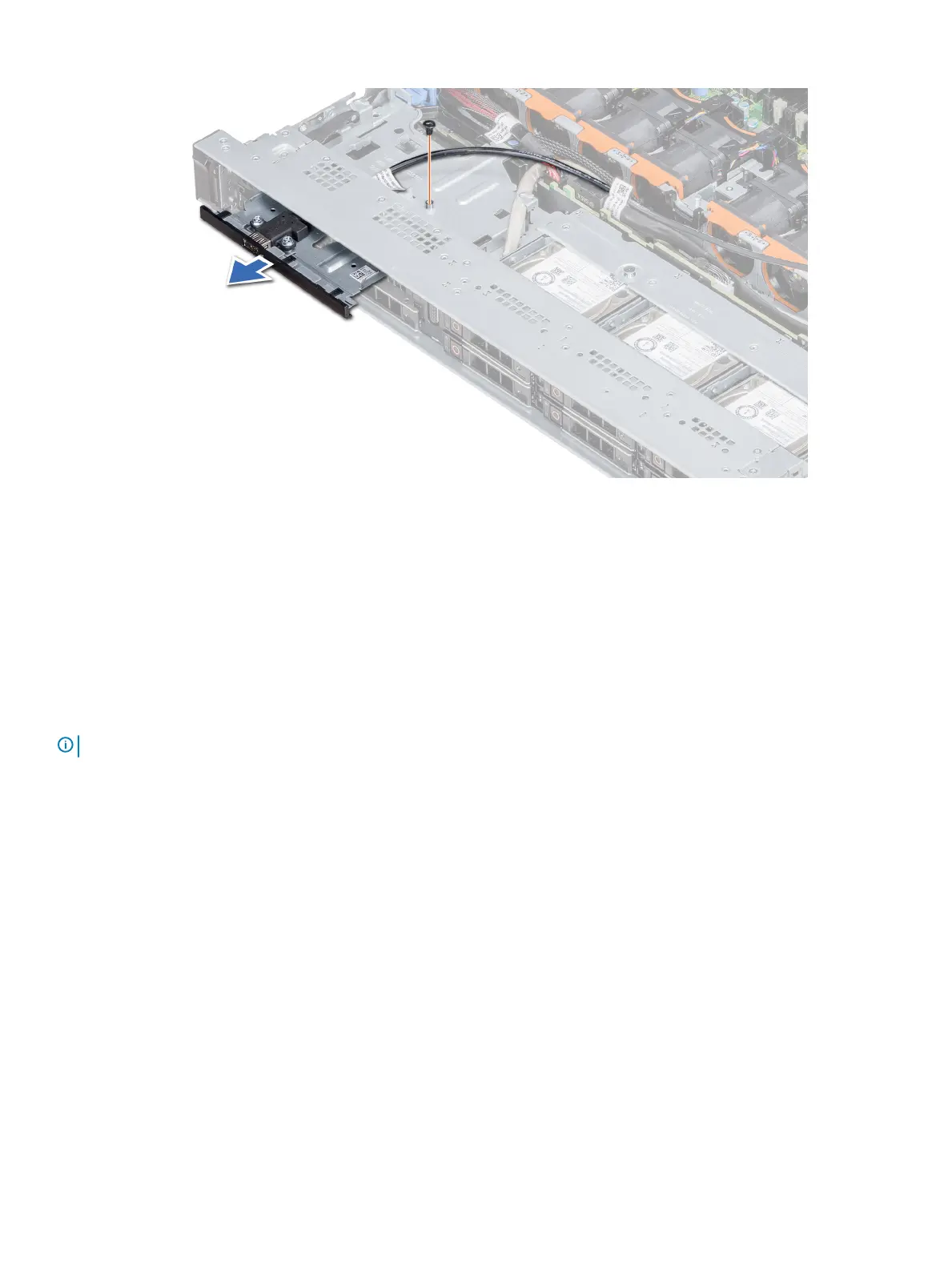
Figure 99. Removing the USB module
Next step
Install the USB module.
Installing the USB module
Prerequisite
Follow the safety guidelines listed in Safety instructions.
NOTE
: The procedure to install the USB 3.0 and USB 2.0 modules is similar.
Steps
1 Route the USB cable on the USB module, through the USB slot on the front panel.
2 Insert the USB module into the slot on the front panel.
3 Align the screw on the module with the screw hole on the system.
4 Using the Phillips #1 screwdriver, replace the screw to secure the module to the system.
5 Route the USB cable and connect it to the USB connector on the system board. For more information, see the System board jumpers
and connecters section.
Installing and removing system components
147















 To Next Page