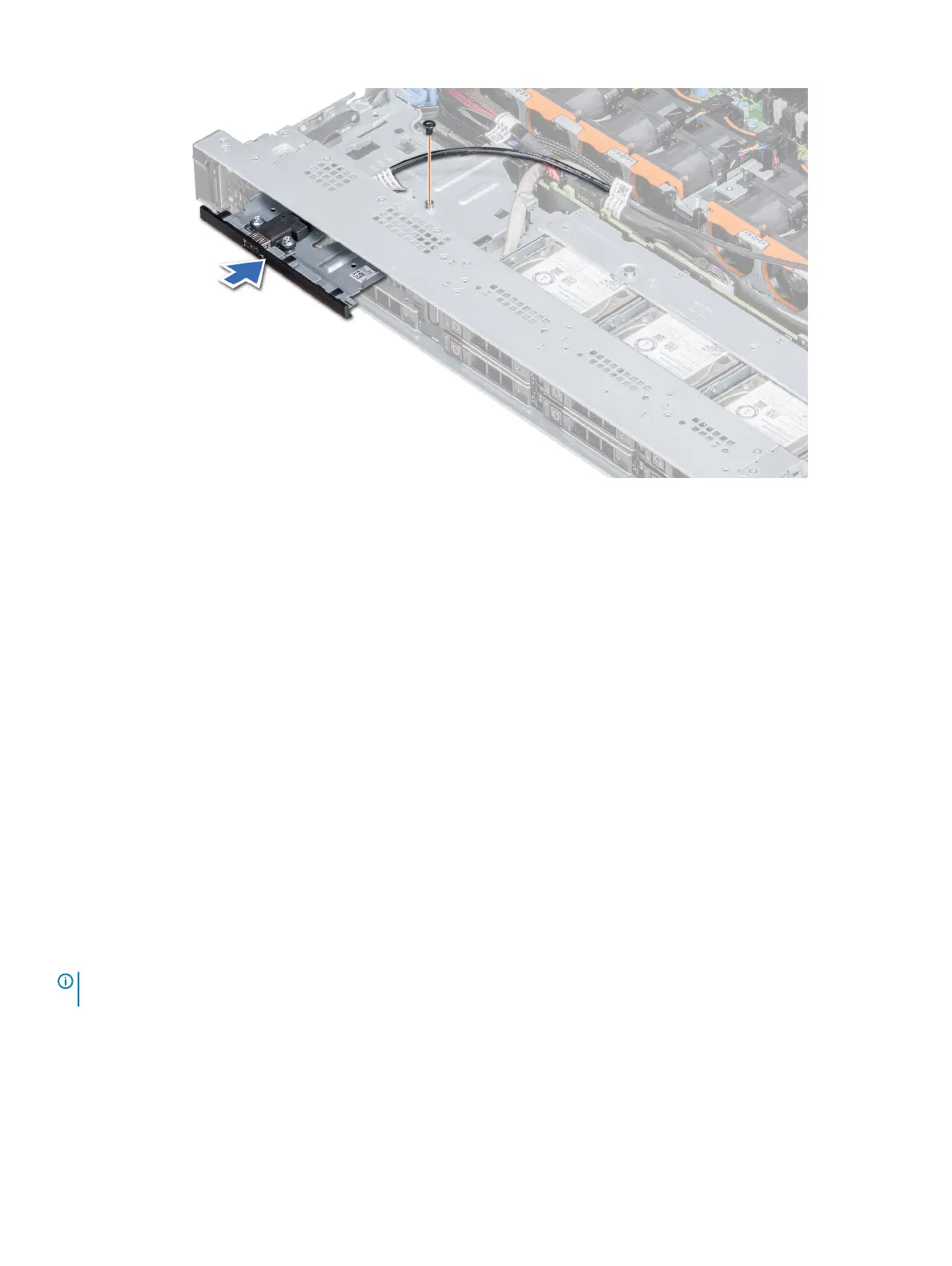
Figure 100. Installing the USB module
Next steps
1 Install the air shroud.
2 Install the backplane cover.
3 Follow the procedure listed in After working inside your system.
VGA module
Removing the VGA module
Prerequisites
1 Follow the safety guidelines listed in Safety instructions.
2 Follow the procedure listed in Before working inside your system.
3 Remove the front bezel
4 Remove the backplane cover.
5 Remove the air shroud.
6 Disconnect the VGA cable from the VGA connector on the system board. For locating the connector, see the System board jumpers
and connecters section.
NOTE
: Ensure that you note the routing of the cables as you remove them from the system board. Route these cables properly
when you replace them to prevent them from being pinched or crimped.
Steps
1 Using Phillips #1 screwdriver, remove the screw on the VGA module.
2 Slide the module out of the system.
148
Installing and removing system components















 To Next Page