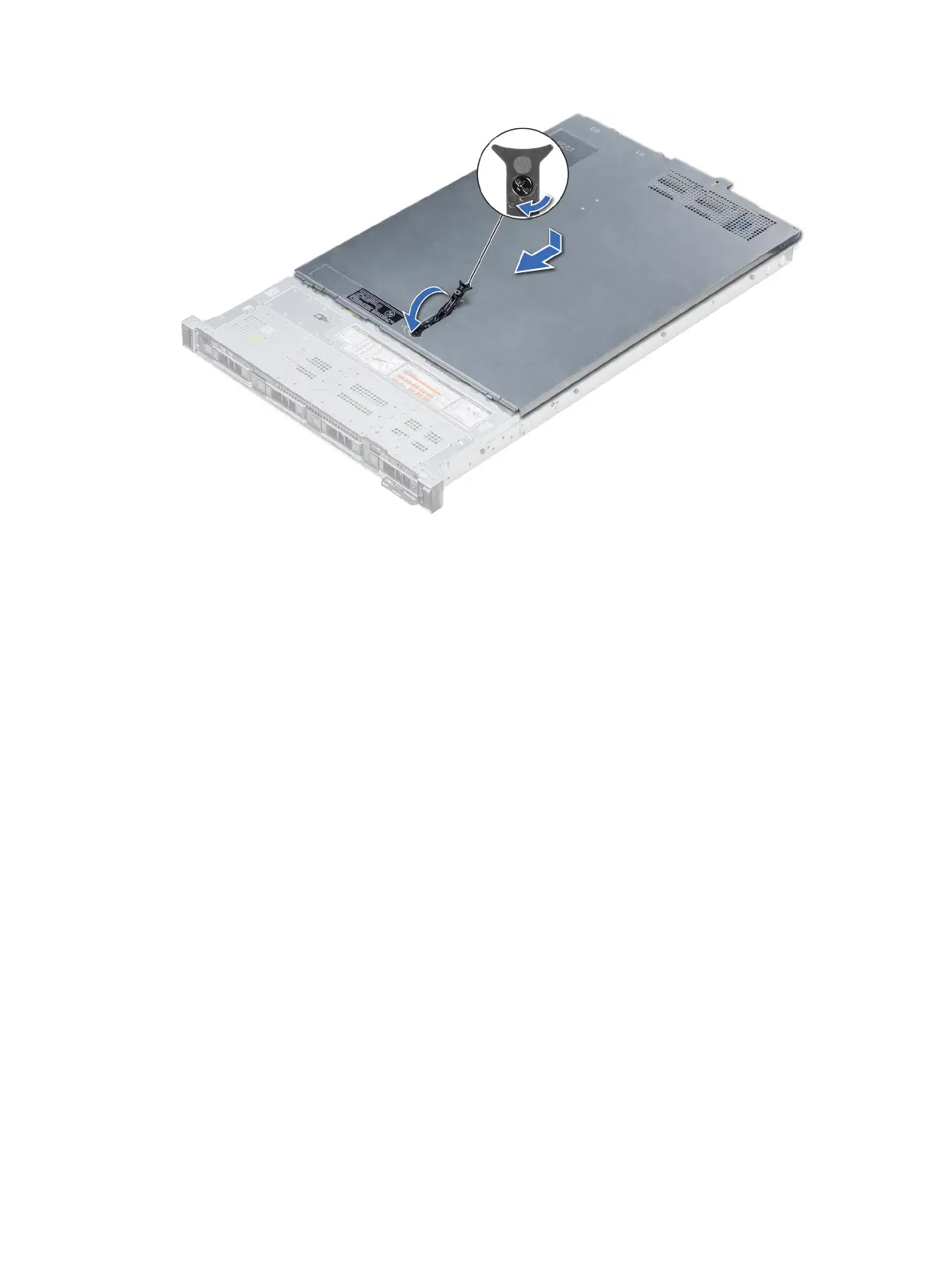
Figure 23. Installing the system cover
Next steps
1 Reconnect the peripherals and connect the system to the electrical outlet.
2 Turn on the system, including any attached peripherals.
Backplane cover
Removing the backplane cover
Prerequisites
1 Follow the safety guidelines listed in Safety instructions.
2 Follow the procedure listed in Before working inside your system.
3 Remove the system cover.
Steps
1 Slide the backplane cover in the direction of the arrows marked on the backplane cover.
2 Lift the backplane cover away from the system.
74
Installing and removing system components















 To Next Page