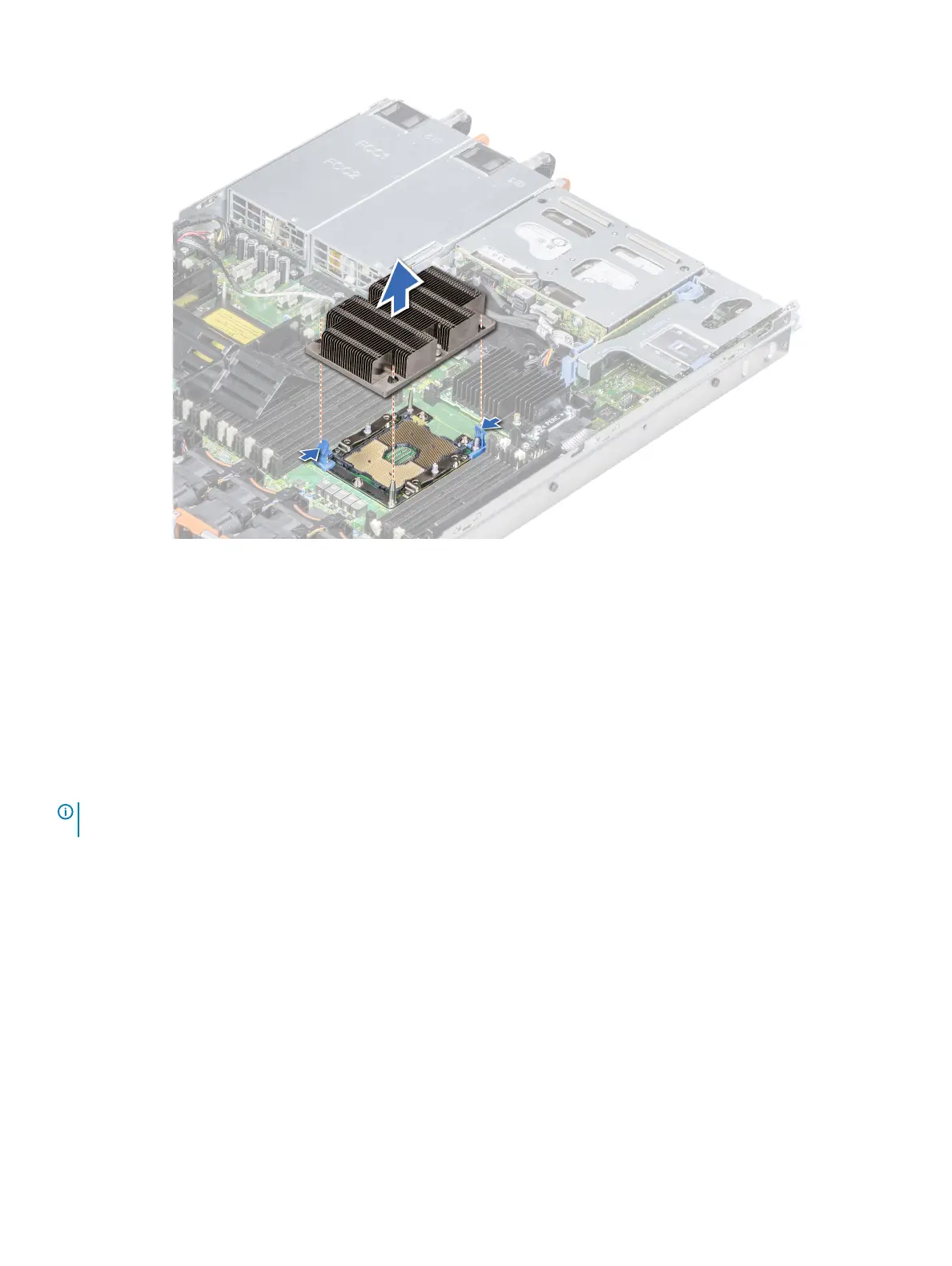
Figure 39. Removing the processor and heat sink module
Next step
Install the PHM.
Removing the processor from the processor and heat sink
module
Prerequisites
NOTE
: Only remove the processor from the processor and heat sink module if you are replacing the processor or heat sink. This
procedure is not required when replacing a system board.
1 Follow the safety guidelines listed in Safety instructions.
2 Follow the procedure listed in Before working inside your system.
3 Remove the air shroud.
4 Remove the processor and heat sink module.
Steps
1 Place the heat sink with the processor side facing up.
2 Insert a at blade screwdriver into the release slot marked with a yellow label. Twist (do not pry) the screwdriver to break the thermal
paste seal.
3 Push the retaining clips on the processor bracket to unlock the bracket from the heat sink.
Installing and removing system components
95















 To Next Page