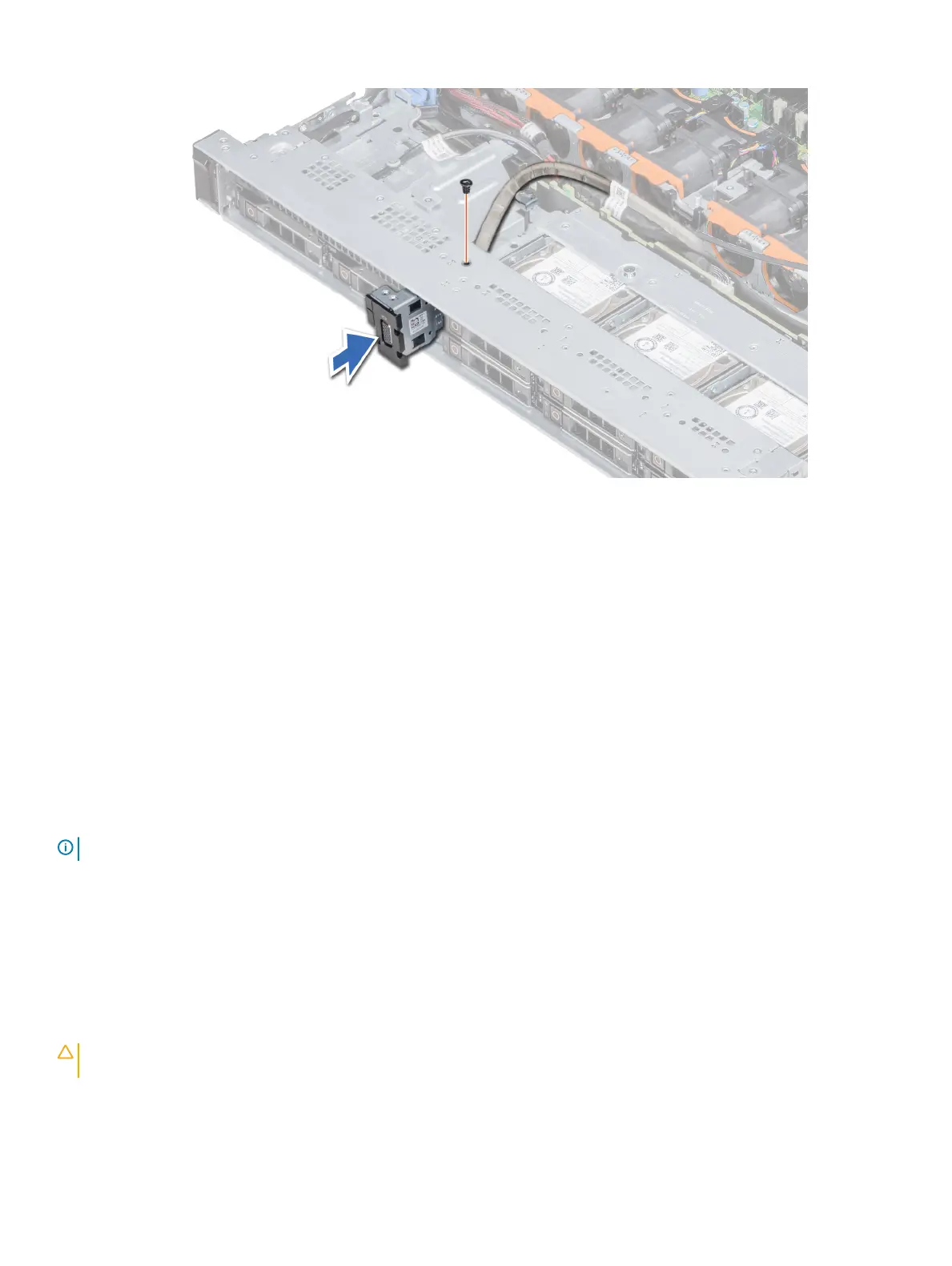
Figure 102. Installing the VGA module
Next steps
1 Route the VGA cable and connect it to the VGA connector on the system board. For locating the connector, see the System board
jumpers and connecters section.
2 Install the air shroud.
3 Install the backplane cover.
4 Install the front bezel.
5 Follow the procedure listed in After working inside your system.
.
Optional internal USB memory key
An optional USB memory key can be installed in the internal USB 3.0 port.
NOTE
: To locate the internal USB port on the system board, see the System board jumpers and connectors section.
For congurations that support USB 3.0 module, the USB 3.0 module cable connects to the internal USB port on the system board. In this
scenario, the default internal USB port is available under the backplane cover. The position of the default internal USB port may vary
depending on the conguration of your system.
Replacing the optional internal USB memory key
Prerequisites
CAUTION
: To avoid interference with other components in the server, the maximum permissible dimensions of the USB memory
key are 15.9 mm wide x 57.15 mm long x 7.9 mm high.
1 Follow the safety guidelines listed in Safety instructions.
2 Follow the procedure listed in Before working inside your system.
150
Installing and removing system components















 To Next Page