NOTE: When two identical PSUs are installed, power supply redundancy (1+1 – with redundancy or 2+0 – without redundancy) is
congured in system BIOS. In redundant mode, power is supplied to the system equally from both PSUs when Hot Spare is
disabled. When Hot Spare is enabled, one of the PSUs is put into the sleep mode when system utilization is low in order to
maximize eciency.
NOTE: If two PSUs are used, they must be of the same maximum output power.
Hot spare feature
Your system supports the hot spare feature that signicantly reduces the power overhead associated with power supply unit (PSU)
redundancy.
When the hot spare feature is enabled, one of the redundant PSUs is switched to the sleep state. The active PSU supports 100 percent of
the system load, thus operating at higher eciency. The PSU in the sleep state monitors output voltage of the active PSU. If the output
voltage of the active PSU drops, the PSU in the sleep state returns to an active output state.
If having both PSUs active is more ecient than having one PSU in the sleep state, the active PSU can also activate the sleeping PSU.
The default PSU settings are as follows:
• If the load on the active PSU is more than 50 percent of PSU rated power wattage, then the redundant PSU is switched to the active
state.
• If the load on the active PSU falls below 20 percent of PSU rated power wattage, then the redundant PSU is switched to the sleep
state.
You can congure the hot spare feature by using the iDRAC settings. Dell.com/poweredgemanuals.
Removing a power supply unit blank
Prerequisite
Follow the safety guidelines listed in Safety instructions.
Step
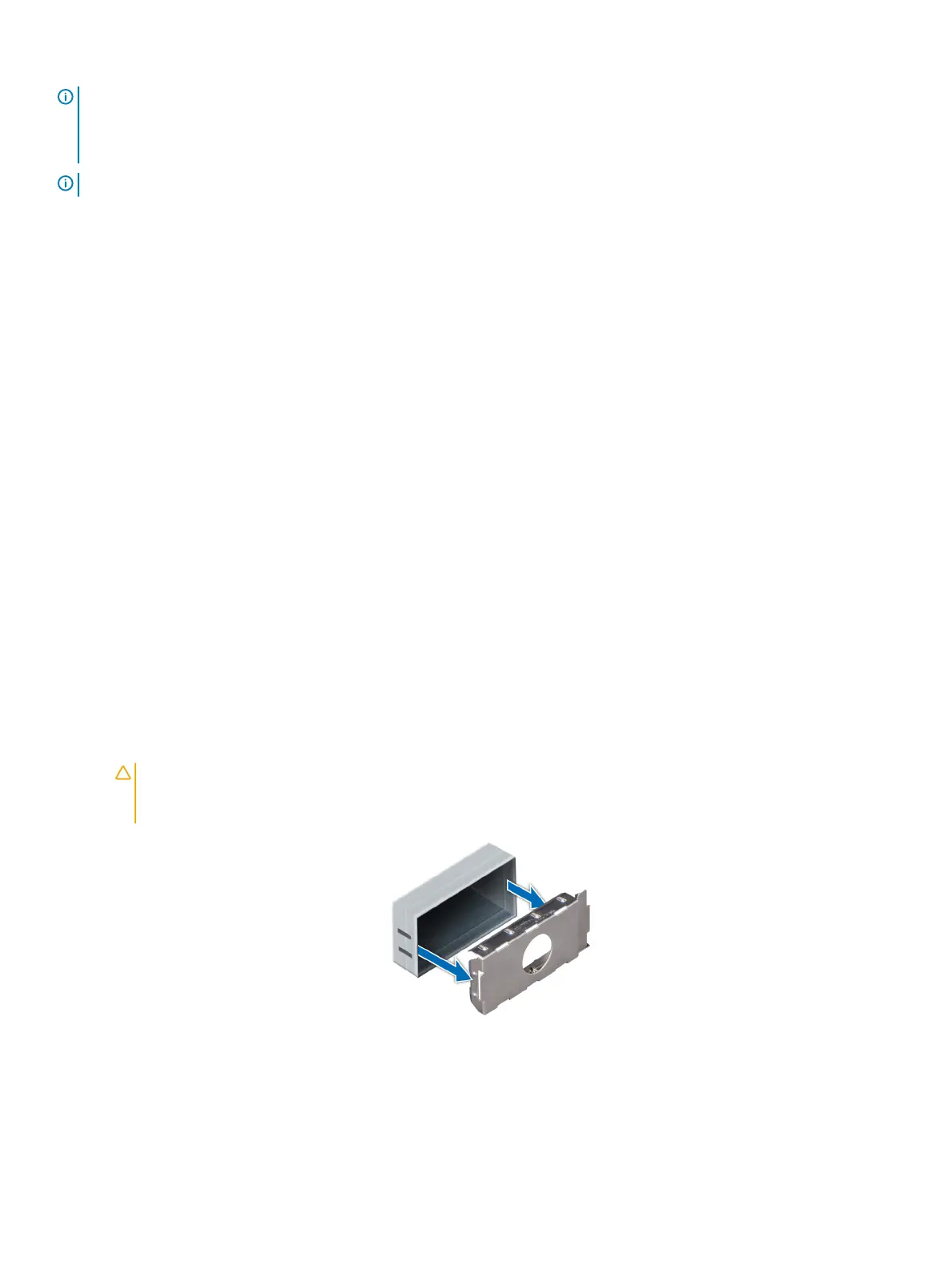
If you are installing a second power supply unit, remove the power supply unit blank in the bay by pulling the blank outward.
CAUTION
: To ensure proper system cooling, the power supply unit blank must be installed in the second power supply
unit bay in a non-redundant conguration. Remove the power supply unit blank only if you are installing a second power
supply unit.
Figure 105. Removing a power supply unit blank
Next step
Install the second power supply unit blank.
Installing and removing system components
153















 To Next Page