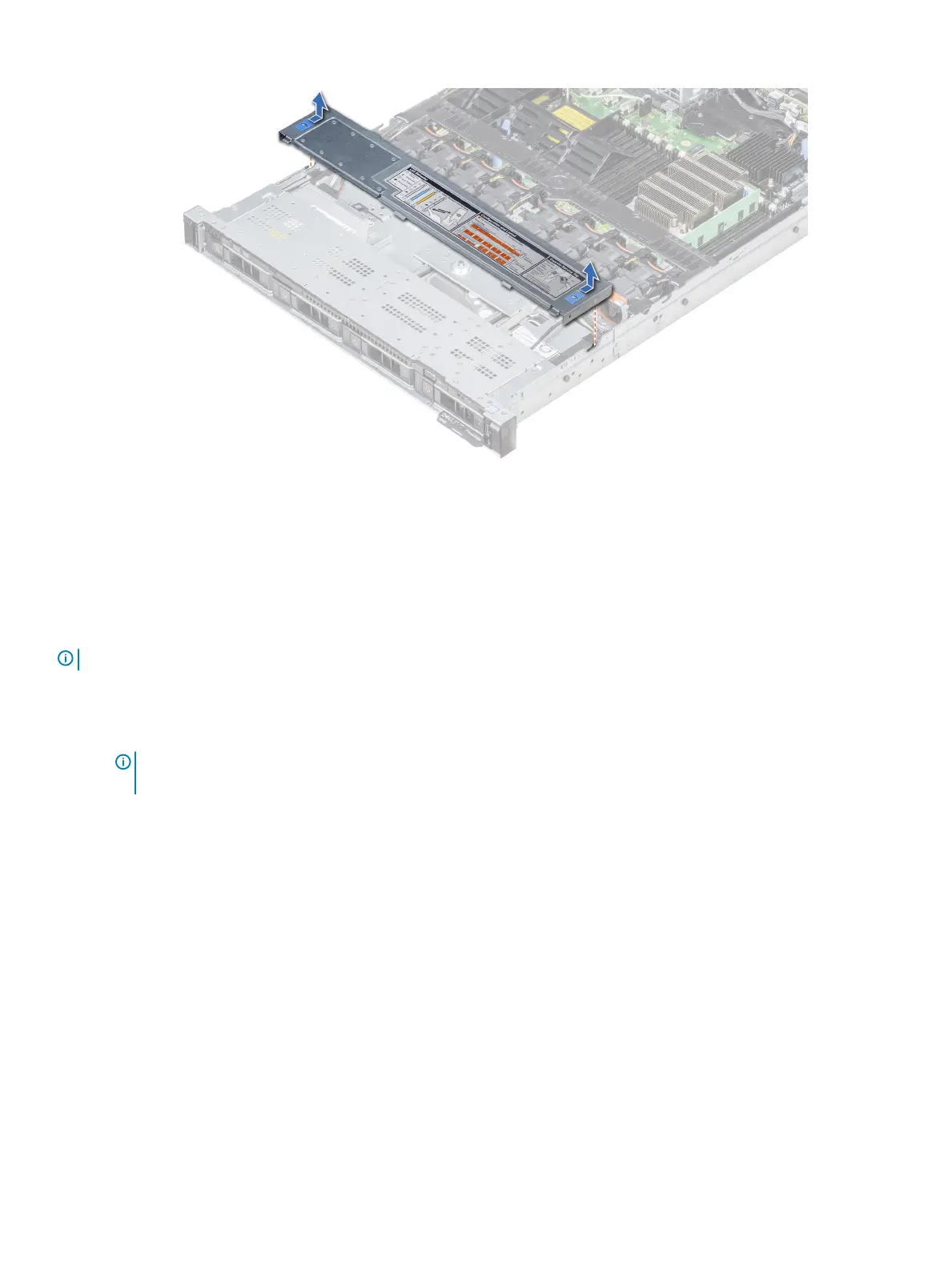
Figure 82. Removing the backplane cover
Installing the backplane
Prerequisite
Follow the safety guidelines listed in Safety instructions.
NOTE
: The procedure to install the backplane is similar for all backplane congurations.
Steps
1 Use the hooks on the system as guides to align the slots on the backplane with the guides on the system.
2 Lower the drive backplane until the blue release tabs snap into place.
NOTE
: If you are installing a backplane with an expander board, then tighten the captive screws after installing the
backplane.
132 Installing and removing system components















 To Next Page