Table 3. Features available on the front of the system
Item Ports, panels, and slots Icon Description
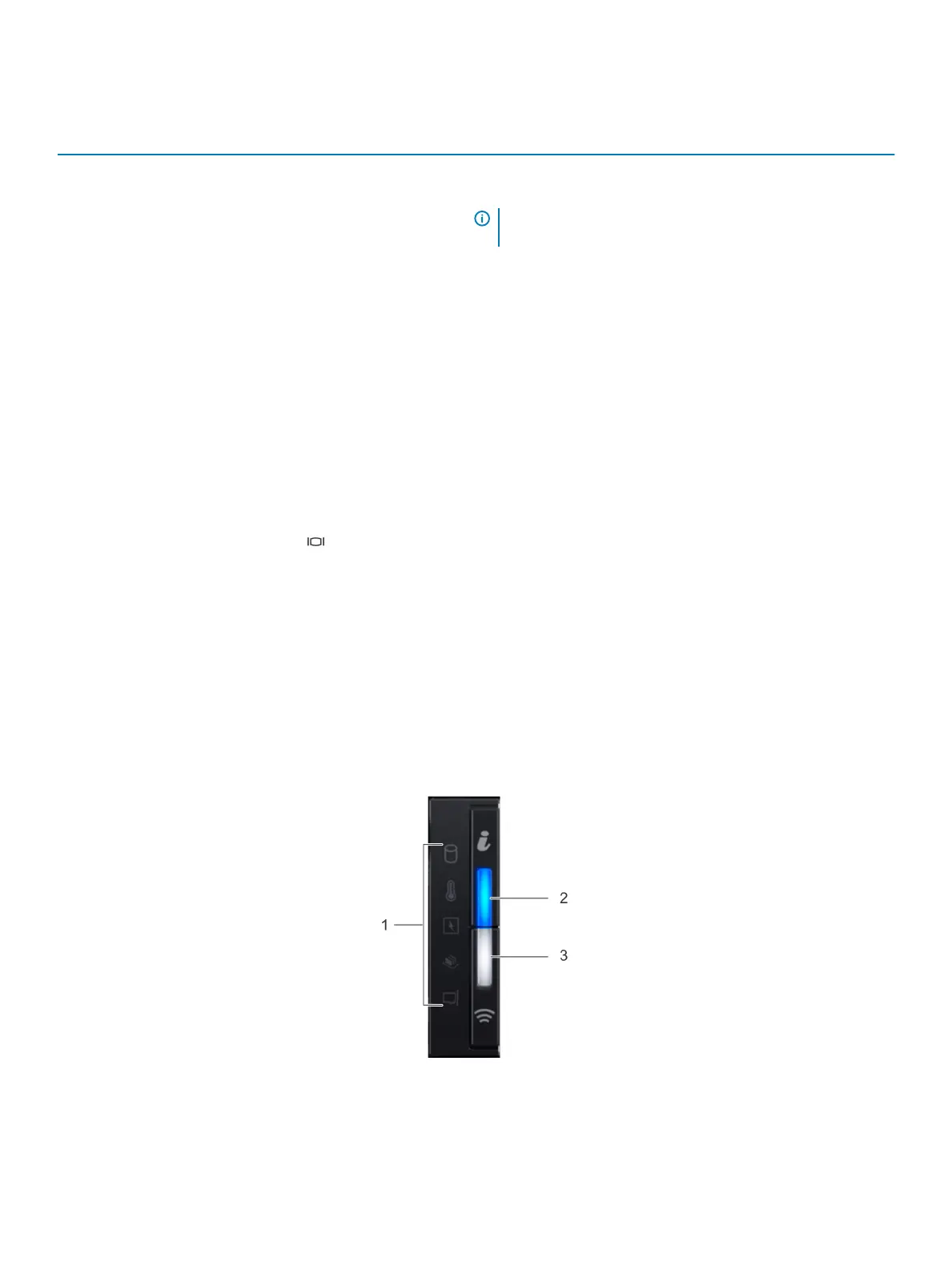
1 Left control panel N/A
Contains the system health and system ID, status LED, and the
iDRAC Quick Sync 2 (wireless) indicator.
NOTE: The iDRAC Quick Sync 2 indicator is available only on
certain congurations.
• Status LED: Enables you to identify any failed hardware
components. There are up to ve status LEDs and an overall
system health LED (Chassis health and system ID) bar. For more
information, see the Status LED indicators section.
• Quick Sync 2 (wireless): Indicates a Quick Sync enabled system.
The Quick Sync feature is optional. This feature allows
management of the system by using mobile devices. This feature
aggregates hardware or rmware inventory and various system
level diagnostic and error information that can be used in
troubleshooting the system. For more information, see the
Integrated Dell Remote Access Controller User’s Guide at
Dell.com/poweredgemanuals.
2 Drive slots N/A
Enable you to install drives that are supported on your system. For
more information about drives, see the Technical specications
section.
3 VGA port Enables you to connect a display device to the system. For more
information, see the Technical specications section.
4 Right control panel N/A Contains the power button, USB port, iDRAC Direct micro port, and
the iDRAC Direct status LED.
5 Information tag N/A The Information Tag is a slide-out label panel that contains system
information such as Service Tag, NIC, MAC address, and so on. If you
have opted for the secure default access to iDRAC, the Information
tag also contains the iDRAC secure default password.
Left control panel view
Figure 5. Left control panel with optional iDRAC Quick Sync 2.0 indicator
Dell EMC PowerEdge R640 system overview
13















 To Next Page