Steps
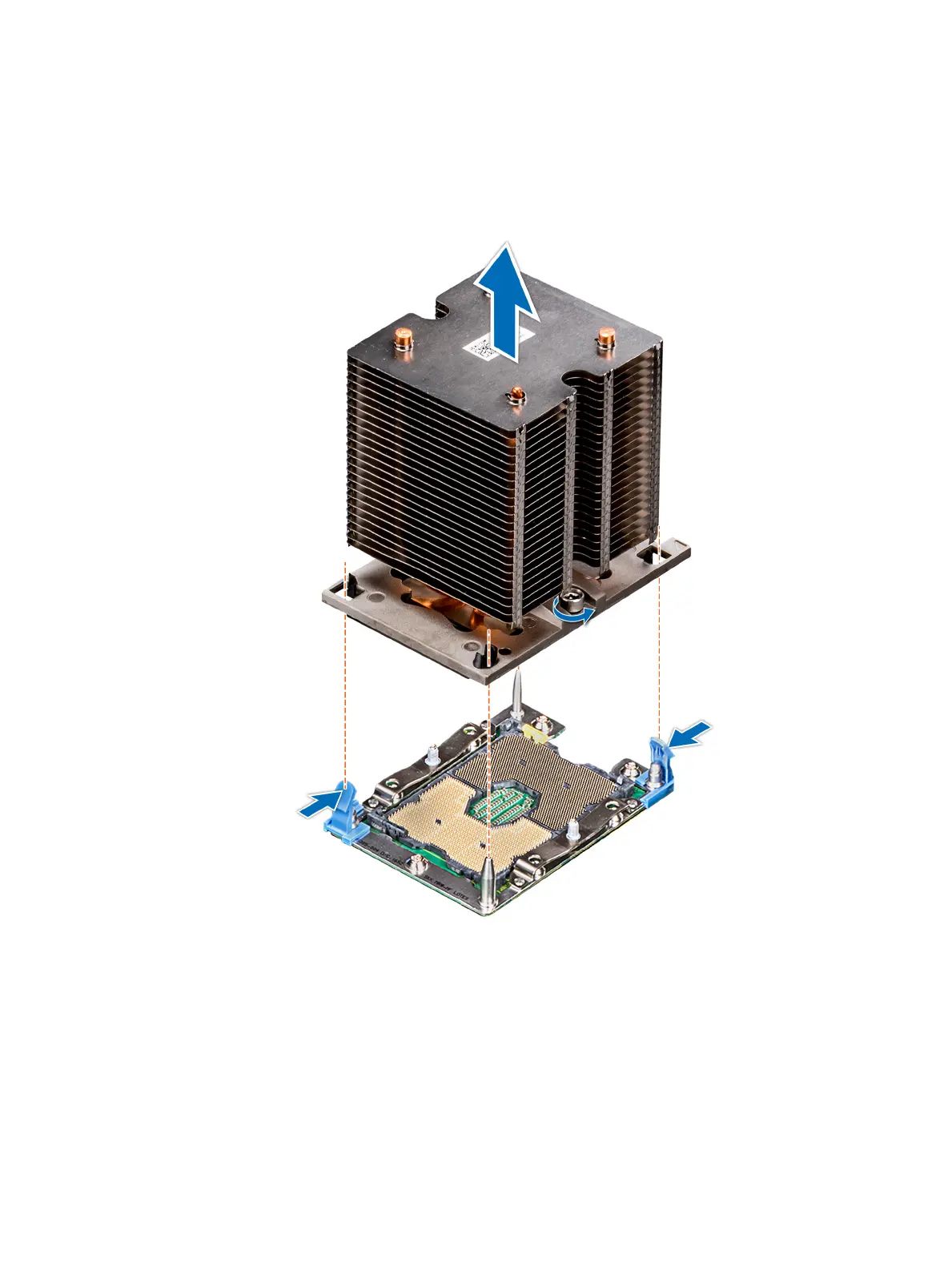
1 Using a Torx #T30 screwdriver, loosen the screws on the heat sink in the order below:
a Loosen the rst screw three turns.
b Loosen the second screw completely.
c Return to the rst screw and loosen it completely.
2 Pushing both blue retention clips simultaneously, lift the processor and heat sink module (PHM) processor and heat sink module
3 Set the PHM aside with the processor side facing up.
Figure 38. Removing the processor and heat sink module
94
Installing and removing system components















 To Next Page