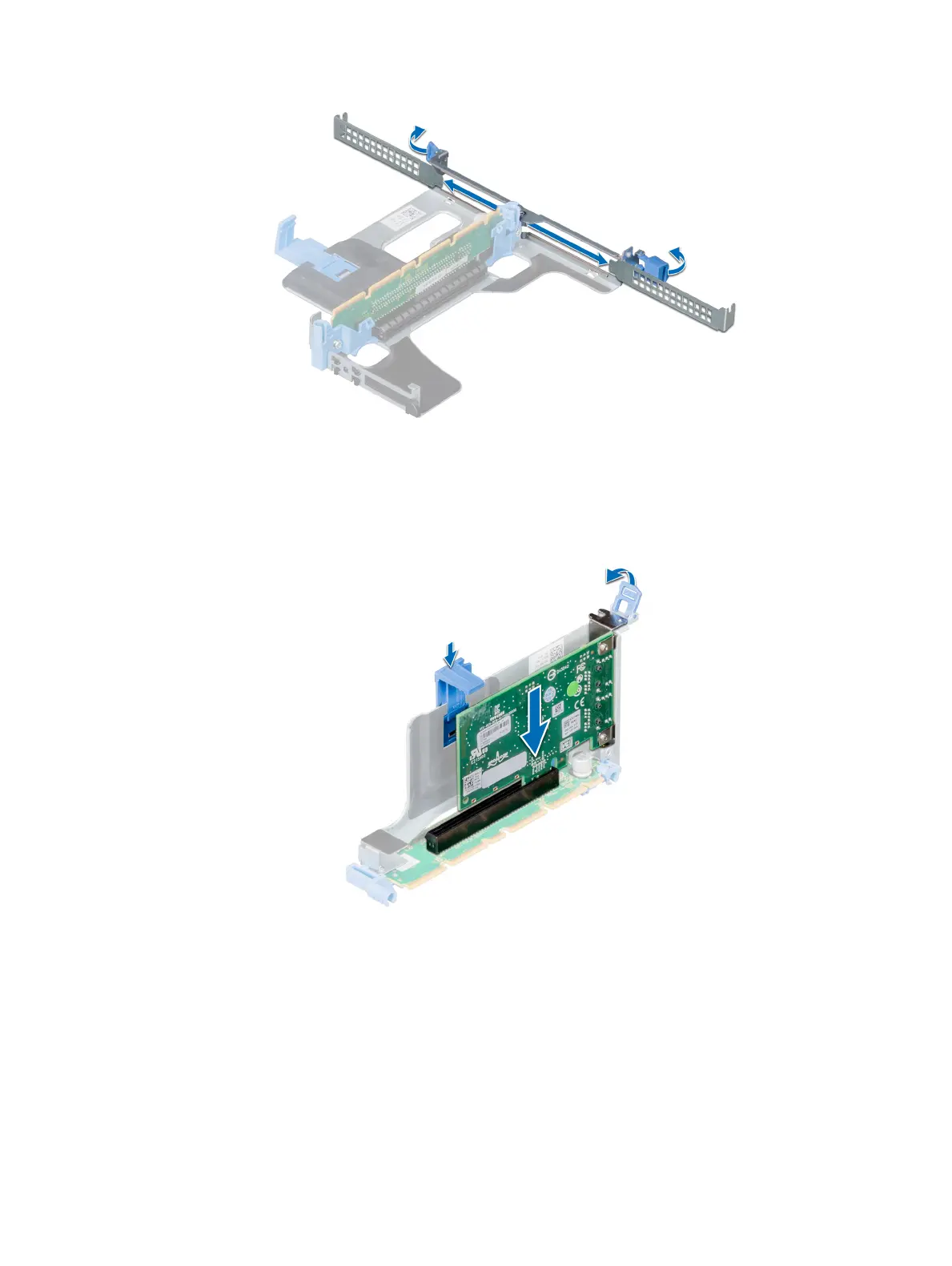
Figure 59. Removing the metal ller bracket on Riser 1A
2 Hold the card by its edges, and align the card edge connector with the expansion card connector on the riser.
3 Insert the card edge connector rmly into the expansion card connector until the card is fully seated.
4 Close the expansion card latch.
Figure 60. Installing an expansion card into the expansion riser 1B
114
Installing and removing system components















 To Next Page