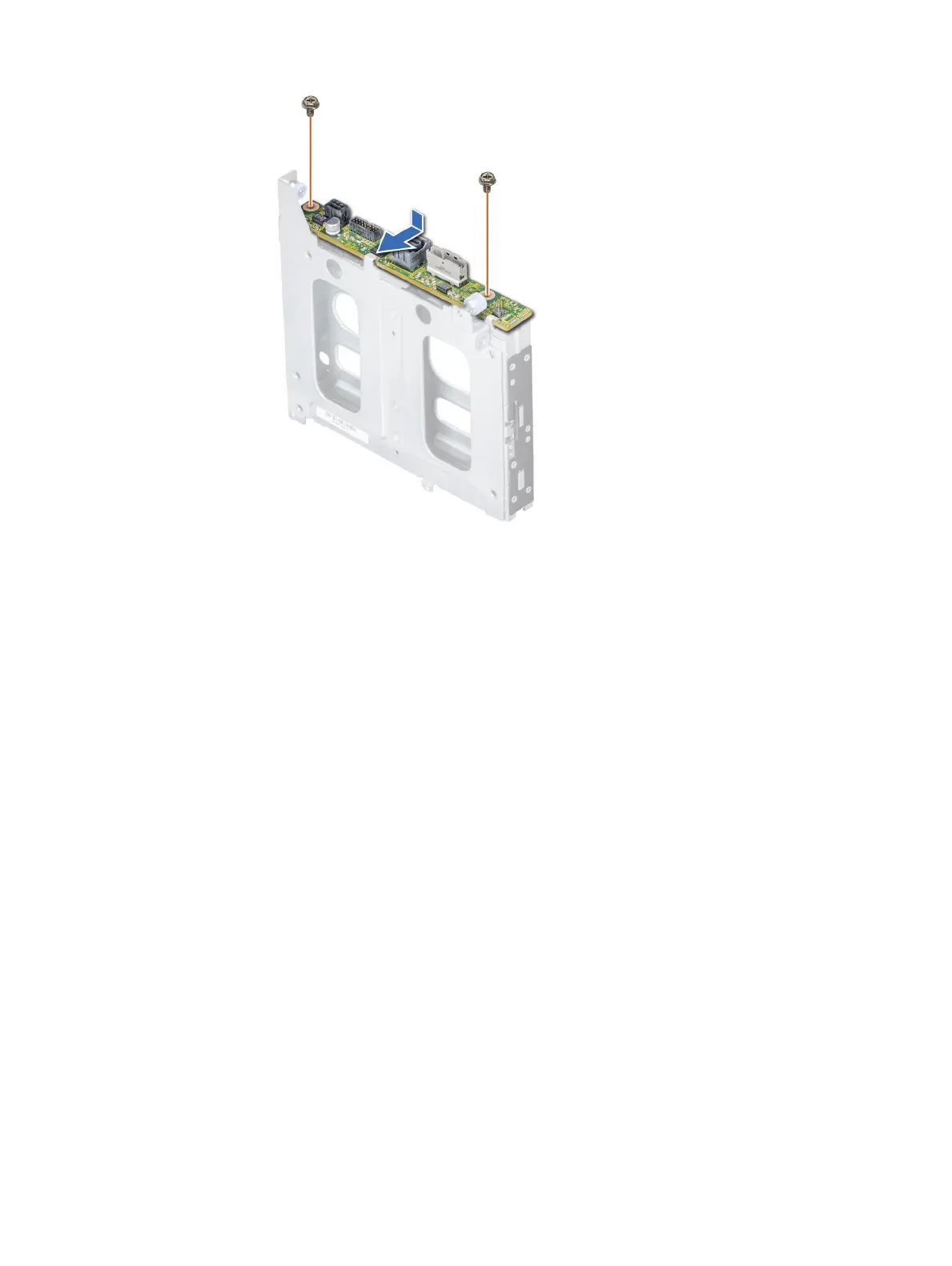
Figure 86. Installing the 2.5 inch drive rear backplane
Next steps
1 Install the rear drive cage.
2 Install all the drives.
3 Connect all the cables to the backplane.
4 Follow the procedure listed in Before working inside your system.
Installing and removing system components
135















 To Next Page