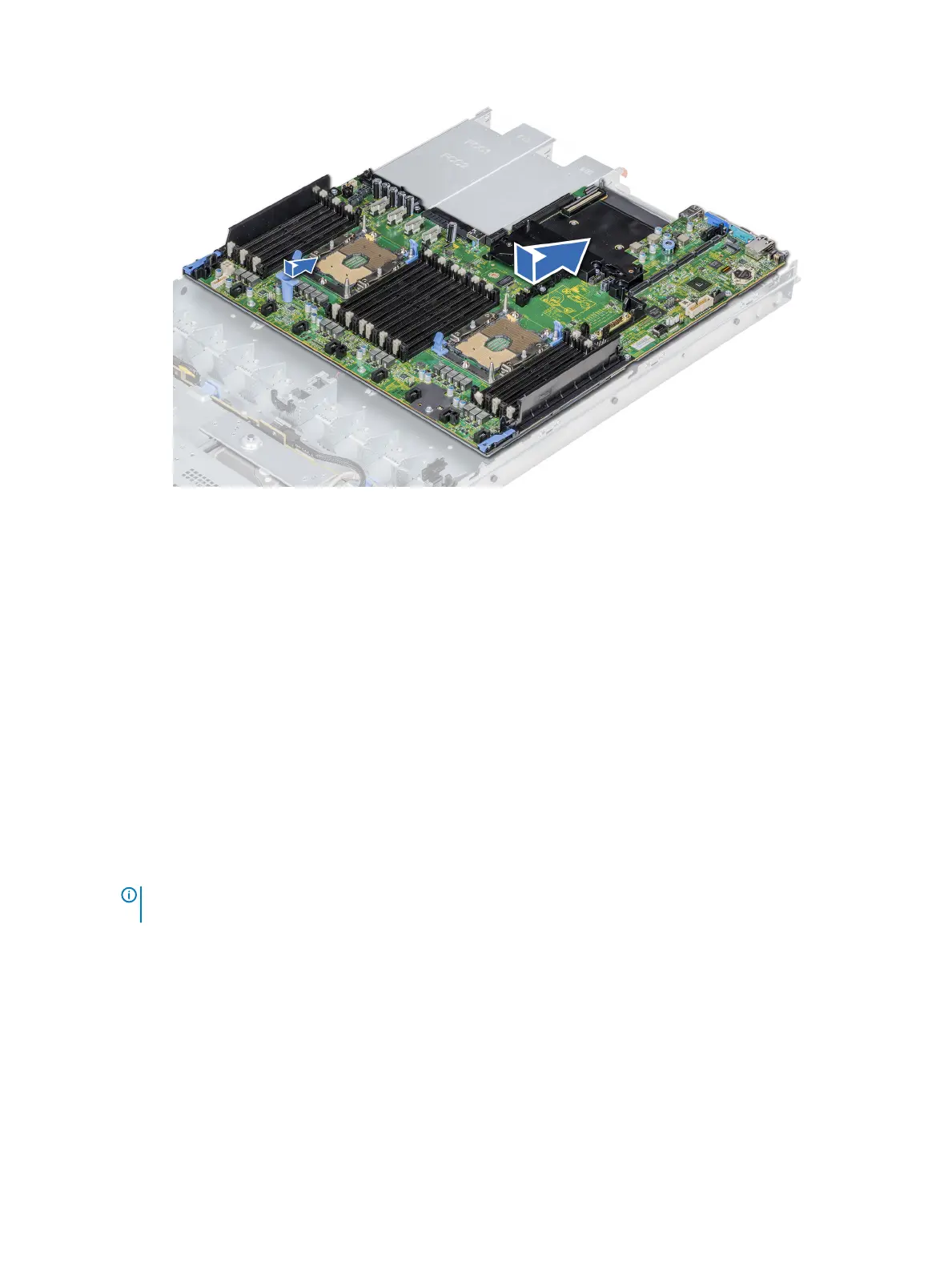
Figure 110. Installing the system board
Next steps
1 Replace the following:
a Trusted Platform Module (TPM)
b Integrated storage controller card
c Internal USB key (if applicable)
d USB 3.0 module (if applicable)
e Internal USB key (if applicable)
f All expansion cards and risers
g Processors and heat sink modules
h Processors blanks (if applicable)
i Memory modules and memory module blanks
j Network daughter card
k Air shroud
2 Reconnect all cables to the system board.
NOTE
: Ensure that the cables inside the system are routed along the chassis wall and secured using the cable securing
bracket.
3 Follow the procedure listed in After working inside your system.
4 Ensure that you:
a Use the Easy Restore feature to restore the Service Tag For more information, see the Restoring the Service Tag by using the
Easy Restore feature section.
b If the Service Tag is not backed up in the backup ash device, enter the Service Tag manually.
c Update the BIOS and iDRAC versions.
d Re-enable the Trusted Platform Module (TPM). For more information, see the Upgrading the Trusted Platform Module section.
5 Import your new or existing iDRAC Enterprise license.
For more information, see Integrated Dell Remote Access Controller User's Guide, at Dell.com/poweredgemanuals.
160
Installing and removing system components















 To Next Page