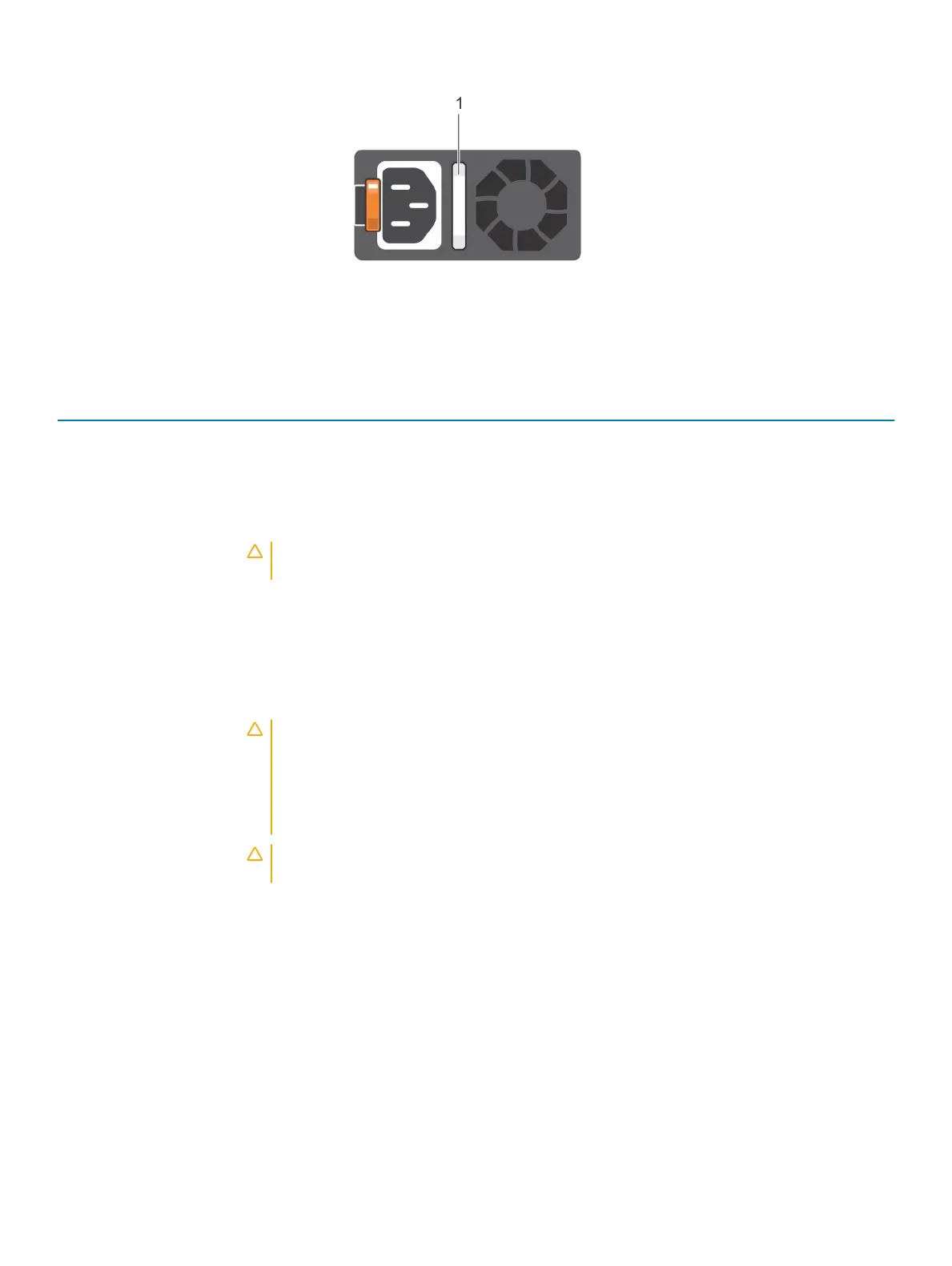
Figure 11. AC PSU status indicator
1 AC PSU status indicator/handle
Table 14. AC PSU status indicator codes
Power indicator codes Condition
Green A valid power source is connected to the PSU and the PSU is operational.
Blinking amber Indicates a problem with the PSU.
Not illuminated Power is not connected to the PSU.
Blinking green When the rmware of the PSU is being updated, the PSU handle blinks green.
CAUTION: Do not disconnect the power cord or unplug the PSU when updating rmware. If
rmware update is interrupted, the PSUs do not function.
Blinking green and turns o When hot-plugging a PSU, the PSU handle blinks green ve times at a rate of 4 Hz and turns o. This
indicates a PSU mismatch with respect to eciency, feature set, health status, or supported voltage. If two
PSUs are installed, both the PSUs must have the same type of label; for example, Extended Power
Performance (EPP) label. Mixing PSUs from previous generations of PowerEdge servers is not supported,
even if the PSUs have the same power rating. This results in a PSU mismatch condition or failure to turn
the system on.
CAUTION: When correcting a PSU mismatch, replace only the PSU with the blinking indicator.
Swapping the PSU to make a matched pair can result in an error condition and unexpected
system shutdown. To change from a high output conguration to a low output conguration or
vice versa, you must turn o the system. AC PSUs support both 240 V and 120 V input voltages
with the exception of Titanium PSUs, which support only 240 V. When two identical PSUs
receive dierent input voltages, they can output dierent wattages, and trigger a mismatch.
CAUTION: If two PSUs are used, they must be of the same type and have the same maximum
output power. Combining AC and DC PSUs is not supported and triggers a mismatch.
Dell EMC PowerEdge R640 system overview 23















 To Next Page