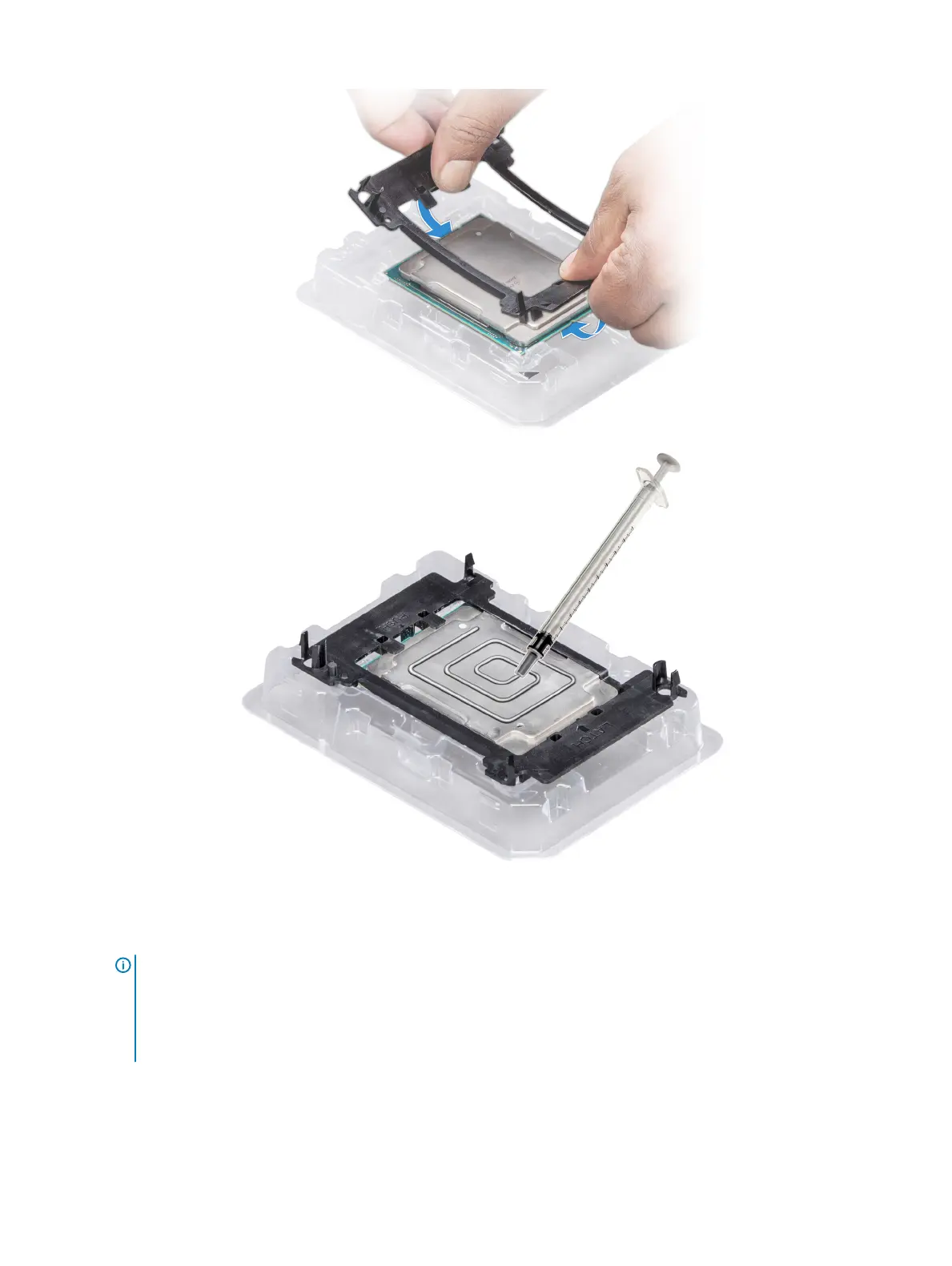
Figure 43. Applying thermal grease on top of the processor
5 Place the heat sink on the processor and push down on the base of the heat sink until the bracket locks onto the heat sink.
NOTE
:
• Ensure that the two guide pin holes on the bracket match the guide holes on the heat sink.
• Do not press on the heat sink ns.
• Ensure that the pin 1 indicator on the heat sink is aligned with the pin 1 indicator on the bracket before placing the heat
sink onto the processor and bracket.
98 Installing and removing system components















 To Next Page