Operating MATRIX control panel OP71 MATRIX Control Panel OP71
64 PR-2009-0021-GB • Subject to modifications • R5-04/2016
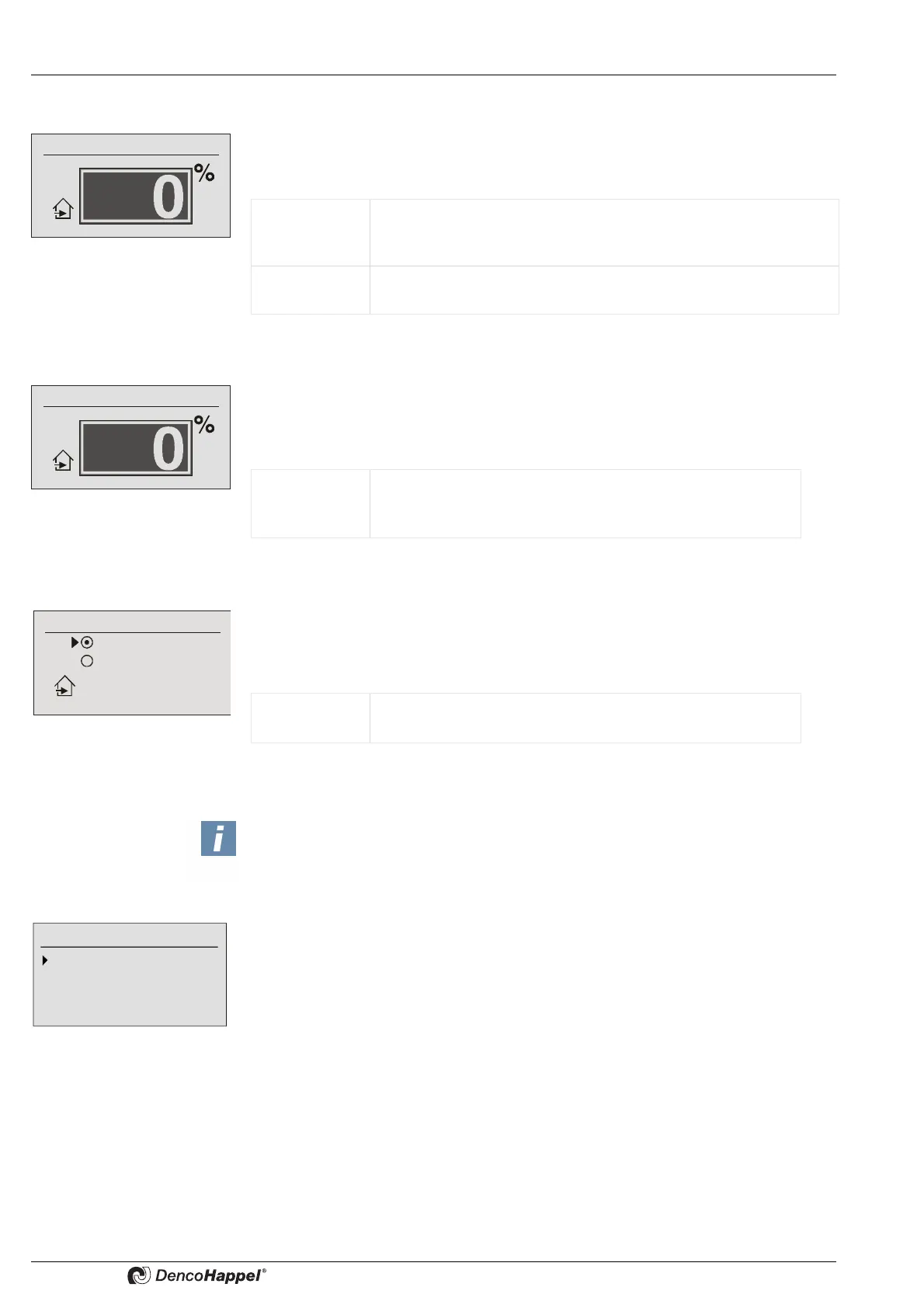
Settings ➜ economy mode ➜ mixing-air damper position
In the “Mixing-air damper position” submenu you can enter in percent the position of
the mixing-air damper that is valid during the economy mode (night operation). This
menu option appears if the “controlled“ function has been configured on the controller.
Settings ➜ economy mode ➜ outside air volume flow
In the "Outside-air volume flow” submenu you can enter the percentage of outside-air
volume flow that is valid during the economy mode (night operation).
This menu item appears if the function "Controlled outside-air volume flow" was
configured at the controller.
Settings ➜ economy mode ➜ outside air automatic
In the menu item "OA automatic" you can enter the operation of the mixed-air dampers
which are valid during economy mode (night operation). This menu item appears
whenever the function "Controlled temperature" or "Controlled energy savings" was
configured at the controller .
8.6.16.3 Settings ➜ supply air temperature limits
In "supply air limits" submenu you can enter the temperature limits in degrees Celsius
(°C) or Fahrenheit (°F) for:
– Heating mode
– Cooling mode.
Mixing-air damper position
Value range: 0 ...100 % (for continuous dampers)
Possible intervals: 5 %
Factory setting: 0 %
Variant 0 or 100% (for open/close dampers)
Factory setting: 0%
Value range: 0 ...100 % (for continuous dampers)
Possible intervals: 5 %
Factory setting: 0 %
Recirculating air
Mixed air
Outside air automatic
Value range: Recirculating air, mixed air
Factory setting: Circulating air
NOTICE!
If the function "synchronize setpoints" is activated in the MATRIX control panel OP71
(can be set only using the service tool MATRIX.PC), the menu items room tem-
perature / supply air temperature in submenu "economy mode" are not shown.
Supply-air temperature limits
In heating mode
In cooling mode



 To Next Page