MATRIX Control Panel OP71 Operating MATRIX control panel OP71
PR-2009-0021-GB • Subject to modifications • R5-04/2016 65
The “In heating mode” submenu allows you to enter the minimum and maximum
temperatures that are possible as supply-air temperature when heating:
In the “In cooling mode” submenu you can enter the minimum temperature that is
possible as supply-air temperature when cooling:
8.6.16.4 Settings ➜ Basic reduced temperatures
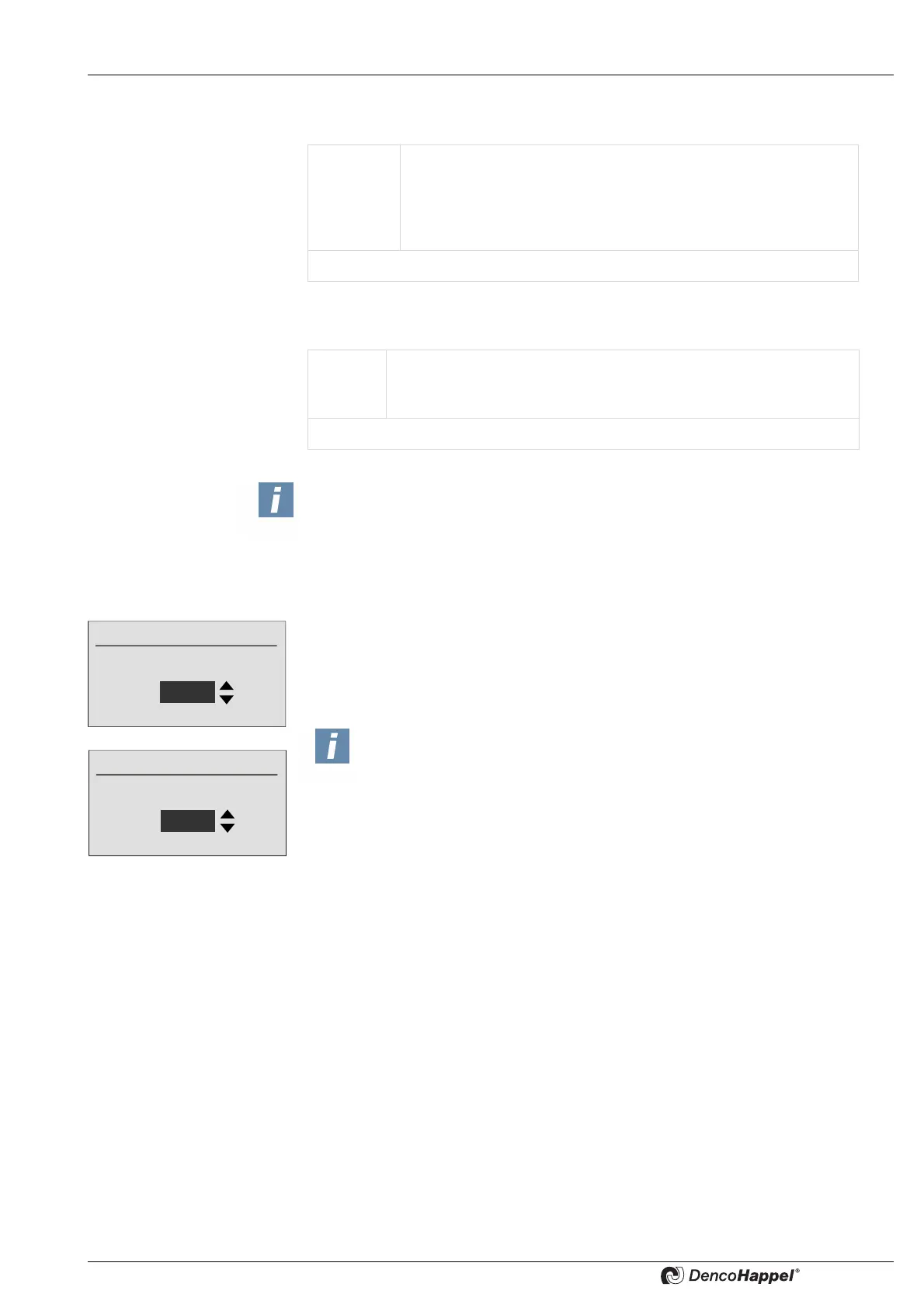
In both submenus "upper basic reduced temperature" and "lower basic reduced tem-
perature" upper/lower basic reduced temperature can be entered as absolute tem-
perature difference (offset) to setpoint. In such a way you can define the temperature
range which is enabled before active cooling/heating is initiated.
Value
range:
Maximum temperature: 25 to 60°C [77 to 140°F] and "--.-" *
Minimum temperature: 10 to 35°C [50 to 95°F] and "--.-" *
Adjustable steps: 0.1°C [1 °F]
Factory setting: for minimum temperature: "18°C"
xxxxxxxxxxxxxxxx for maximum temperature "60°C"
* If “--:-” is entered, then the relevant temperature is not assigned.
Value
range:
Minimum temperature: 10 to 20°C [50 to 68°F] and "--.-" *
Adjustable steps: 0.1°C [1°F]
Factory setting: for minimum temperature "10°C"
* If “--:-” is entered, then the relevant temperature is not assigned.
NOTICE!
The set supply air temperature limits apply to all controllers in the cluster.
Offset to setpoint
Upper reduced temperature
4.0 °C
Offset to setpoint
Lower reduced temperature
2.0 °C
NOTICE!
In "passive cooling" controller mode the control system attempts to cool the
room within set limits using only outside air, before active operation (e.g.
with valves) is initiated, so that the room temperature does not deviate too
much from the setpoint.
If no outdoor air is available (recirculating-air units), an active
heating or cooling is not enabled in the "passive area". The units are almost
disabled



 To Next Page