MATRIX Control Panel OP71 Operating MATRIX control panel OP71
PR-2009-0021-GB • Subject to modifications • R5-04/2016 63
Settings ➜ economy mode ➜ controller mode
The menu for the controller mode is displayed only if the menu <Name>Menu enabling
for ... (See page 86) was activated.
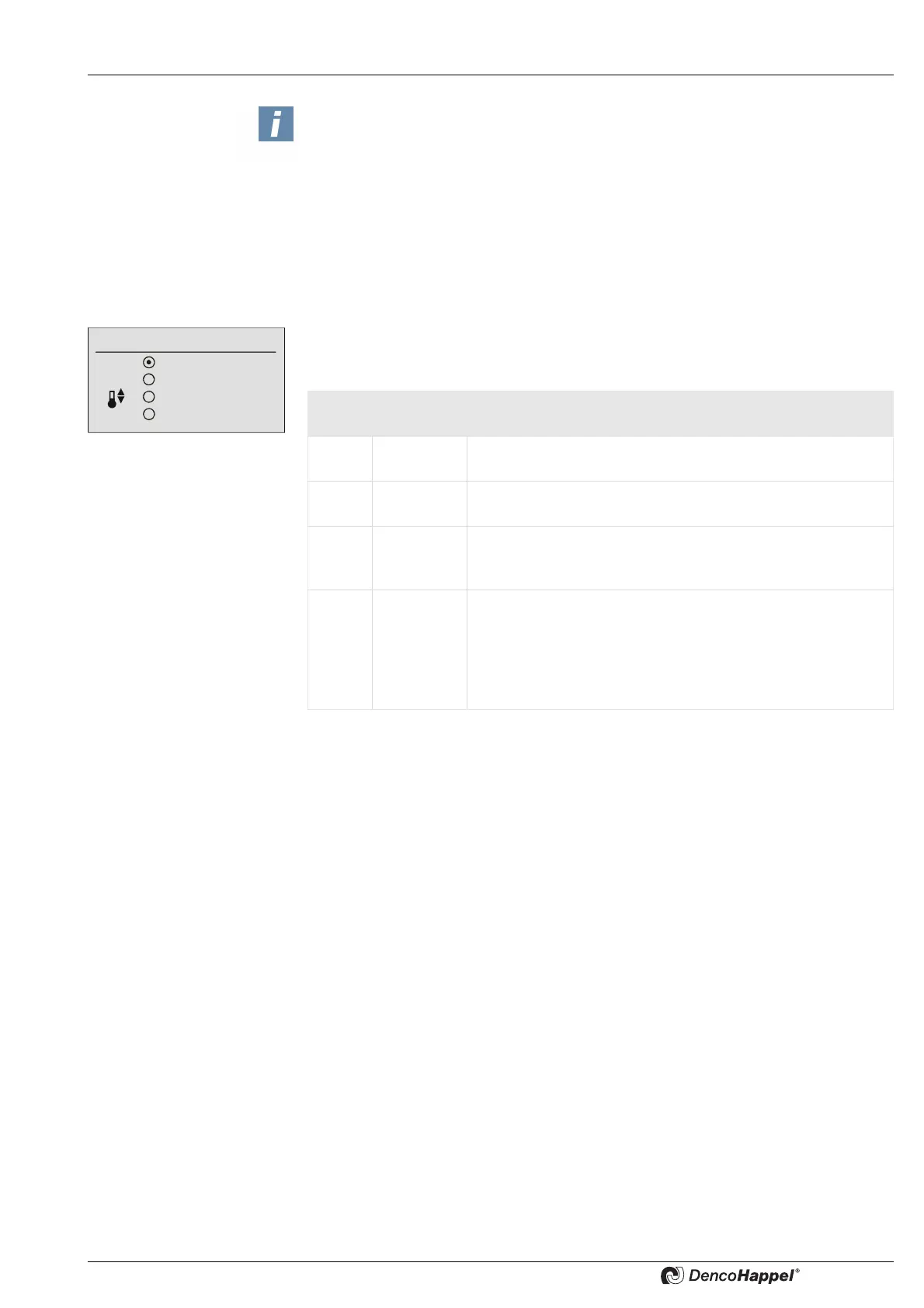
Depending on the connected unit, four menu options are available in the “Controller
mode” submenu.The menu is predefined with "Heating only" as the factory setting.
NOTICE!
The step size (for setting the volume flow target value) can be changed with the
MATRIX.PC service tool to the speeds 1/10/100/1,000/10,000.
Controller mode
Heating only
Cooling only
Automatic
Free cooling
Menu
option
Display Explanation
1Heating
only
The control system works exclusively in the heating mode.
Cooling is not possible.
2 Cooling
only
The control system works exclusively in the cooling mode.
Heating is not possible.
3 Automatic Switching between heating and cooling is carried out au-
tomatically by the control system depending on the room
temperature or possibly the return-air temperature.
4 Passive
cooling
In favorable outside and room temperature conditions the
room is cooled with the outside air.
Even if all units in the group are just recirculating-air units,
the "free cooling" option can be selected. In this case this op-
tion is used to activate a standby mode. (see Configuring ➜
Basic reduced temperatures on page 65.)



 To Next Page