MTG2000 Trunk Gateway User Manual V| Dinstar
106
4.16.4 Network Capture
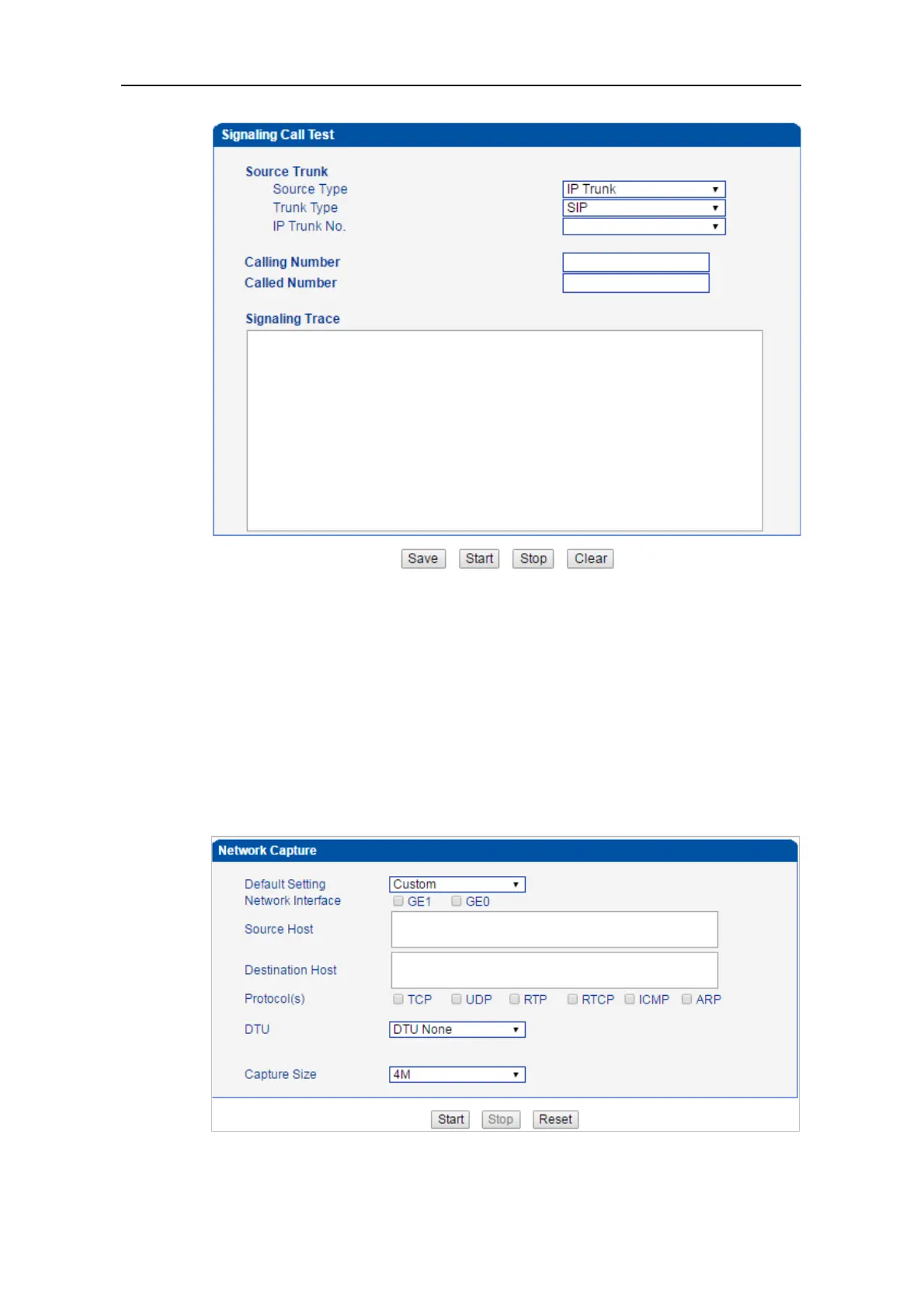
On the following interface, you can capture data packages of the available network ports.
You can also set source host and destination host to capture the packages that you want.
Note: If there are multiple source or destination IP addresses, please use ‘|’ to separate
them, for example, 172.16.115.12|172.16.115.15.
After package capturing is completed, save the captured packages on a computer and then
use a tool to analyze them.



 To Next Page