MTG2000 Trunk Gateway User Manual V| Dinstar
81
4.11.2 IP Group
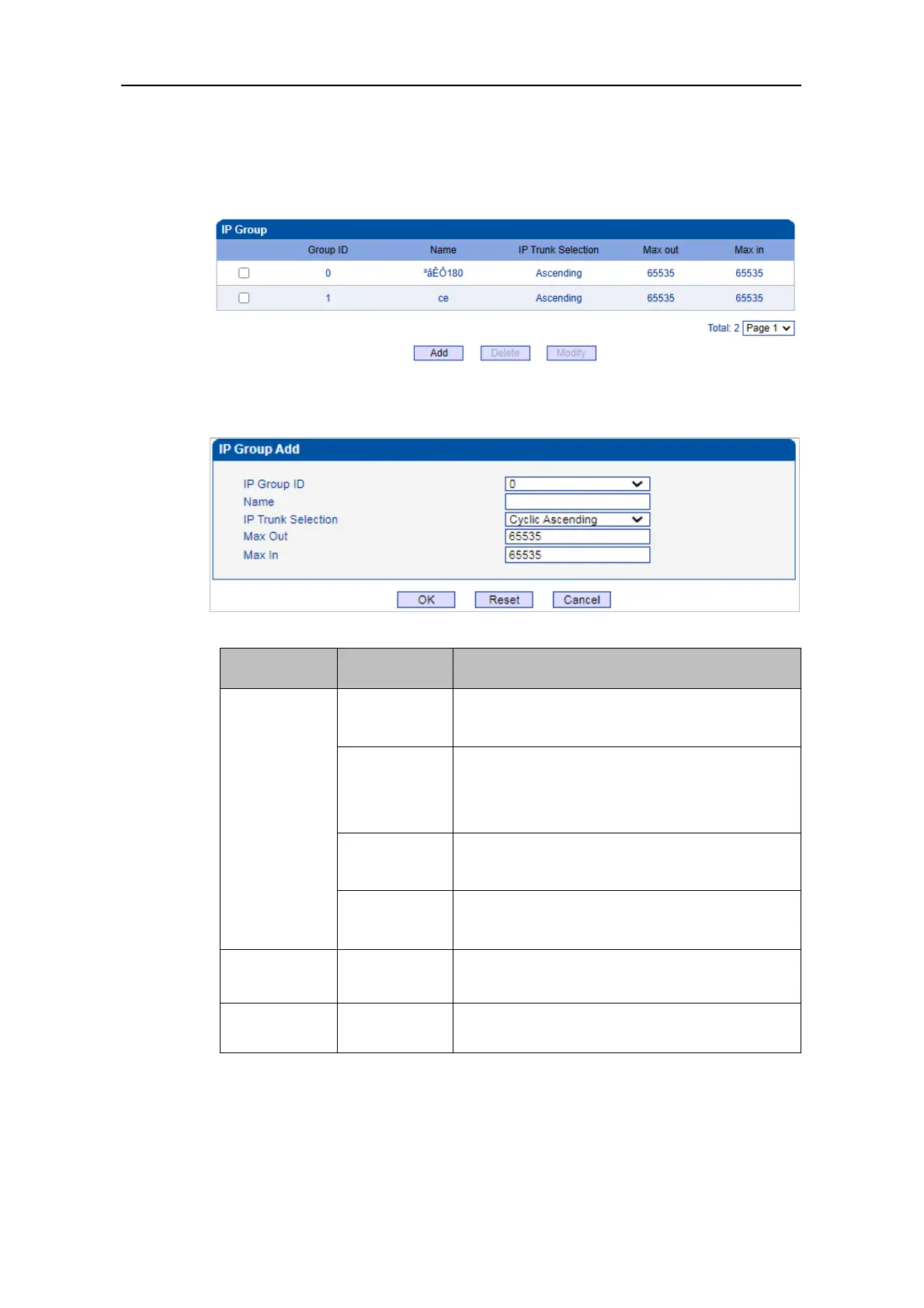
On the IP Group interface, you can add IP groups and choose a strategy for selecting IP
trunks.
Click Add, and the following interface will be displayed.
To select IP trunks in an ascending order under a
same group.
To select IP trunks in an ascending order, starting
from the previous IP trunk that has been selected
To select IP trunks in a descending order under a
same group
To select IP trunks in a descending order, starting
from the previous IP trunk that has been selected
The maximum number of concurrent outgoing
calls of IP group
The maximum number of concurrent incoming
calls of IP group



 To Next Page