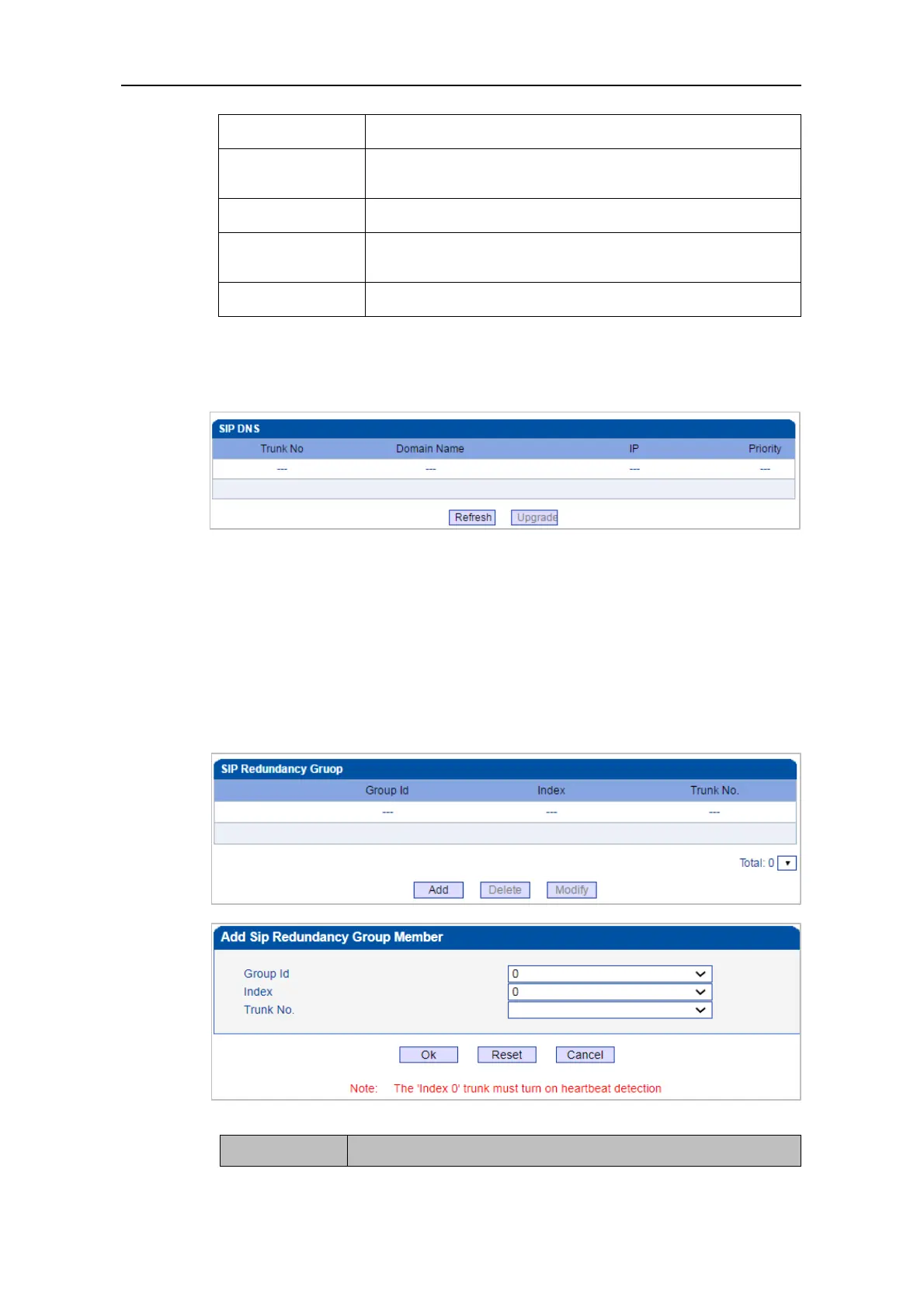
4.10.4 SIP DNS
Shows the correspondence between SIP domain names and IP.
4.10.5 SIP RED Group
Put two trunks into the same redundancy group, one is the master and the other is the slave.
The master needs to enable Keep Alive, and the slave does not need it. The device will send
calls to the master trunk first. When the Keep Alive detects that the master trunk is down,
it will switch to the slave trunk to forward the call. At the same time, it will always check
the master trunk status. Once the master trunk status is OK, it will immediately switch back
to the master trunk.



 To Next Page