MTG2000 Trunk Gateway User Manual V| Dinstar
13
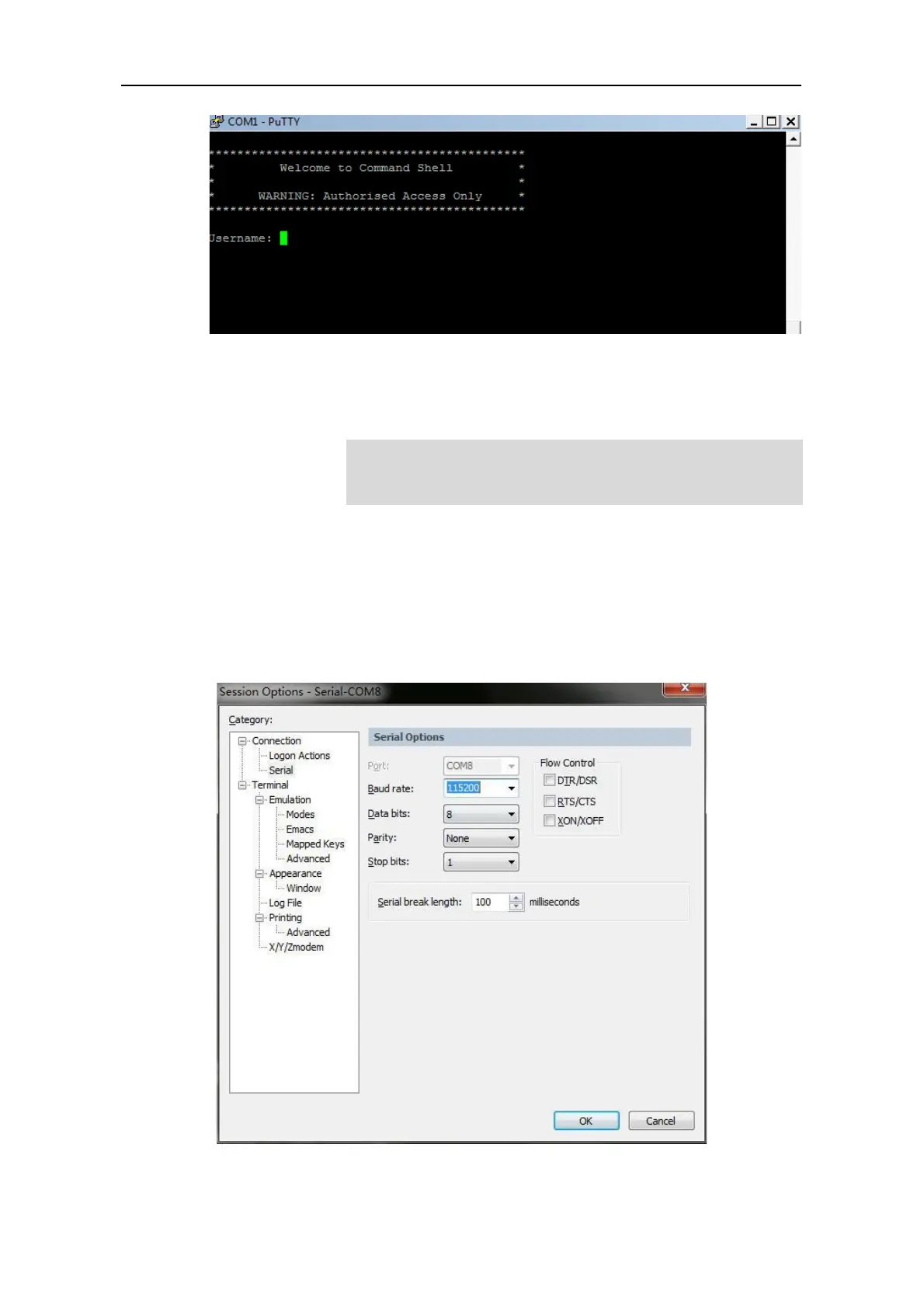
Enter username and password, which are the same with the username and password of the
Web of MTG2000. And then you will see a Linux platform where you can carry out
maintenance-related configurations.
3.3 Query IP
If you have changed the default IP address of GE1 or GE0 to a new IP address but forget it,
you can carry out the following procedures to query the IP address.
1. Use a serial line to connect the console port of MTG2000 with a PC;
2. Modify the baud rate to 115200;
3. Click OK, and then enter ‘ifconfig’, and the IP address of GE1 or GE0 of MTG2000
will be displayed.



 To Next Page