MTG2000 Trunk Gateway User Manual V| Dinstar
128
6 Commands
6.1 Commands under en Mode
This section is aimed to guide customers to get more details of MTG2000 gateway through
command lines. It introduces the command lines that are commonly used.
6.1.1 Login Command
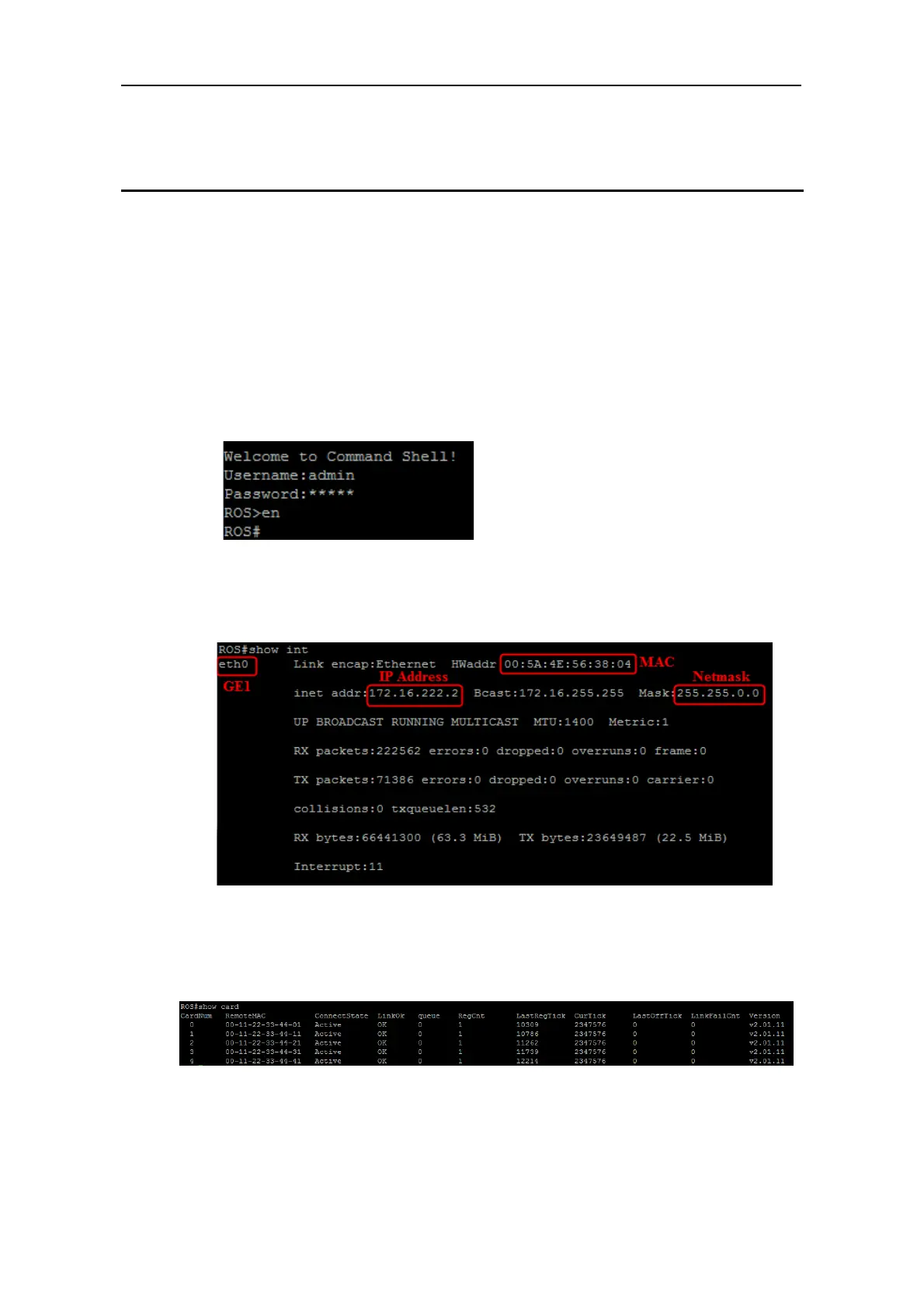
Run the PuTTY, and login MTG2000 gateway through Telnet. Enter username and
password, and then run command en to activate the privileged commands.
6.1.2 Query IP Address
Enter the command show int, IP address, MAC address and Netmask of GE1 are displayed.
6.1.3 Query Statistics about DTU
Enter the command show card, and statistics about DTU are displayed.



 To Next Page