MTG2000 Trunk Gateway User Manual V| Dinstar
39
the present_ind of the caller.
When enabled, the SS7 link will be in the Layer 2 link state,
and the port ISDN/SS7 signaling alarms.
The SS7 signaling working mode is divided into direct link and
quasi-direct link. The quasi-direct link means that the No. 7
signaling message is transmitted through two or more serial
signaling links, and one or more STPs are passed in the middle.
In the case of quasi-direct link, logical STP needs to be
enabled.
The device does not receive the 18X message, but directly
receives 200 OK. When the ringing compensation is enabled,
the device sends ACM to the PSTN side to compensate, and
then sends ANM.
When enabled, MTG sends INR after receiving IAM without
calling number.
ISUP+ANSI SS7 trunk, when the incoming charge number is
enabled, there will be a charge number field in the IAM
message received, and the P-Charge-Info header will be carried
in the invite message sent by the device.
ISUP+ANSI SS7 trunk, when the outgoing charge number is
enabled, the received invite message will come with the P-
Charge-Info header ,and the IAM message sent by the device
will come with the charge number field.
The value of the service indicator in the message transfer part
level 3 of the SLTM/A of the configuration network test
message The value of the service indicator in the information
octet is MTNS (2) when reserved and MTN (1) when standard.
MTN (1) when reserved and MTN (1) when standard.
After enabled, calls are routed out from PSTN->PSTN when
the PSTN->IP routing is not available.
When enabled, the value of in-band information indicator of
optional backward call indicator in ACM is set as 1.
When enabled, the value of in-band information indicator of
optional backward call indicator in ACM is set as 1.
4.7.2 SS7 Trunk
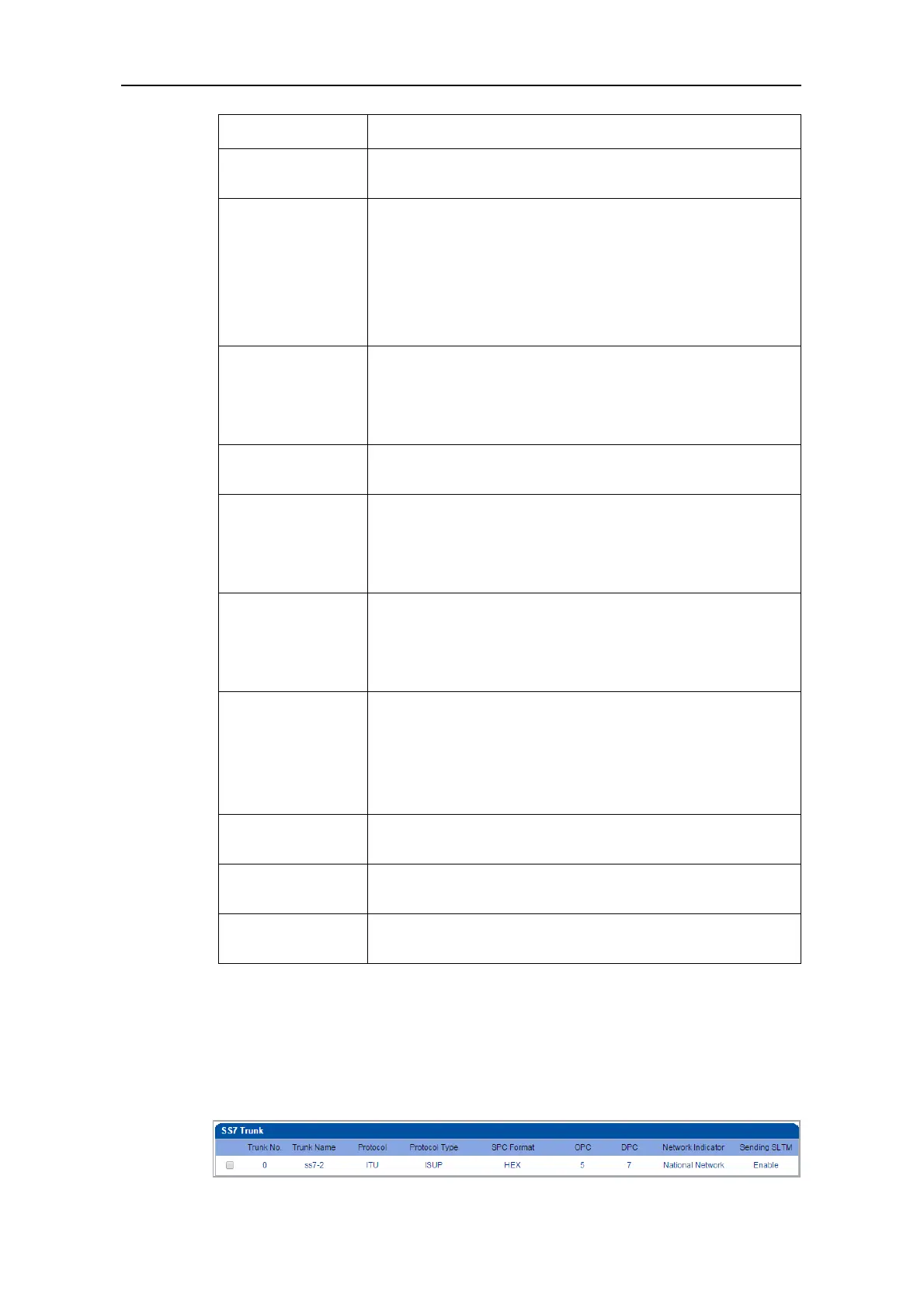
On the SS7 Config ‒> SS7 Trunk interface, you can configure SS7 trunks for SS7 calls.
The status of SS7 Trunks can be seen at the Status & Statistics ‒> PSTN Trunk Status
interface.



 To Next Page