MTG2000 Trunk Gateway User Manual V| Dinstar
9
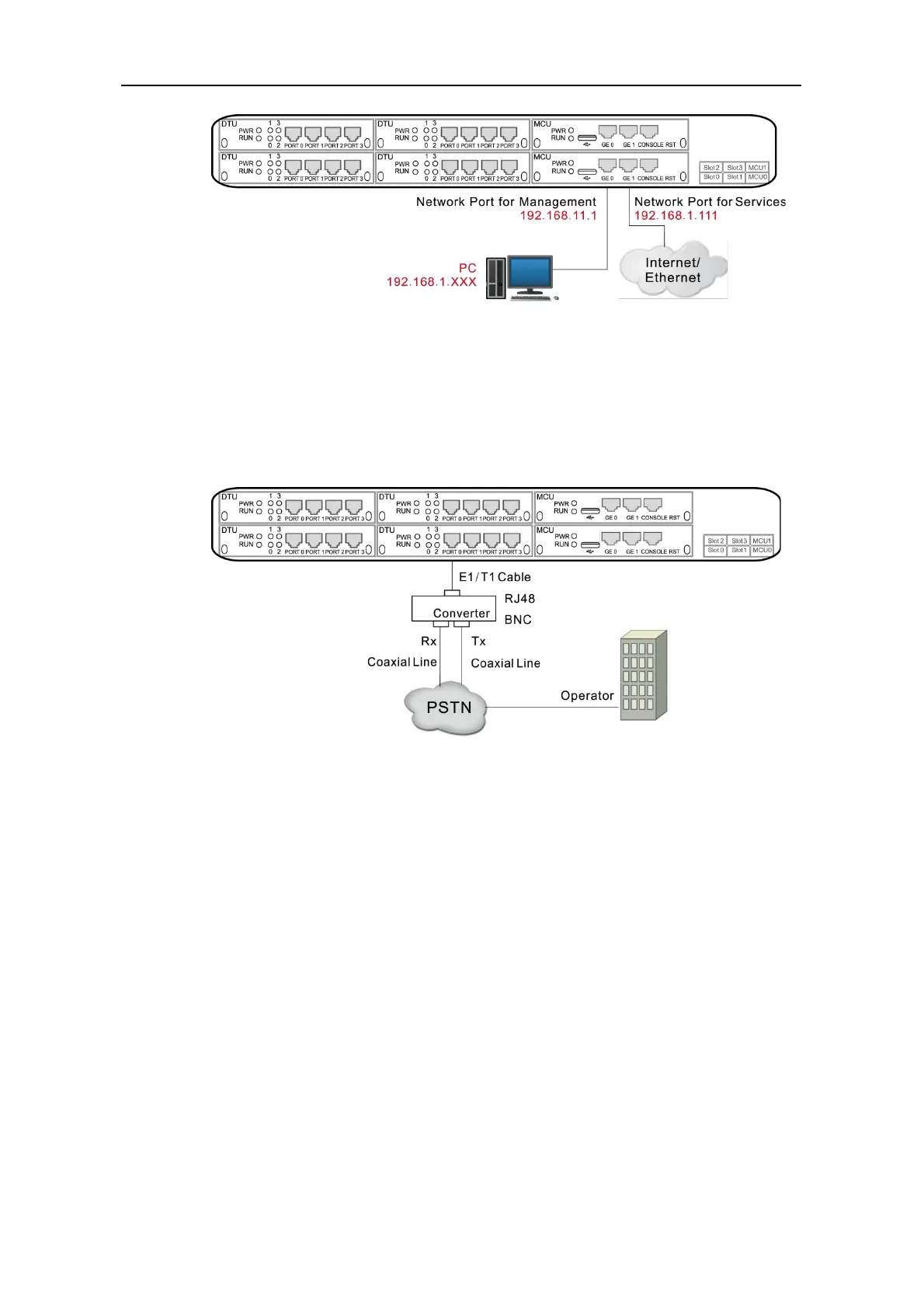
2.2.4 Connect MTG2000 to PSTN
Generally, a distribution frame needs to be used for the connection between MTG2000 and
PSTN. Firstly, connect one end of E1 cable to one of the E1/T1 ports of MTG2000, and
then connect other end to the E1 port of the distribution frame. Second, connect one end of
the cable to the distribution frame, and then connect the other end to the exchanger or PBX
under the PSTN.
2.3 Cabling of E1/T1 Port
If there is a need to deploy multiple cables, it had better to make a mark on each cable and
write down IP address and destination port in order to simplify the follow-up connection,
debugging and maintenance.
2.3.1 How to make RJ-48 joint for E1/T1 Cable
1. Prepare a twisted-pair cable with a length of at least 0.6 meters, and then remove the shuck
of the cable as follows:
2. Sequence the lines of the cable according to the following figure.



 To Next Page