MTG2000 Trunk Gateway User Manual V| Dinstar
126
4.17.16 Password Modification
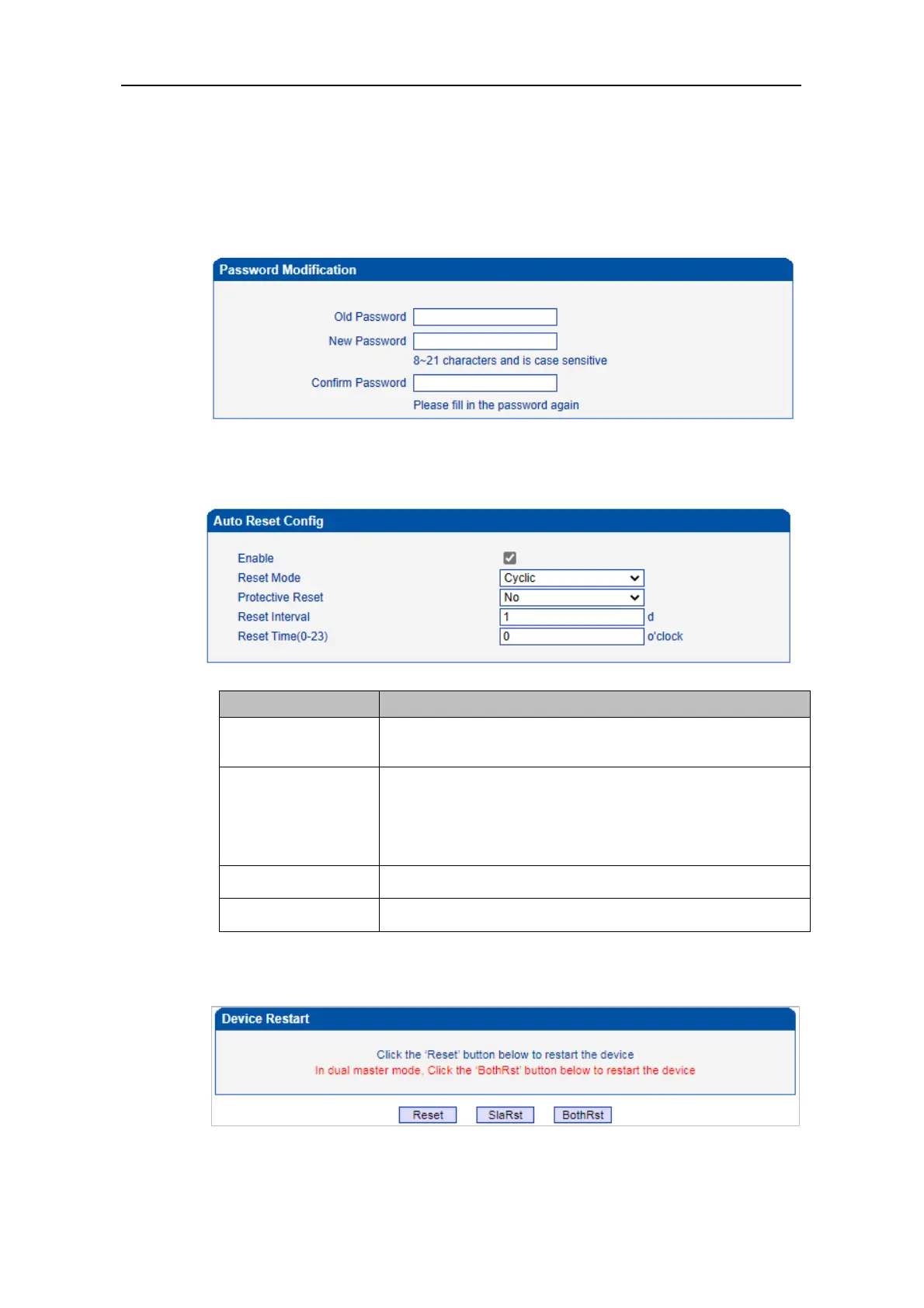
On the Password Modification interface, you can modify password for logging in the
MTG2000 device. Default password is admin@123#, so it is advised to modify it for
security consideration.
The above and mentioned password is also used to log in Web Interface, Telnet and SSH.
4.17.17 Auto Reset
4.17.18 Device Restart
Click the Restart button, and you can restart the MTG2000 device.
Timed restart/delayed restart; timed restart is a cyclic restart,
and delayed restart is a one-time restart.
Protective restart will detect whether there is current calls
within the time range, and restart the device when there is no
calls; otherwise, the device will be forced to restart within the
last time.



 To Next Page