MTG2000 Trunk Gateway User Manual V| Dinstar
2
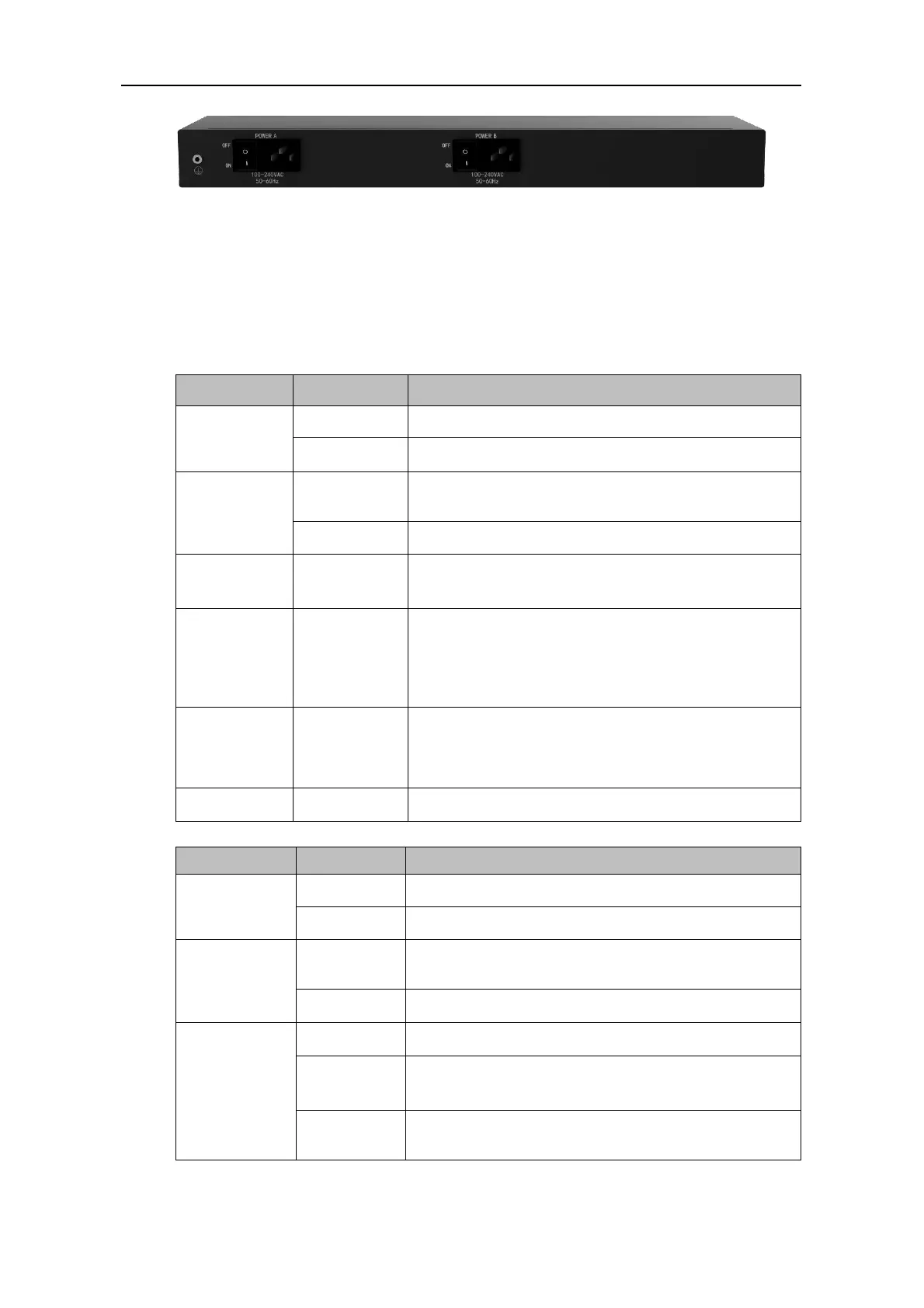
Back View
1.3.1 Description of Ports and Indicators
MTG2000 has one MCU board and five DTU boards, which can be inserted or pulled out.
Each board has four E1/T1 ports (from 0 to 3 in sequence), and there are indicators to show
the status of each E1/T1 port.
MCU Board
Power supply is working as normal.
There is no power supply or power supply is abnormal.
The MCU board has been inserted and identified by the
system.
The system does not identify the MCU board.
The console port used to carry out maintenance-related
configurations, with a baud rate of 115200bps.
The gigabit Ethernet port for services, which is used to
transfer the data transmission of signal or voice. Its
default IP address is 192.168.1.111, and default netmask
is 255.255.255.0.
The gigabit Ethernet port for network management; its
default IP address is 192.168.11.1, and default netmask is
255.255.255.0.
The button is used to restart MTG2000.
Power supply is working as normal.
There is no power supply or power supply is abnormal.
The DTU board has been inserted and identified by the
system.
The system does not identify the DTU board.
The corresponding E1/T1 port is not in use.
The corresponding E1/T1 port is connected normally, and
can be used to receive or send data.
The corresponding E1/T1 port is connected falsely and



 To Next Page