MTG2000 Trunk Gateway User Manual V| Dinstar
23
The E1/T1 is blocked at both local end
and remote end.
4.4.4 PSTN Trunk Status
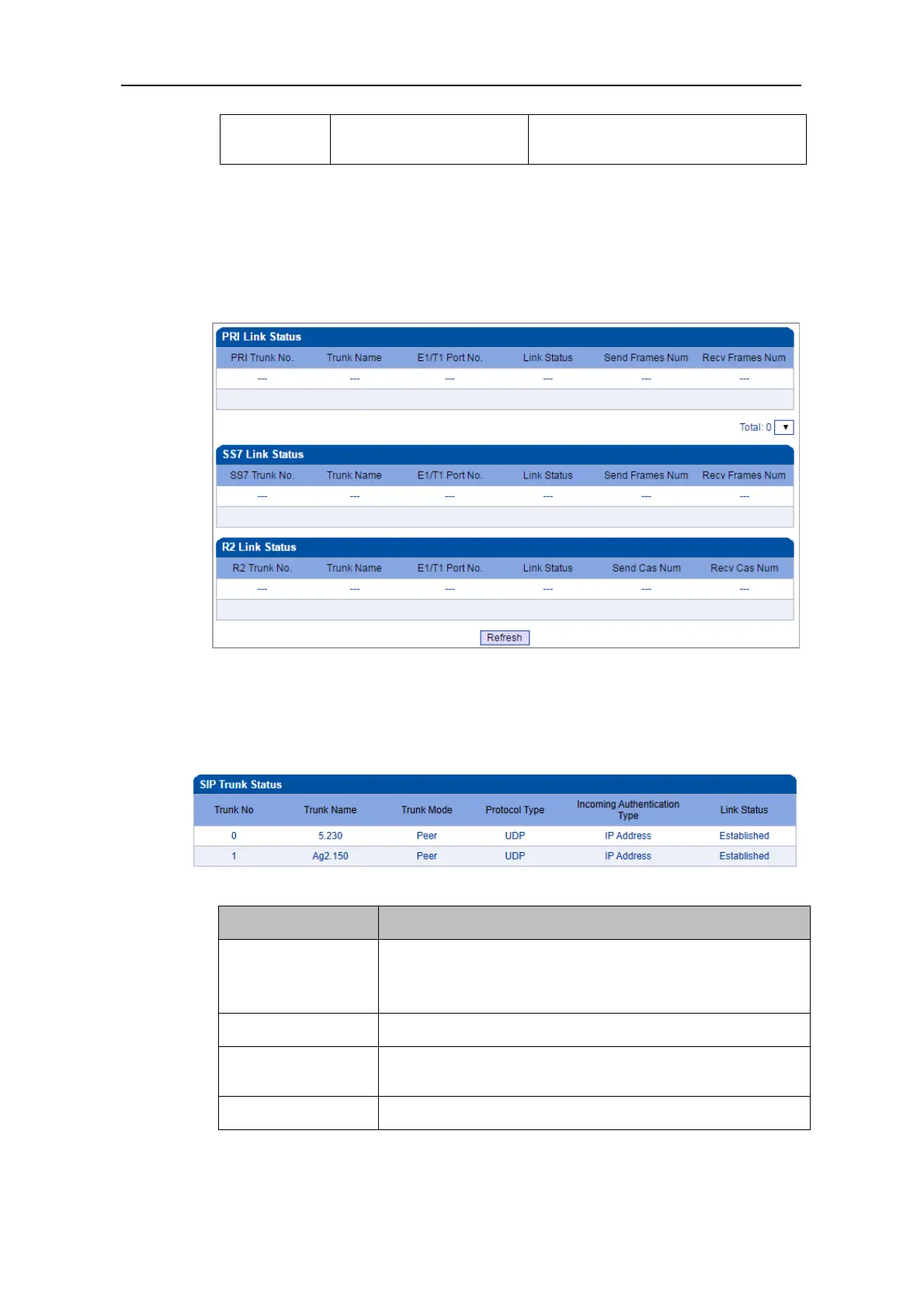
On the PSTN Trunk Status interface, the statuses of PRI/SS7 trunks are displayed. The
PRI/SS7 trunks under PSTN need to be established at the PRI Config -> PRI Trunk
interface or the SS7 Config -> SS7 Trunk interface first.
4.4.5 IP Trunk Status
On the IP Trunk Status interface, the statuses of SIP trunks are displayed. The SIP trunks
need to be established at the SIP Config -> SIP Trunk interface first.
This trunk name is the name used to register the SIP trunk. If
the SIP trunk is not registered, the trunk name is displayed as
“---”.
There are two trunk modes: peer (peer-to-peer) and access.
Incoming
Authentication Type
Incoming calls can be authenticated through password or IP
address.
There are two link statuses: Established and Fault.



 To Next Page