MTG2000 Trunk Gateway User Manual V| Dinstar
132
6.1.14 Query Status of E1 Port
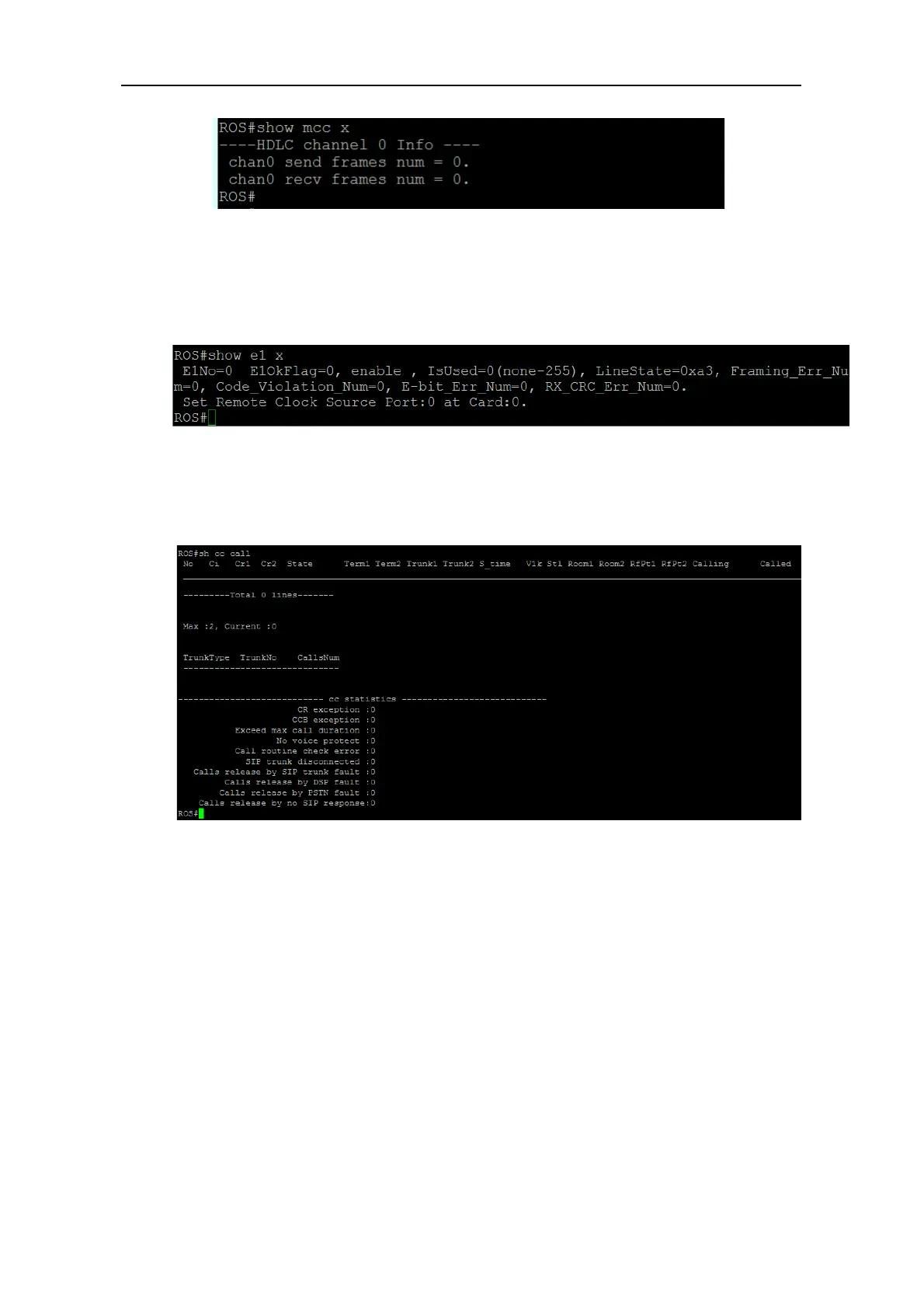
Enter the command show e1 x (x refers to the E1 port No.), and the status of the E1 port is
displayed.
6.1.15 Query Statistics of All Call
Enter the command show cc call, and the statistics of all calls are displayed.
6.2 Commands under config Mode
6.2.1 Login Commands
Welcome to Command Shell!
Username:admin
Password:*****
ROS>en
ROS#
ROS#^config
ROS(config)#



 To Next Page