Rev 00
Dr.coffee Product Maintenance Manual 29
7.1.4.1 Drinks Name
This is the name of the drink.
7.1.4.2 Delete
Click“ ”icon to delete drinks.
7.1.4.3 Change to
Please click here to change drink name.
7.1.4.4 Picture change
Step 1: Tap “the picture showing” to see all drink pictures available
(If U-disk connected, all pictures available will appear.)
Step 2: Tap the aim picture to replace.
Tap “SAVE”. Picture changing accomplished.
Requirements for U-Disk:
Memory Capacity: No more than 32GB;
Port: USB 1.0 or USB 2.0;
Format : FAT or FAT32;
Pictures should be under Root Directory of U-Disk.
7.1.4.5 Hidden Drinks
Click“ ”icon,can hide this drink.
(Green means open, dark means close)
When this function open, the locked drinks will not show in display.
7.1.4.6 Small Cup
Click“ ”icon,can open or close small cup optional.Close it there will be no small cup.(Green means open, dark means close)
7.1.4.7 Middle Cup
Click“ ”icon,can open or close middle cup optional.Close it there will be no middle cup.(Green means open, dark means close)
7.1.4.8 Big Cup
Click“ ”icon,can open or close big cup optional.Close it there will be no big cup.(Green means open, dark means close)
7.1.4.9 Cup Type
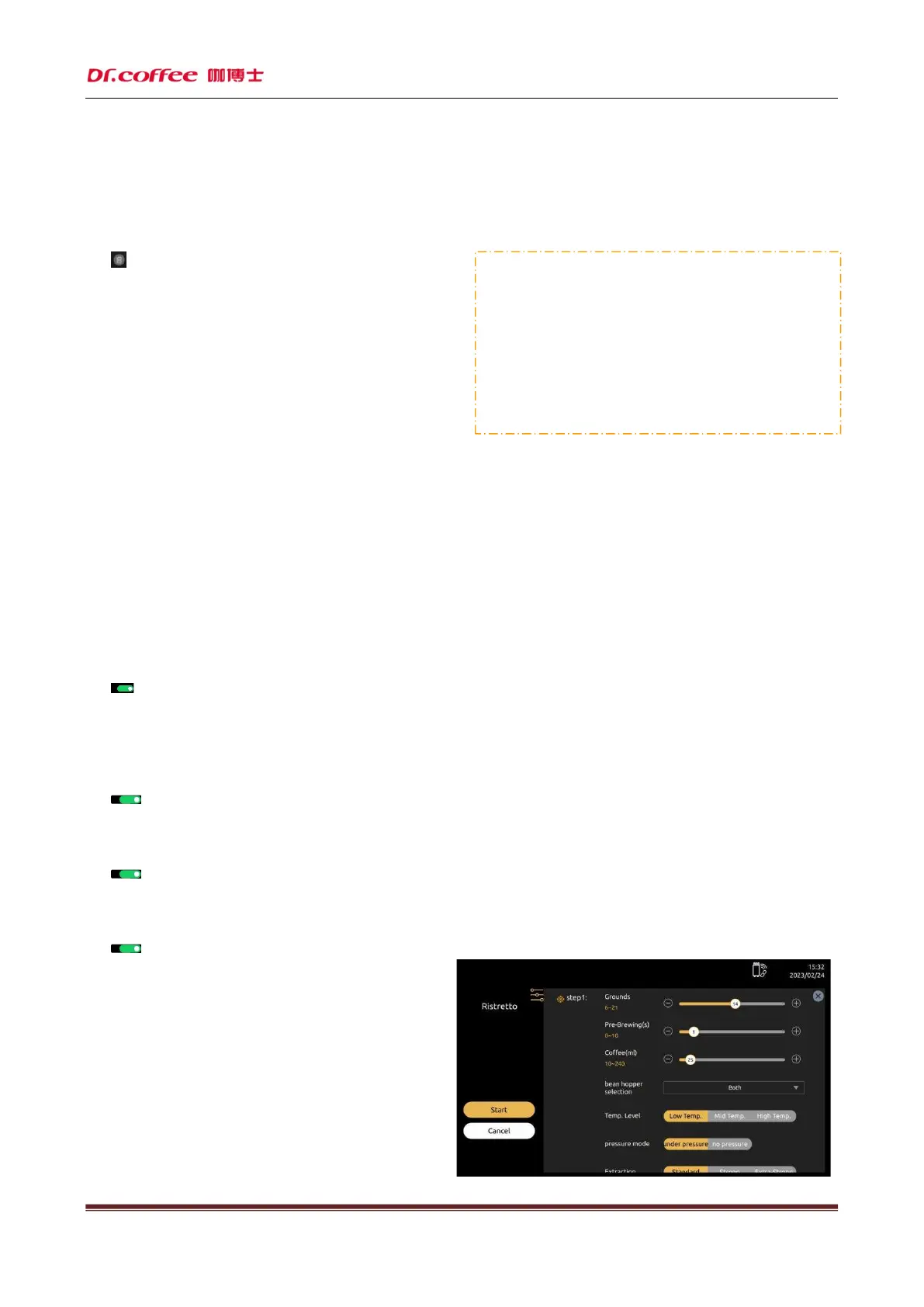
Set parameters for the three cup types. Click”Save” after setting
7.1.4.10 Cycle
The number of times to make drinks. Range: 1-5
Requirements of Beverage Pictures:
The name could be English Words or numbers only.
Image Size: 390x355 pixels
;
Format :png
;
File Size: Less than 1MB;



 To Next Page