Rev 00
Dr.coffee Product Maintenance Manual 60
milk
a)
The milk in the milk box has been
used up;
b)
internally;
c)
The milk tube was not placed in
place, resulting in no contact with
milk at the inlet of the milk tube;
Add milk or replace with new milk
in time;
Remove the milk pipe for dredging
and cleaning;
Check the milk tube and reposition
it;
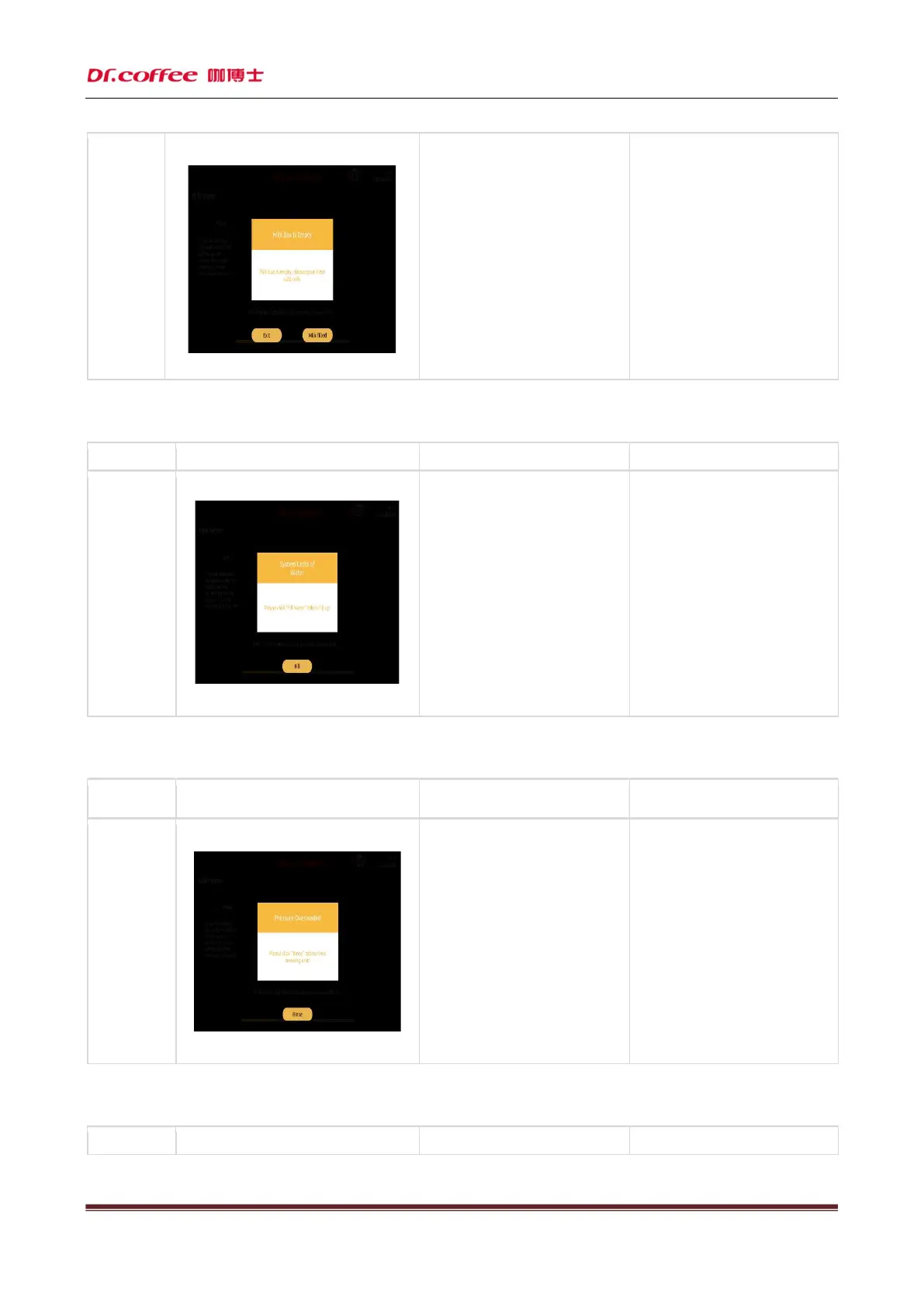
4.1.26 System water shortage
Name
System water
shortage
a)
The external water source has
stopped or is short of water;
b)
The external water inlet pipe
interface is loose or the sealing
ring is not installed;
c)
The filter screen of the bubbler is
blocked;
d) The water pump is damaged;
e) The flowmeter is damaged;
After checking the water source,
click the "water supplement" button
to automatically supplement and
pump water;
Check the water inlet pipe joint or
sealing ring and reinstall it in
place
Clean
tablet or remove it for cleaning;
Replace the water pump with a new
one;
Replace the flowmeter with a new
one;
Turn off the machine power and
restart it;
4.1.27 Excessive system pressure
Name
Display prompt Reason Solution
Excessive
system
pressure
a)
The filter screen or pipeline of the
bubbler is blocked;
b)
The ground coffee powder is too
fine;
c)
The amount of grinding powder is too
much, which exceeds the limit of the
bubbler;
d)
In the process of making coffee, the
pump pumped
pressure;
Click the "rinse" button to quickly
rinse the coffee machine;
Adjust the grinding gear of the
coffee machine in the direction of
large number, which means that the
larger the number is, the thicker
it is;
Calibrate the grinding amount;
Check whether the external water
source is used up, or the external
water pipe is loose and leaking;
4.1.28 Grinder calibration
Name



 To Next Page