Rev 00
Dr.coffee Product Maintenance Manual 62
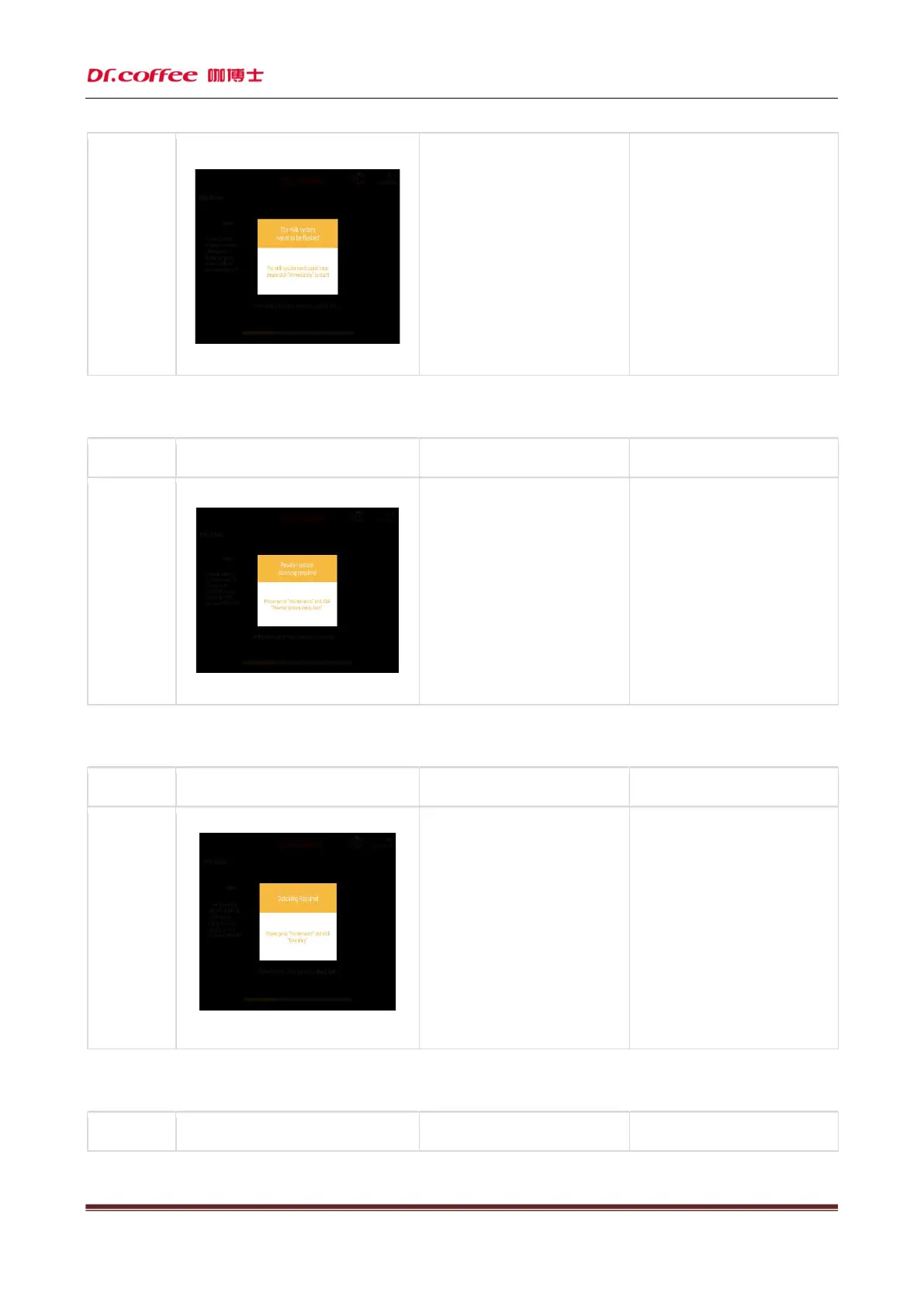
The milk
system needs
to be cleaned
a)
The coffee machine is made
cumulatively. After reaching the
set cumulative number of cups, it
will prompt the need for deep
cleaning of the milk system;
In the service menu, you can
modify the threshold value of
the number of cups prompted;
Follow the prompts on the screen,
enter the service menu bar, find
the corresponding function menu,
and carry out in-
the milk system!
Ref
er to the product manual or
maintenance manual for specific
operation methods;
4.1.32 The powder system needs to be cleaned
Name
Display prompt Reason Solution
The powder
system needs
to be cleaned
a)
After the coffee machine has
accumulated and
cumulative number of cups, it will
prompt the need for deep cleaning of
the powder system;
In the service menu, you can
modify the threshold value of
the number of cups prompted;
Follow the prompts on the screen,
enter the service menu bar,
the corresponding function menu,
and carry out in-
the powder system!
Refer to the product manual or
maintenance manual for specific
operation methods;
4.1.33 The coffee machine needs descaling
Name
Display prompt Reason Solution
The coffee
descaling
a)
After the coffee machine has been
made accumulatively and reached the
set number of cups or time, it will
prompt the need for descaling;
In the service menu, you can
modify the number of cups or
time threshold for
the prompt;
Follow the prompts on the screen,
enter the service menu bar, find
the corresponding function menu,
and perform descaling!
Refer to the product manual or
maintenance manual for specific
operation methods;
4.1.34 Network exception
Name
Display prompt Reason Solution



 To Next Page