Rev 00
Dr.coffee Product Maintenance Manual 52
4 Warning
4.1 Warning with screen prompt
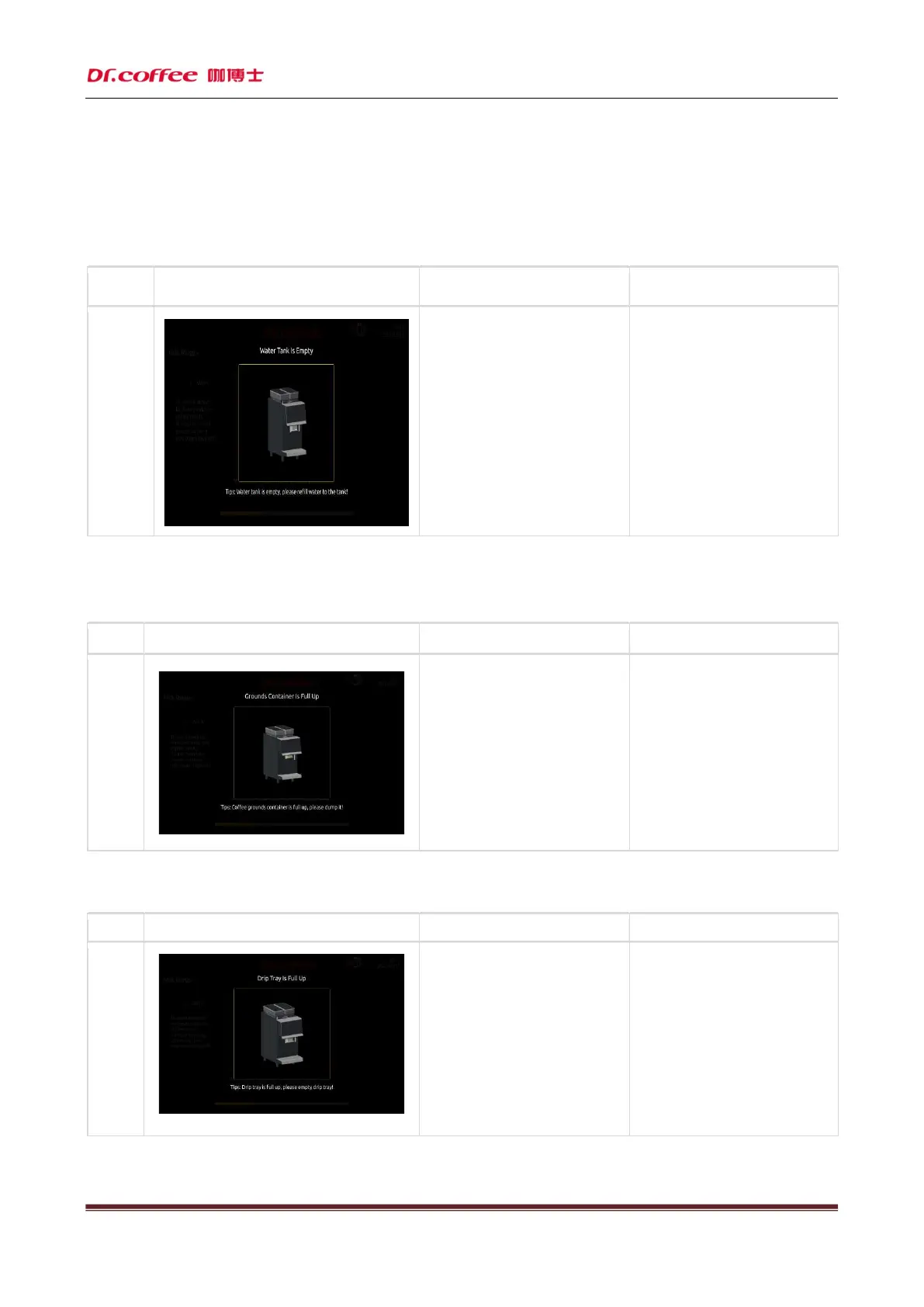
4.1.1 Water tank is short of water
name
Display prompt Reason Solution
Water box
Lack water
a)
The water in the water tank has been
below the detection level;
b)
The water tank is not installed in place, and
the distance from the sensor is too far;
c)
The water level detection board is
damaged;
Take out the water tank and add purified
water to the water tank to the maximum
water level;
Reinstall the water tank in place;
Replace the water level detection board
with a new one;
4.1.2 Slag container is full
Name
Display prompt Reason Solution
is full
a)
Since the last emptying of the slag
box, the total number of slag cakes
in the slag box has reached 40;
Open the coffee machine door, take
out the
slag box, and empty the slag
box;
4.1.3 The storage pan is full
The
storage
pan is full
a) The waste water in the storage tank is full;
b)
The metal terminal of the water level
detection of the water storage pan is dirty;
Pull out the water storage pan and empty
the waste water;
Clean and dry the detection terminal;



 To Next Page