Rev 00
Dr.coffee Product Maintenance Manual 25
Machine Info: Scan the QR picture to see the info below
1. IMEI: The IMEI info of 4G Model; (This function is only available for IOT models.)
2. SIM No: The info of SIM card; (This function is only available for IOT models.)
3. IOT No: The number of IOT in the machine; (This function is only available for IOT models.)
4. Enterprise No: The number of Enterprise this machine belongs to; (This function is only available for IOT models)
5. Net State: Indicates the network status of the current machine. (This function is only available for IOT models)
6.3.8 Power Off
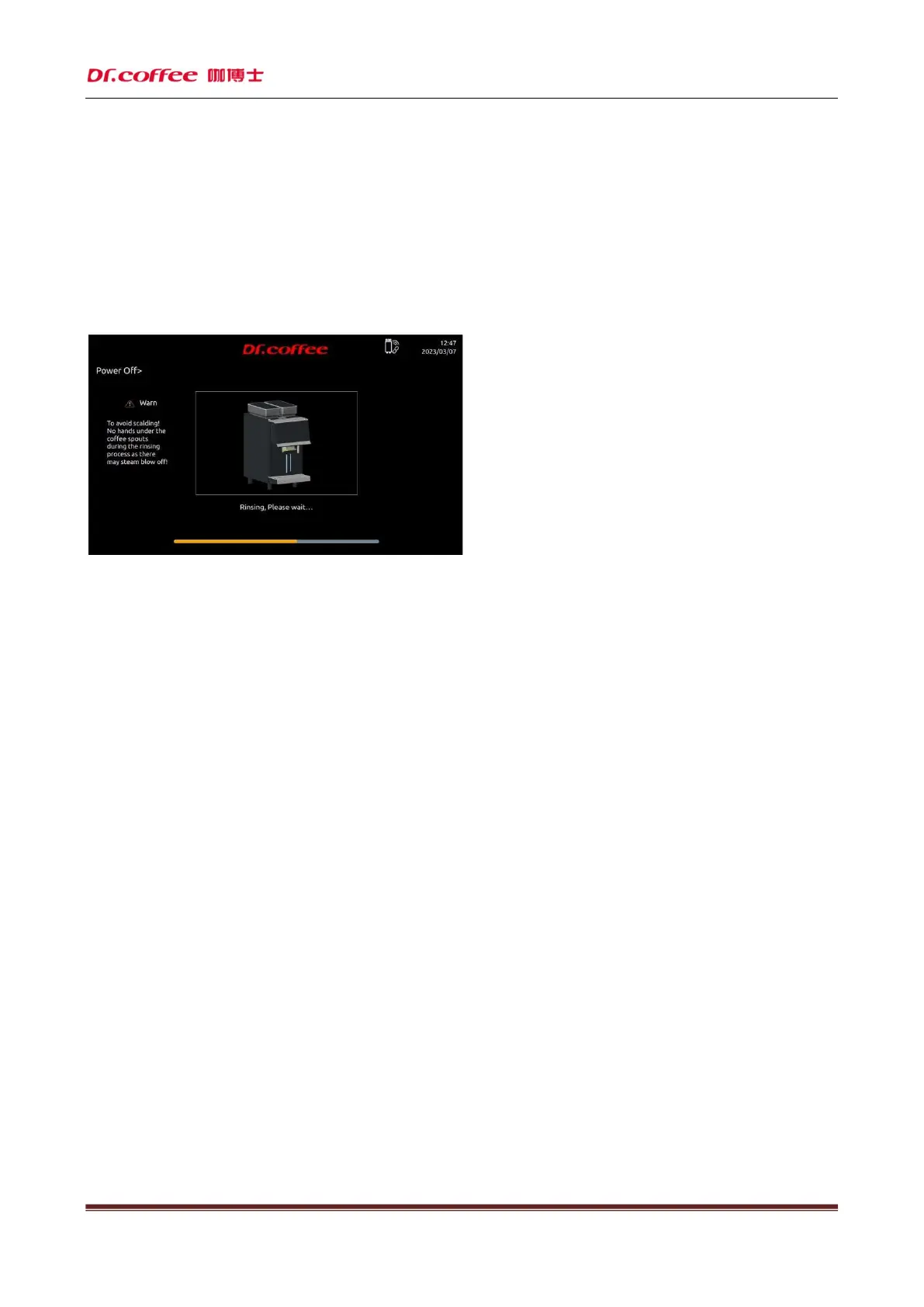
Click “Power Off” to see the interface above “Back or Power off” for your choice, machine will proceed the process if no response in 10 seconds. Start rinsing process before power off
Click “Confirm”, start rinsing automatically, screen turned off and power off (press more than 5 seconds to wake up machine)
Click “Return”, return to top level automatically.



 To Next Page