Rev 00
Dr.coffee Product Maintenance Manual 33
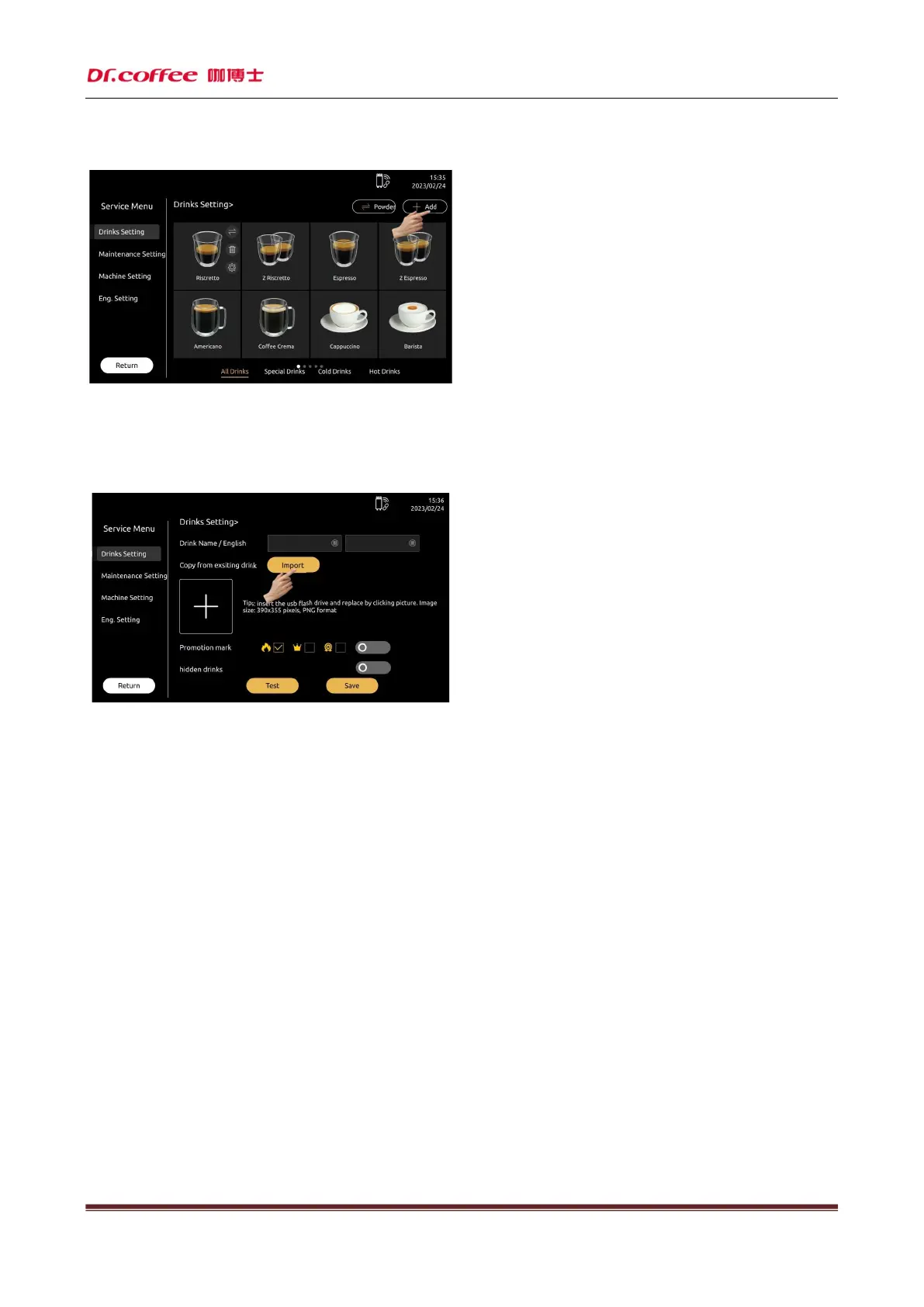
Method one: Follow the instructions, set the parameters in the required options, define the order of the beverages, and then save them; (refer to the function introduction of "Beverage
Parameter Setting")
Method two:Click “Import”, select the exist drinks parameter,can modify the parameter after creating new drinks.
Remarks: It is recommended to set and save the parameters of "small cup", "medium cup" and "large cup" in the "Please select cup type" option. (Otherwise, it may happen that the
beverage cannot be prepared normally due to incomplete beverage parameters)



 To Next Page