Invasive Blood Pressure (IBP)
228
Instructions for Use Infinity Acute Care System - Monitoring Applications SW VG1
Starting Wedge Measurements from the Pods
To start a wedge pressure measurement
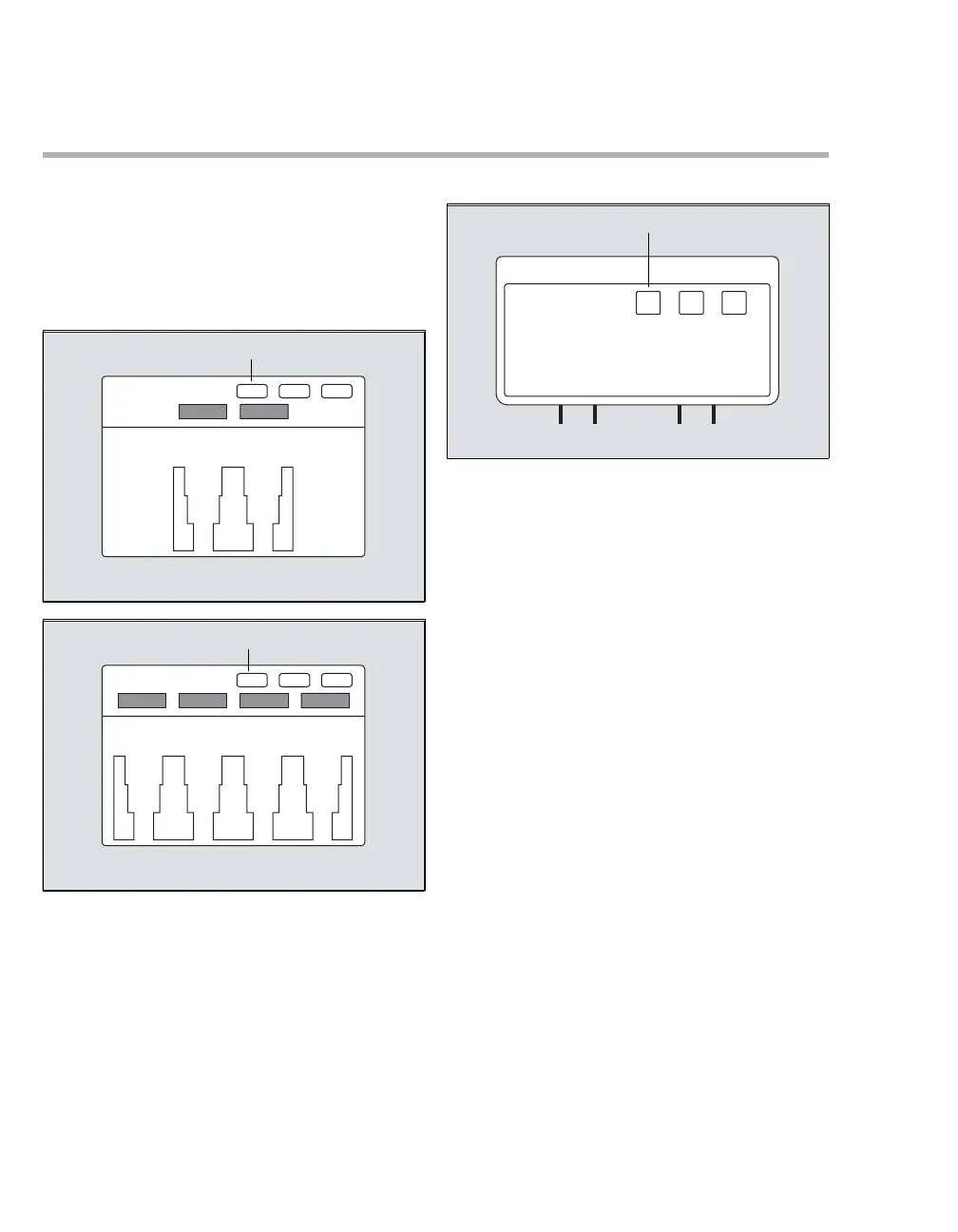
1 Press the Wedge key (A) on the Hemo2 pod,
Hemo4 pod, or the MPod - QuadHemo. The
message Inflate Balloon, then press Start
appears on the Cockpit.
2 Press the Wedge key (A) again to start.
– PA alarms are turned off temporarily.
– The message Wedge in progress appears on
the Cockpit and the measurement begins. A
PWP value is displayed at the bottom of the
Wedge page on the Cockpit within 10 seconds.
The message Deflate balloon and save
Wedge to finish appears.
3 Press the Wedge key (A) again to save the
value.The following happens on the Wedge
page of the Cockpit (see page 229):
– The message Wedge in progress appears in
the message field.
– A new PWP value calculated during the next
10 seconds appears. An attention tone sounds
at the end of the calculation if it was enabled
(see page 275). Also, the message Deflate
balloon and press save Wedge to finish
appears in the message field.
– The PA and reference waveforms are stopped,
and the message Waveforms stopped
appears above the PA scale in the display
window.
After a successful wedge measurement, the PA
waveform resumes its previous size and sweep
speed. PA systolic and diastolic values are
displayed again, and PA alarms are restored to the
values before entering Wedge mode.
339338
340










 To Next Page