Instructions for Use Infinity Acute Care System - Monitoring Applications SW VG1 35
Operating Concept
Loss of Power
A loss of power has the following effect:
– The Cockpit switches to battery power for up to
5 minutes before performing a safe shutdown
that preserves the integrity of the patient data.
– A serious alarm is triggered at the Cockpit and
the message Please plug in power supply
appears. This message disappears when you
dock an M540.
– The M540 switches to battery power for up to
3.5 hours before performing a safe shutdown
that preserves the integrity of the patient data.
Network Data Transfer
You can transfer patient data over the Infinity
network to the Cockpit from the following devices:
– Infinity Delta/Delta XL/Kappa (software version
VF7 and higher)
– Other IACS monitoring Cockpits
Contact your technical personnel for information
regarding compatibility of devices.
The following data is included in a patient data
transfer:
– Patient demographic information
– Trends
–Events
– Calculation results and laboratory data
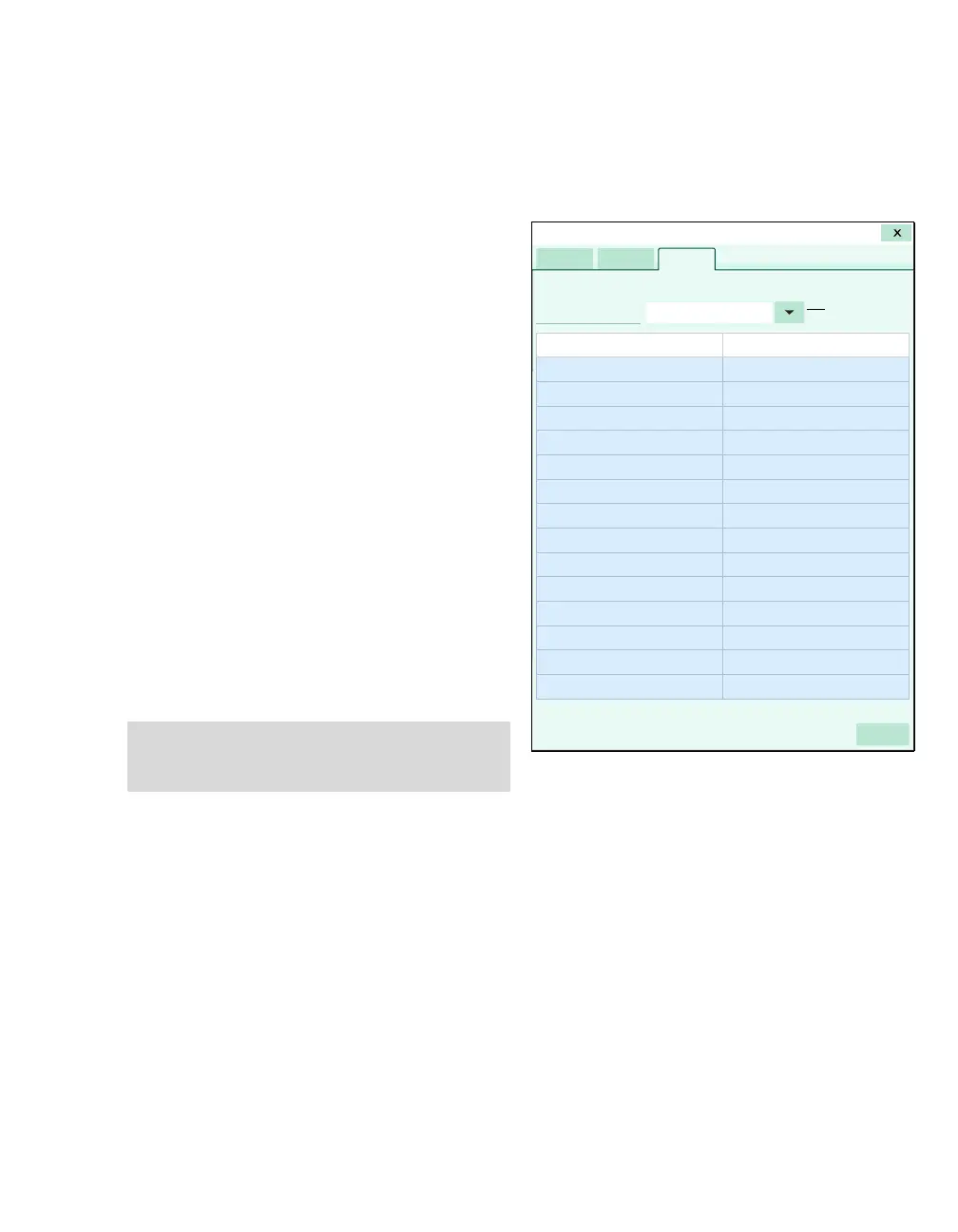
The following diagram shows the Transfer page
which is used for patient data transfers.
A The Care area selection arrow
B The Current patient column
C The Device name column
D The Start transfer button
NOTE
You can also transfer patient data by undocking
and redocking an M540.
006










 To Next Page