Instructions for Use Infinity Acute Care System - Monitoring Applications SW VG1 97
Alarms
The Alarm History
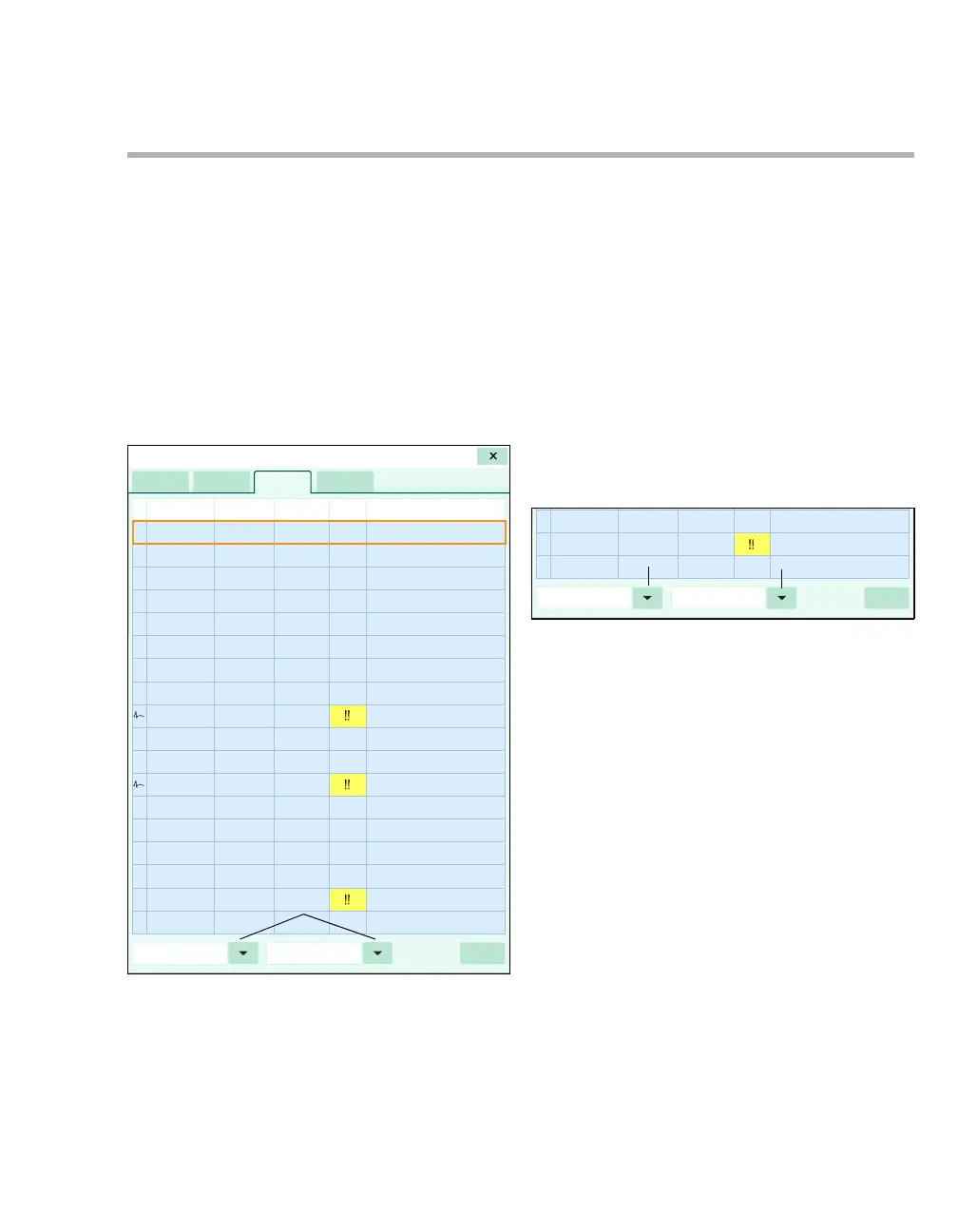
The following diagram shows an alarm history.
When you select any field on the table, a frame
highlights the selected row. For information on what
conditions prompt an entry to be stored in the alarm
history, see page 96.
To access the alarm history:
1 Select the Alarms... button on the main-menu
bar.
2 Select the Alarm history tab.
A Alarm history tab.
B Identifies an event
C Date of the alarm
D Time the alarm was stored
E Duration of the alarm
F Alarm priority
G Alarm message
H Print button
I Buttons for filtering the alarm history
To filter the alarm history
The alarm history can be filtered according to
different categories.
1 Select the Alarms... button on the main-menu
bar.
2 Select the Alarm history tab.
3 Use the left button (K) to restrict the alarm
history to one of the following alarm conditions:
–All
– Arrhythmia
– High-priority
– Medium-priority
– Low-priority
4 Use the second left button (J) to restrict the
alarm history to one of the following settings:
–Time
–Priority
– Message
021
021
J
K










 To Next Page