Operating Concept
46
Instructions for Use Infinity Acute Care System - Monitoring Applications SW VG1
Quick-Access Toolbar
Functions that are commonly used are grouped on
quick-access toolbars for easy access. These
quick-access functions are accessible by selecting
the corresponding quick-access symbols on the
main-menu bar.
To activate a quick-access function
1 Select the symbol to open the associated
toolbar.
2 Select the desired button from the toolbar to
activate the function directly.
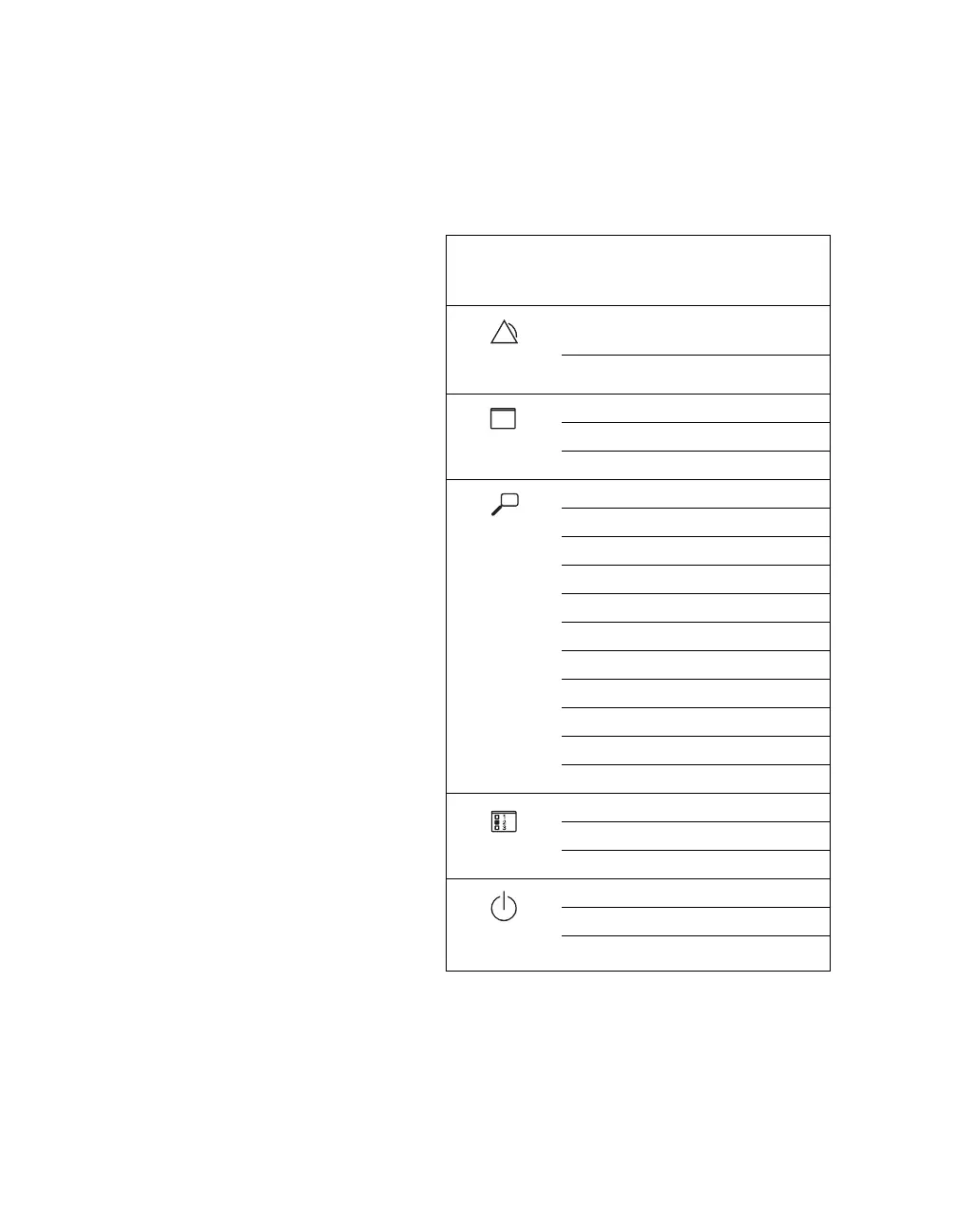
The following table lists the quick-access symbol
and the associated toolbar they open when
selected.
Quick-
access
symbol
Associated Toolbar
All alarms off or All alarms
paused
(depending on configuration)
Auto-set all
Show all ECGs
Remote view
Print screen (C500 only)
ECG report
Rest ECG report
Timed wfm. report
Continuous wfm. report
Trend graph report
Trend table report
ST report
Alarm history report.
Calculations report
Continuous recording
Timed recording
Zero all
NIBP continuous
Venous stasis
Standby
Discharge
Privacy










 To Next Page