Instructions for Use Infinity Acute Care System - Monitoring Applications SW VG1 45
Operating Concept
Main-Menu Bar and Quick-Access Toolbar
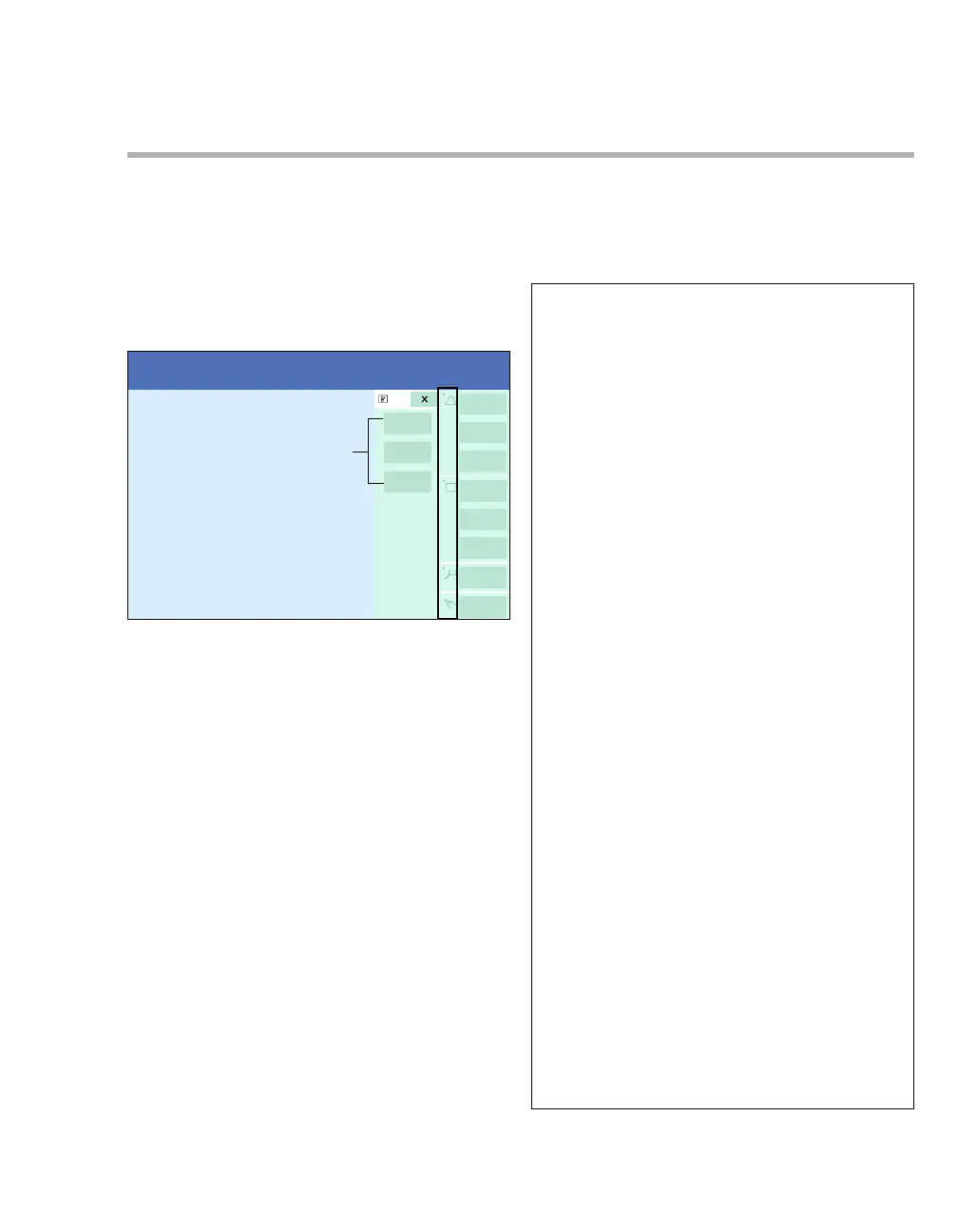
The following diagram shows the main-menu bar
with the quick-access symbols and a quick-access
toolbar. The main-menu bar and the quick-access
symbols are located along the right edge of the
screen and are always visible. The quick-access
toolbars are visible after you select the
corresponding quick-access symbol.
A Quick-access symbols
B Main-menu bar buttons
C Quick-access toolbar
Main-Menu Bar
The following buttons appear on the main-menu
bar.
011
Alarms... Opens the Alarms dialogue
window
Mark event Stores an event in the alarm
history
Code Executes pre-configured
functions during an emergency
Views... Opens the Views dialogue
window
Print screen
(1)
Prints the contents of the
current screen on a connected
laser printer
Freeze Stops all waveforms for
60 seconds
Trends/Data... Opens the Trends/Data
dialogue window
Procedures... Opens the Procedures
dialogue window
Sensor
parameters...
Opens the Sensor
parameters dialogue window
NIBP start/stop Starts or stops an NIBP
measurement. The button
remains selected during a
measurement. To cancel the
measurement, select the
button again.
Zero all
(1)
Zeroes all pressures
System setup... Opens the System setup
dialogue window
Start/Standby Opens the Start/Standby
dialogue window
Home Returns to the main screen and
closes any dialogue window.
(1)
This button only appears on the main-menu bar
for the C700.










 To Next Page