Instructions for Use Infinity Acute Care System - Monitoring Applications SW VG1 89
Alarms
Alarm Setup for Multiple Parameters
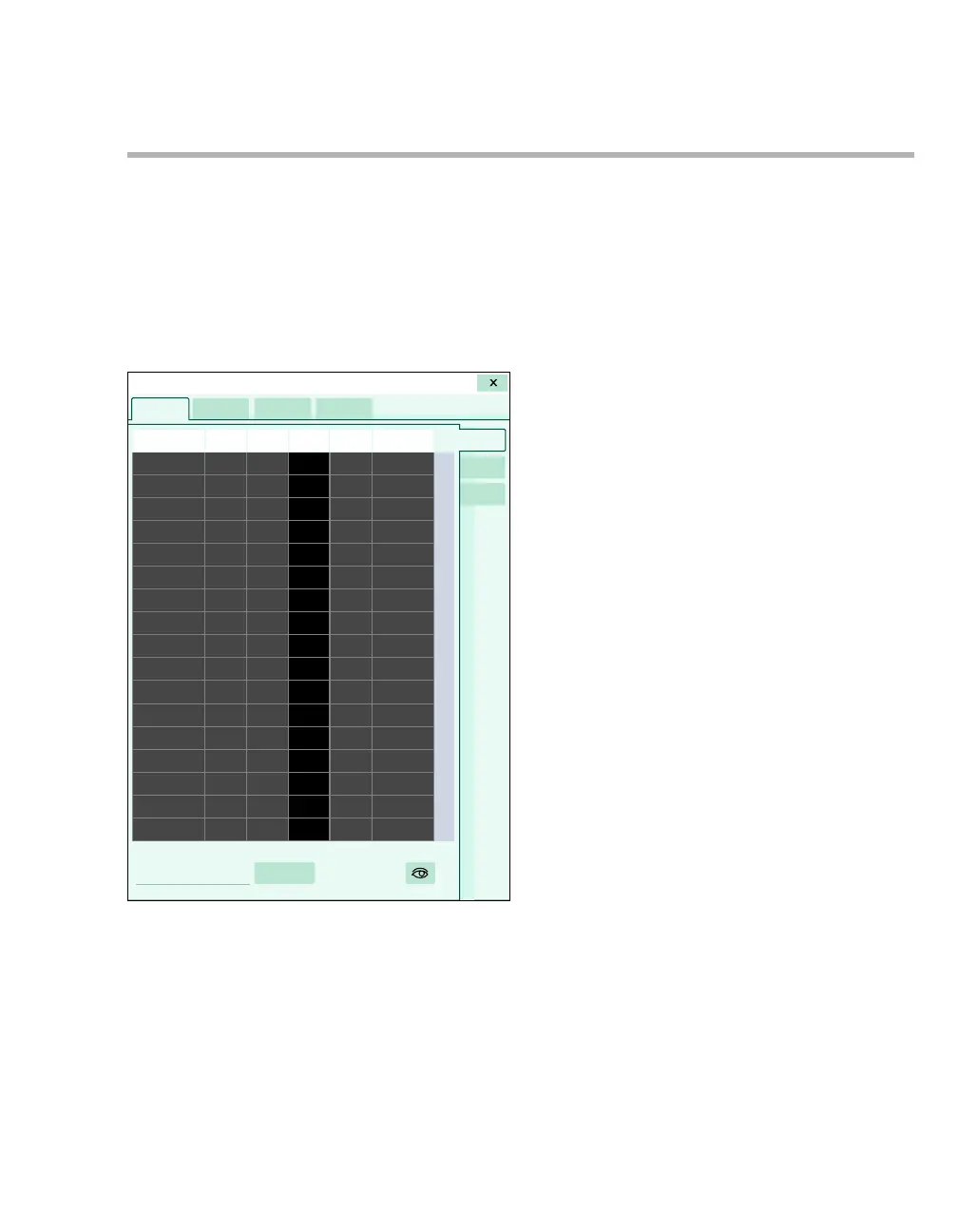
The following diagram shows the General setup
page where you configure alarm settings for all
available parameters. The setup page consists of a
table with setup rows for each parameter. Each
setup row consists of several fields for configuring
the individual alarm settings. When you select a
field to configure a setting, an orange border
highlights the selected row.
A Parameter labels column
B Alarm on/off column
C Lower limits column
D Parameter values
E Upper limits column
F Archive column
G General, ARR, and ST tabs
H Display filter button
I Auto-set all button (see "Auto-Setting All Alarm
Limits" on page 95)
018










 To Next Page