Instructions for Use Infinity Acute Care System - Monitoring Applications SW VG1 87
Alarms
Alarm Setup for an Individual Parameter
If you are only changing the alarm settings of an
individual parameter, use the parameter-specific
setup page which includes the alarm setup.
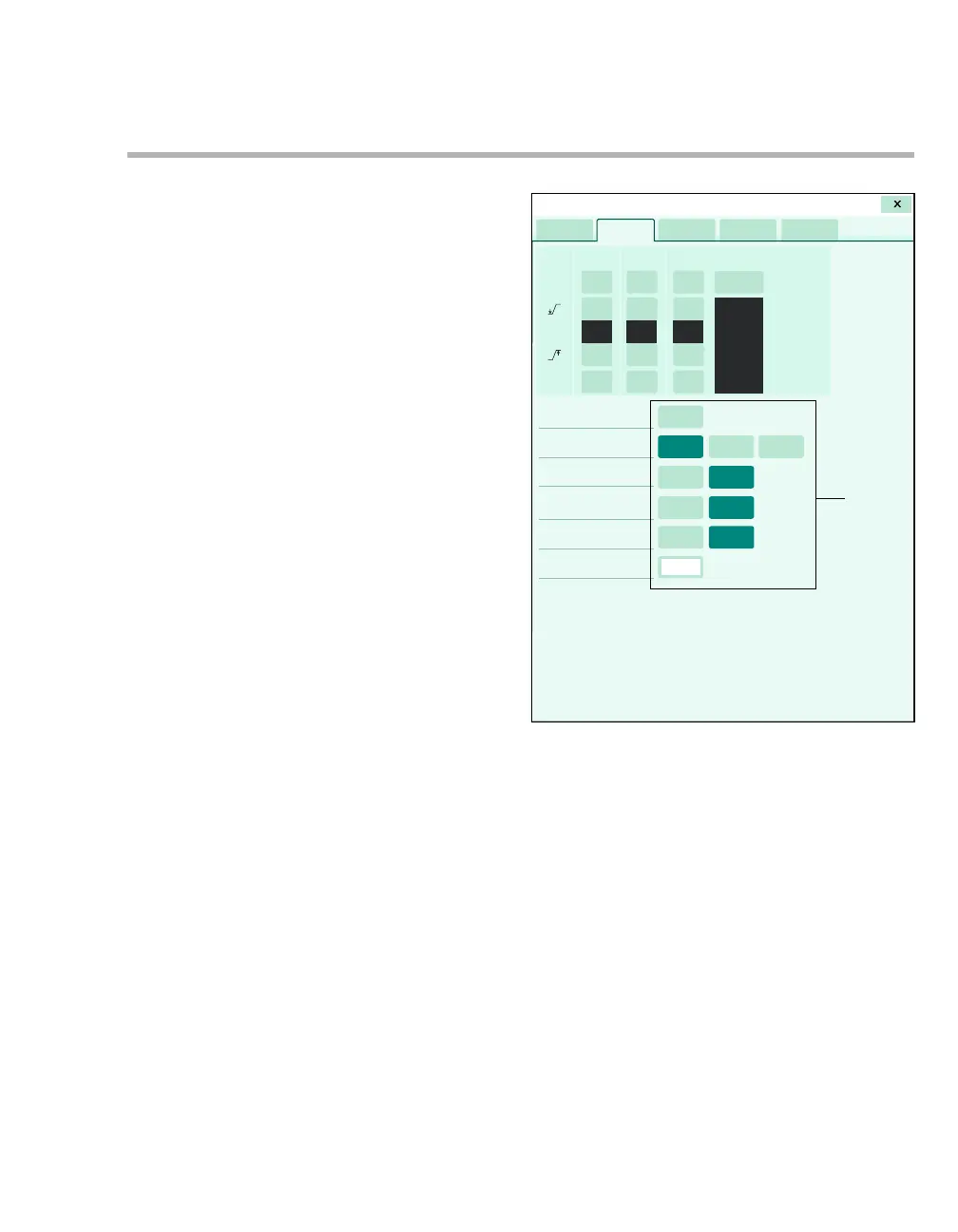
The following diagram shows an example of a
parameter-specific setup page. Regardless of the
parameter, buttons for adjusting the alarm settings
always appear at the top. The alarm-setup portion
looks different depending on the parameter.
For example, the following diagram shows a setup
page for a composite parameter, such as NIBP.
There are separate alarm settings for each
composite parameter (systolic, diastolic, and
mean).
A Alarm on/off buttons for each parameter
B Auto set button
C Upper-limits button for each parameter
D Lower-limits button for each parameter
E Archive buttons
F Parameter-specific monitoring settings
017
AA
A
B
C
C
C
DD
D
EE
E
F
Sensor parameters










 To Next Page