Operating Concept
44
Instructions for Use Infinity Acute Care System - Monitoring Applications SW VG1
Dialogue Windows and Setup Pages
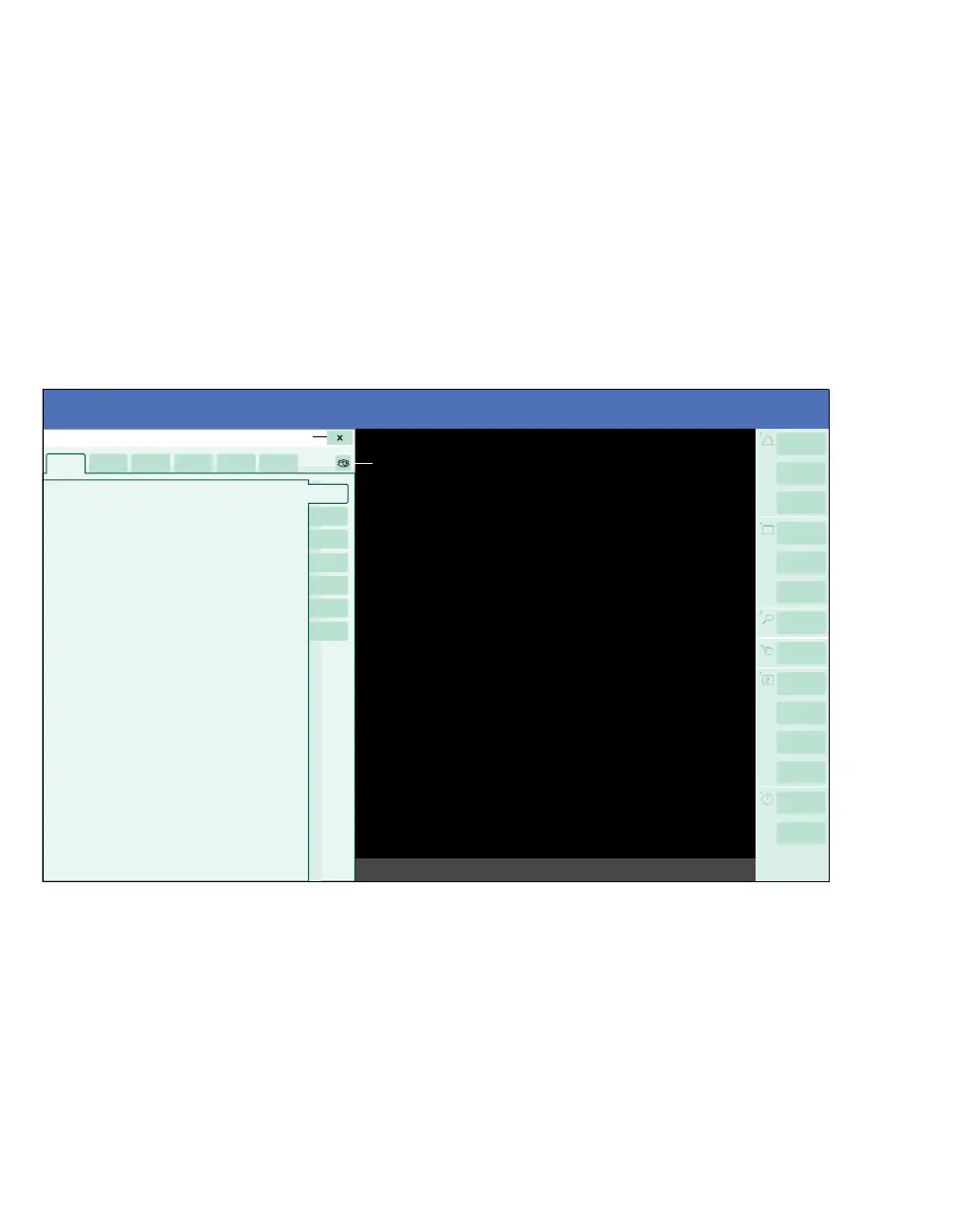
The following diagram shows how the monitoring
area appears when you access a dialogue window.
The left side is reserved for the dialogue window
while the right side displays the monitoring area (F)
with real-time data. A dialogue window contains
horizontal tabs (B) that open setup pages. Some
setup pages also contain vertical tabs (E) which
access subordinate setup pages.
You can access a dialogue window by selecting the
corresponding button followed by dots on the main-
menu bar. For example, the Alarms... button opens
the Alarms dialogue window. You can also access
parameter-specific dialogue windows and setup
pages directly by selecting the corresponding
parameter boxes on the main screen. For example,
if you select the heart-rate (HR) parameter box, the
Sensor parameters dialogue window with the
ECG-setup page appears.
A Dialogue window title
B Horizontal tabs – the selected tab appears light
blue.
C Button that closes the dialogue window.
D Display filter on/off button for switching between
a display that shows only connected
parameters or one that shows all parameters.
E Vertical tabs for accessing additional setup
pages – the selected tab appears light blue.
F The monitoring area showing vital signs in real
time.
G The setup page that contains groups of related
settings in the selected tab.
010










 To Next Page