Instructions for Use Infinity Acute Care System - Monitoring Applications SW VG1 91
Alarms
Alarm Setup for Arrhythmia
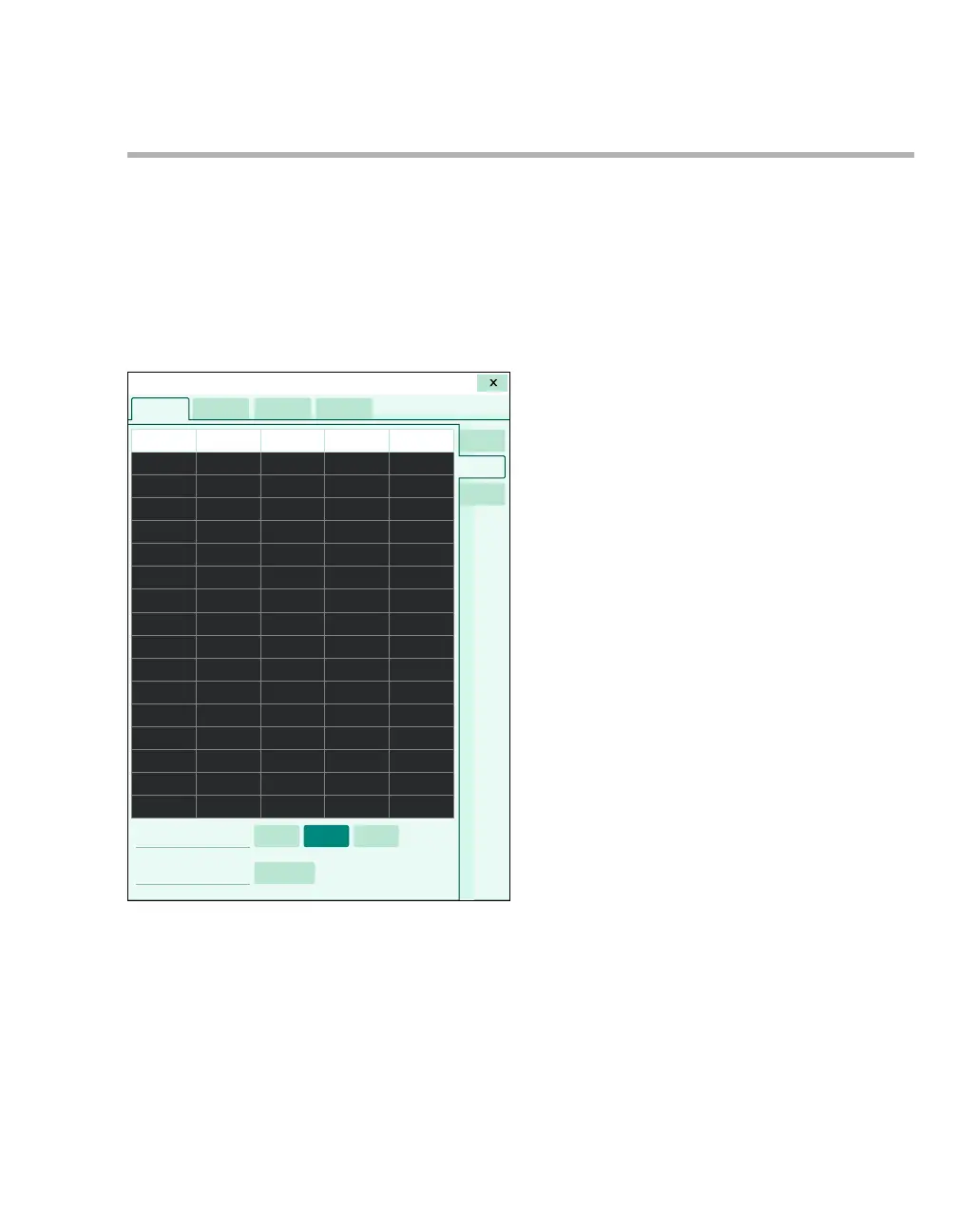
The following diagram shows the Limits ARR
setup page where you configure alarm settings for
arrhythmia parameters. This setup page consists of
a table with setup rows for each arrhythmia
parameter. Each setup row consists of several
fields for configuring the individual ARR alarm
settings. When you select a field on this setup
page, an orange border highlights the selected row.
A Limits tab
B Arrhythmia category column for identifying the
ARR label
C Alarm priority column for selecting an alarm
priority
D Rate column for setting the rate
E Count column for setting the count
F Archive column
G ARR tab
H ARR mode buttons
I The Relearn button
Configuring ARR Alarm Settings
In addition to ARR alarm settings, the Limits ARR
setup page also allows you to select the arrhythmia
mode (see page 157) and initiate the relearn
process of ECG leads (see page 170). In the
following steps, the letters in parentheses refer to
the diagram of the Limits ARR setup page. Alarm
ranges and defaults are listed starting on page 106.
019










 To Next Page